Kauthar-hosted numbers (paused for new numbers)
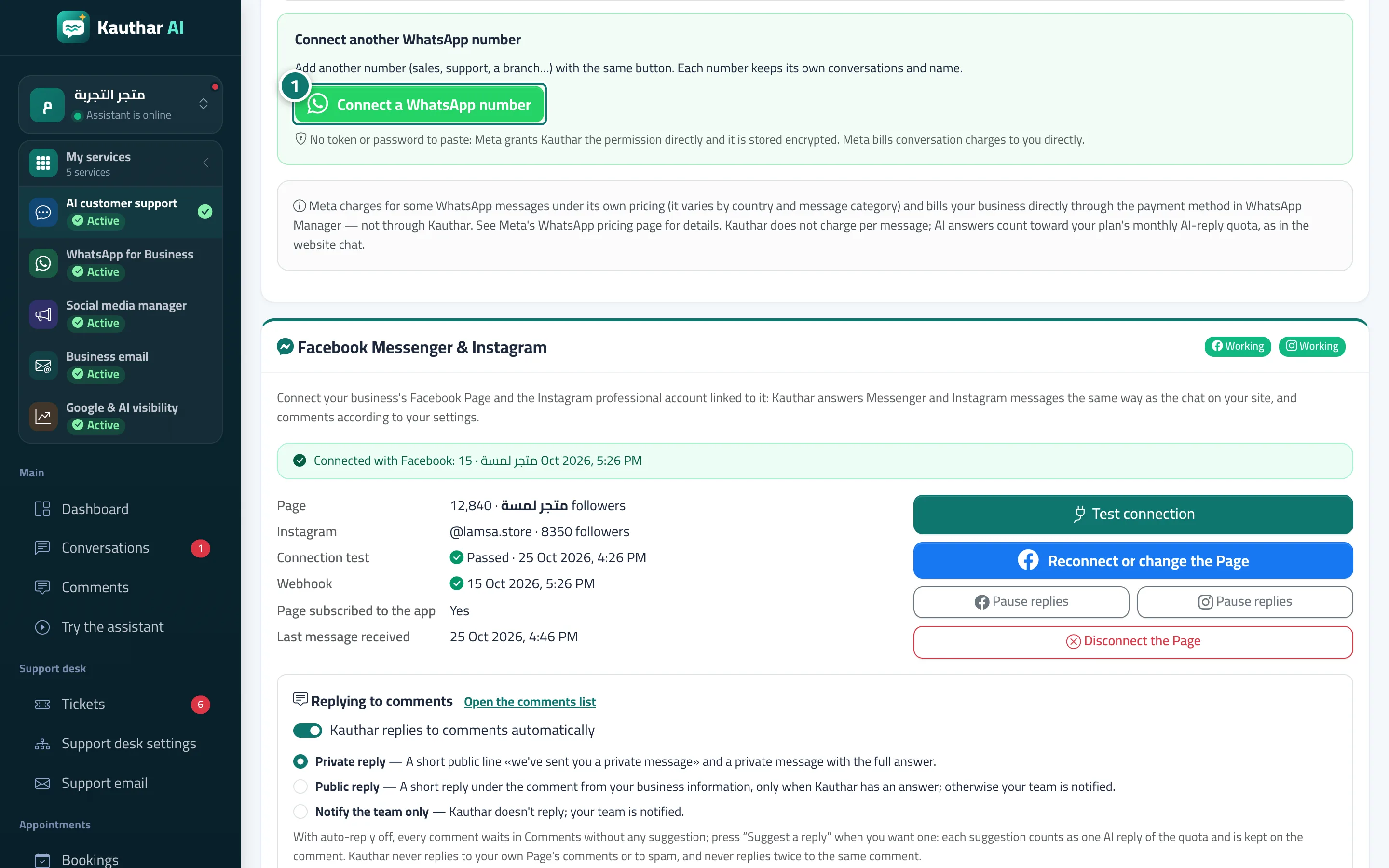
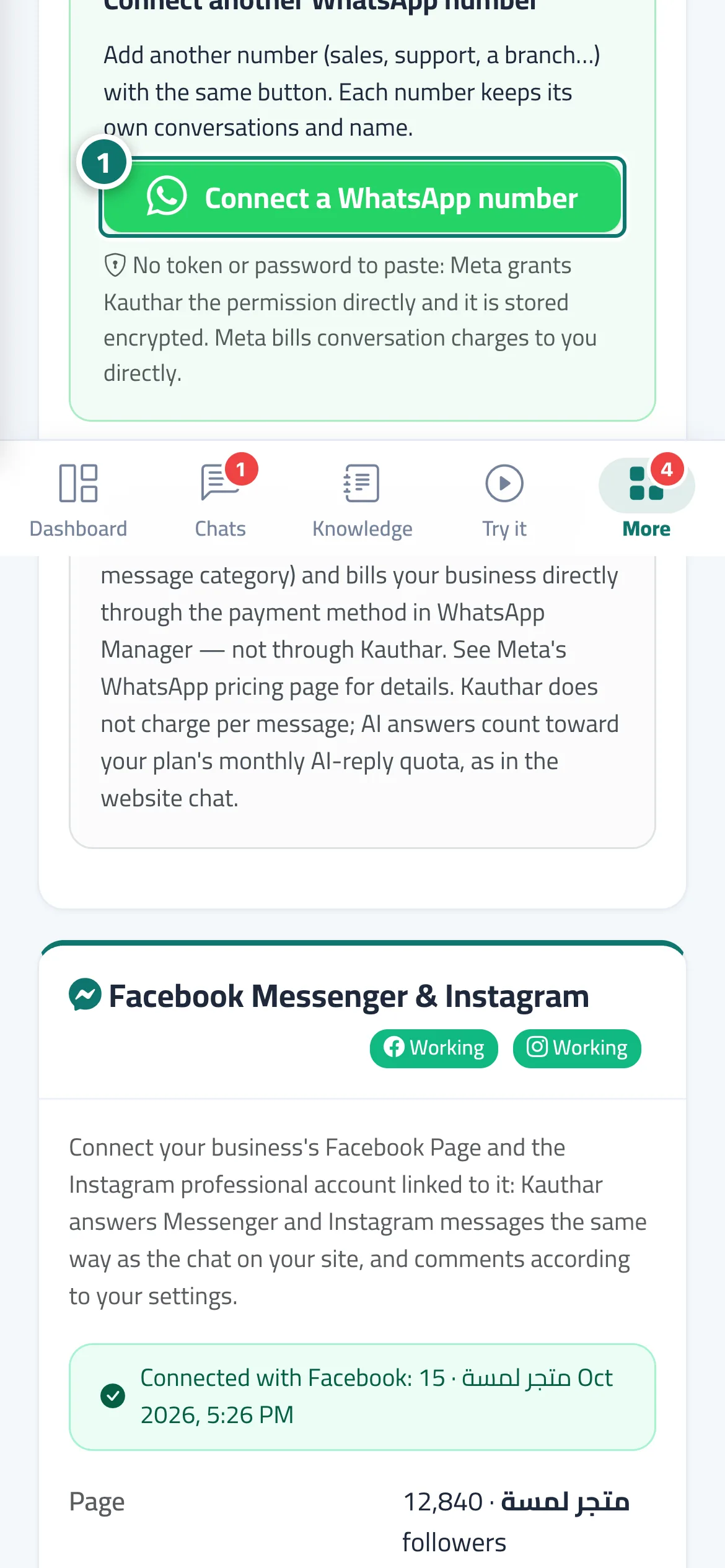
Connecting a new number to Kauthar's own WhatsApp Business Account is paused because of Meta's policy. Connect your number from your business's own WhatsApp Business Account in one click; numbers hosted earlier keep working.
Sur cette page
Vue d’ensemble#
Kauthar used to offer hosting your business number on Kauthar's own WhatsApp Business Account, verified by SMS, without a Facebook account. Meta now requires one WhatsApp Business Account per business, so connecting new numbers this way is paused and the option was removed from the Channels page and from WhatsApp numbers. The way available to every business now is Connect a WhatsApp number: you create (or choose) your own business's WhatsApp Business Account in Meta's window and connect your number to it. Numbers connected earlier as hosted numbers keep working as they are.
- Pour qui ?
- Business owner / manager
- Où le trouver ?
- Sidebar → Channels & customers → Channels → WhatsApp card → Connect a WhatsApp number
Pas à pas#
- To connect a new number, press Connect a WhatsApp number in the WhatsApp card and follow Connect a WhatsApp number in one click.