
Creating a free account with your phone number
A free account in 3 steps: phone number with country code → verification code on WhatsApp or by SMS → your details. Then you choose the services you need from “My services”.
Vue d’ensemble#
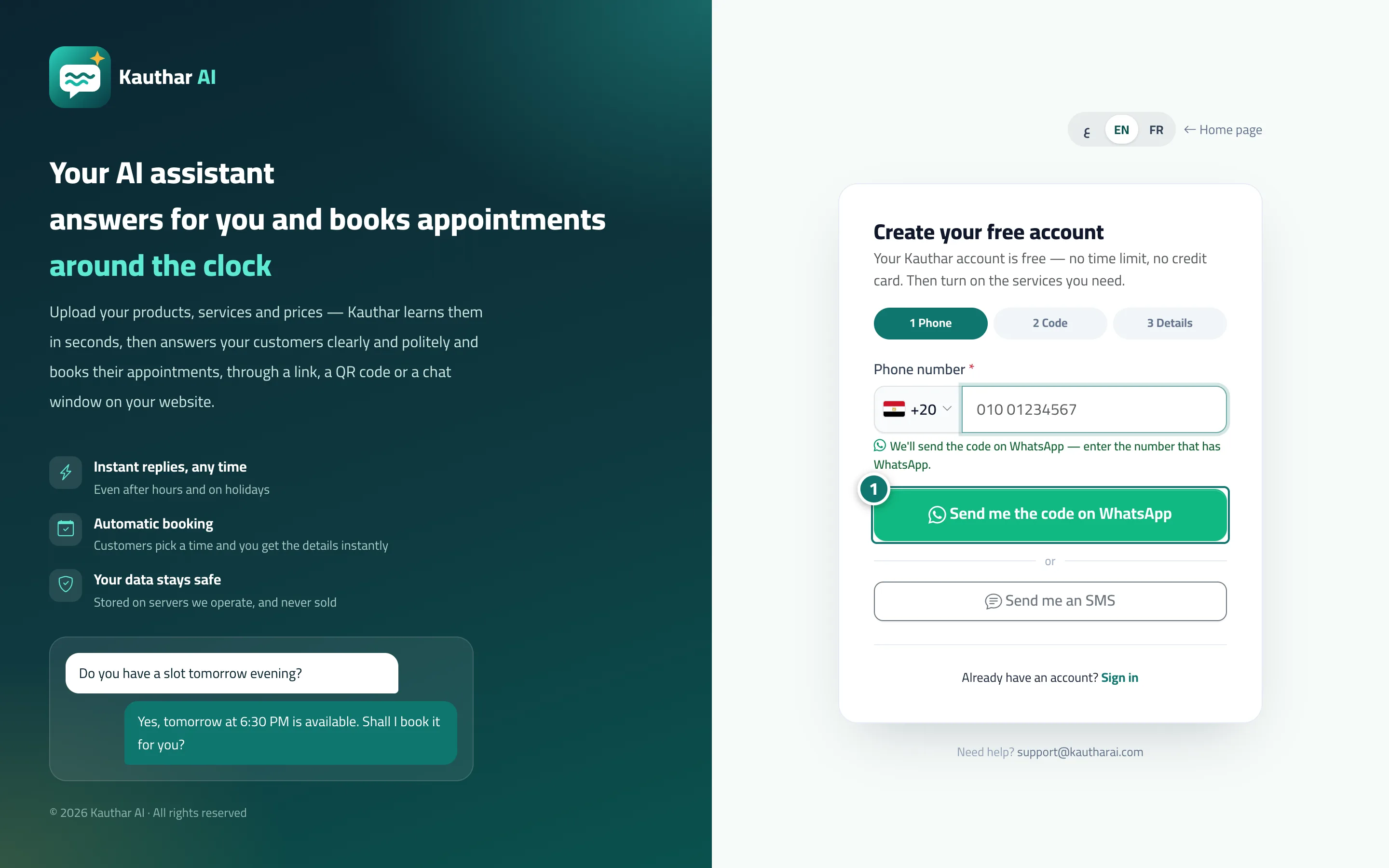
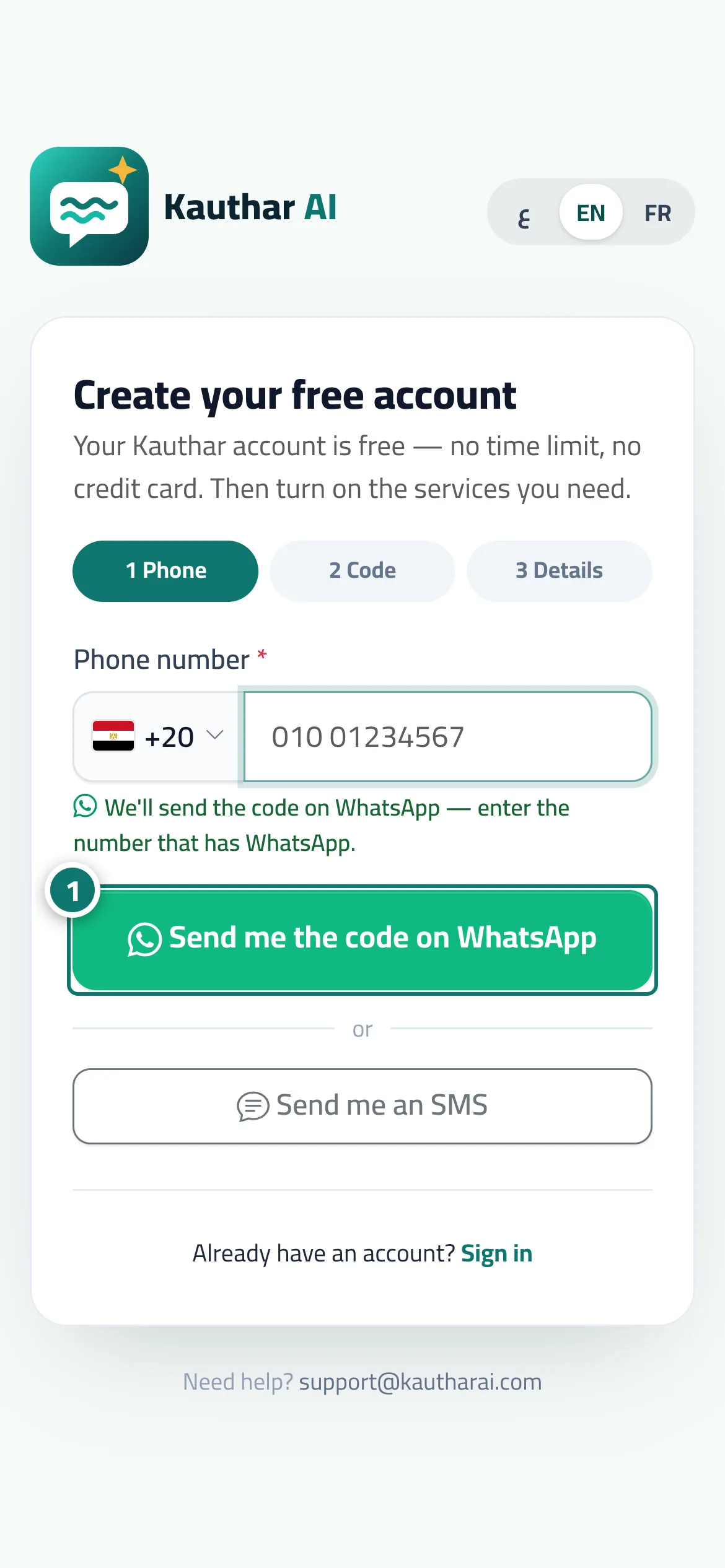
The Create your free account page (“Your Kauthar account is free — no time limit, no credit card. Then turn on the services you need.”) has 3 steps: (1) Phone — choose your country from the list, then type your number as you would locally; (2) Code — a 6-digit verification code sent on WhatsApp from Kauthar's official number (the Send me the code on WhatsApp button) or by text message (the Send me an SMS button); if both fail, Continue with Google appears; (3) Your details — full name, business name, business type, email (optional), password and confirmation, and agreement to the terms of use and privacy policy. After Create account, your free account is created (with no time limit and no service turned on yet); your country, currency and time zone are worked out from your number and device, and you land on My services to choose the service you need and start its free trial. If you started signing up from a specific service's page on the Kauthar website, that service is turned on with its trial right away (and with AI customer support you go to the Knowledge base to upload your first file).
- Pour qui ?
- Business owner
- Où le trouver ?
- Kauthar website → Start free, or the sign-in page → Create your free account
Pas à pas#
- Choose your country and type your phone number, then tap Send me the code on WhatsApp (or Send me an SMS).
- Type the 6-digit code and tap Verify.
- Fill in your details, accept the terms, then tap Create account.
- You land on My services; tap Start free trial on the service you want (for example AI customer support, then upload your first file in the Knowledge base).
Astuces#
Bon à savoir#
Questions fréquentes#
I didn't receive the verification code — what should I do?
Check the country and number, then tap Didn't get it? Send me an SMS to receive it by text message. If both fail, tap Continue with Google to finish signing up, then confirm your number later from the dashboard.
Can I register more than one business with the same number?
Self sign-up creates one business per number. But you can be added with the same number to the teams of other businesses and switch between them from My accounts.
Is the account a trial with a time limit?
No. The account is free and never expires. Free trials apply to each service separately and start when you turn that service on from My services.