
The Kauthar app for Wix and the chat bubble
Install the Kauthar app on your Wix site so your products sync automatically and the Kauthar chat bubble appears on your site with no code, and manage everything from the “Kauthar” page of your Wix dashboard.
Vue d’ensemble#
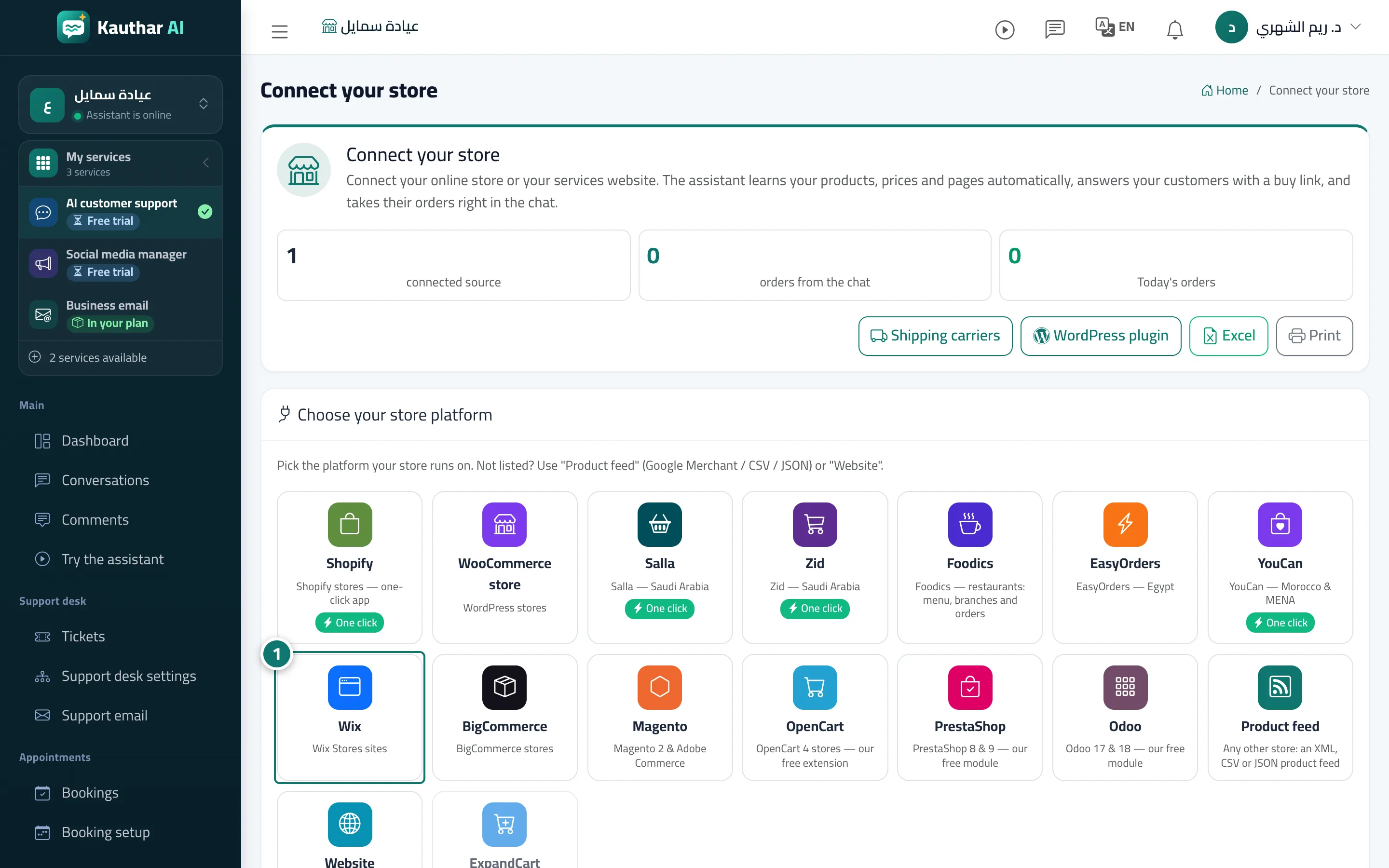
Kauthar's official Wix app connects your site without copying any keys. You can start from Kauthar: Connect your store → Wix → Connect in one click (it opens Wix's install page and brings you back to Kauthar with the site linked to your account), or from the Wix App Market: after installing, a Kauthar page appears in your site dashboard — press Connect my site to Kauthar and Kauthar opens in a new window where you sign in or create your account. Once linked, the site card shows the one-click badge, the product sync starts, and any change to your products is picked up automatically. The Kauthar chat bubble is added to your site automatically on install and recognises your business from the site itself, so there is no code to copy. Kauthar answers Where is my order? after checking the order number and the customer's phone or email.
- Pour qui ?
- Business owner / manager (the Wix site owner)
- Où le trouver ?
- Sidebar → Train your assistant → Connect your store → Wix (or the Kauthar page in your Wix site dashboard)
Pas à pas#
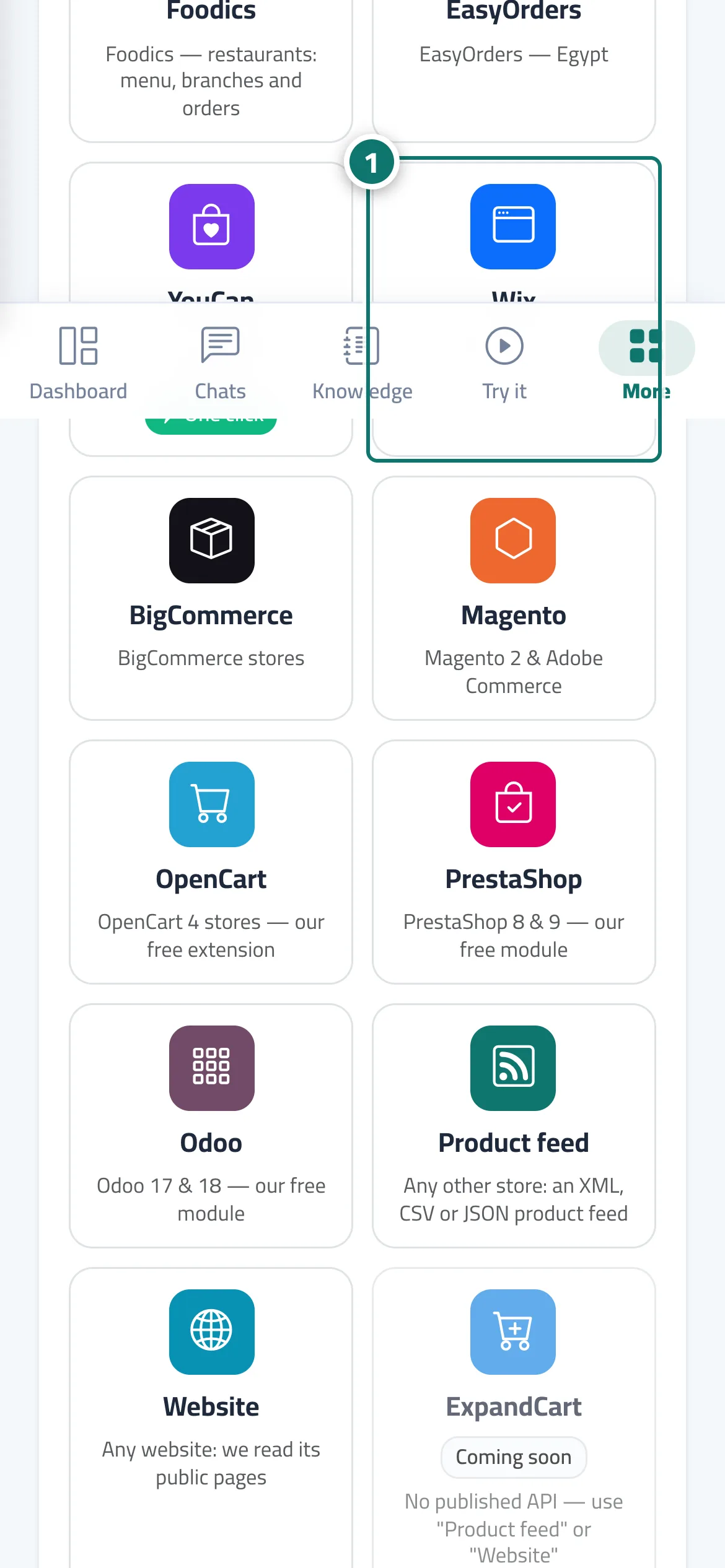
- In Connect your store press Wix, then Connect in one click (or install the Kauthar app from the Wix App Market).
- Approve the permissions on Wix's page.
- If you started on Wix: open the Kauthar page in your site dashboard and press Connect my site to Kauthar, then sign in or create your account.
- Your site card appears with the one-click badge, the product sync starts, and the Kauthar bubble shows on your site.
Astuces#
Bon à savoir#
Questions fréquentes#
I installed the app but my site isn't linked to my account. Why?
Installing from the Wix App Market doesn't know your Kauthar account. Open the Kauthar page in your site dashboard, press Connect my site to Kauthar and sign in.