
Unanswered questions
Every question the assistant couldn't answer is collected here; answer it once and the assistant knows it from then on.
Vue d’ensemble#
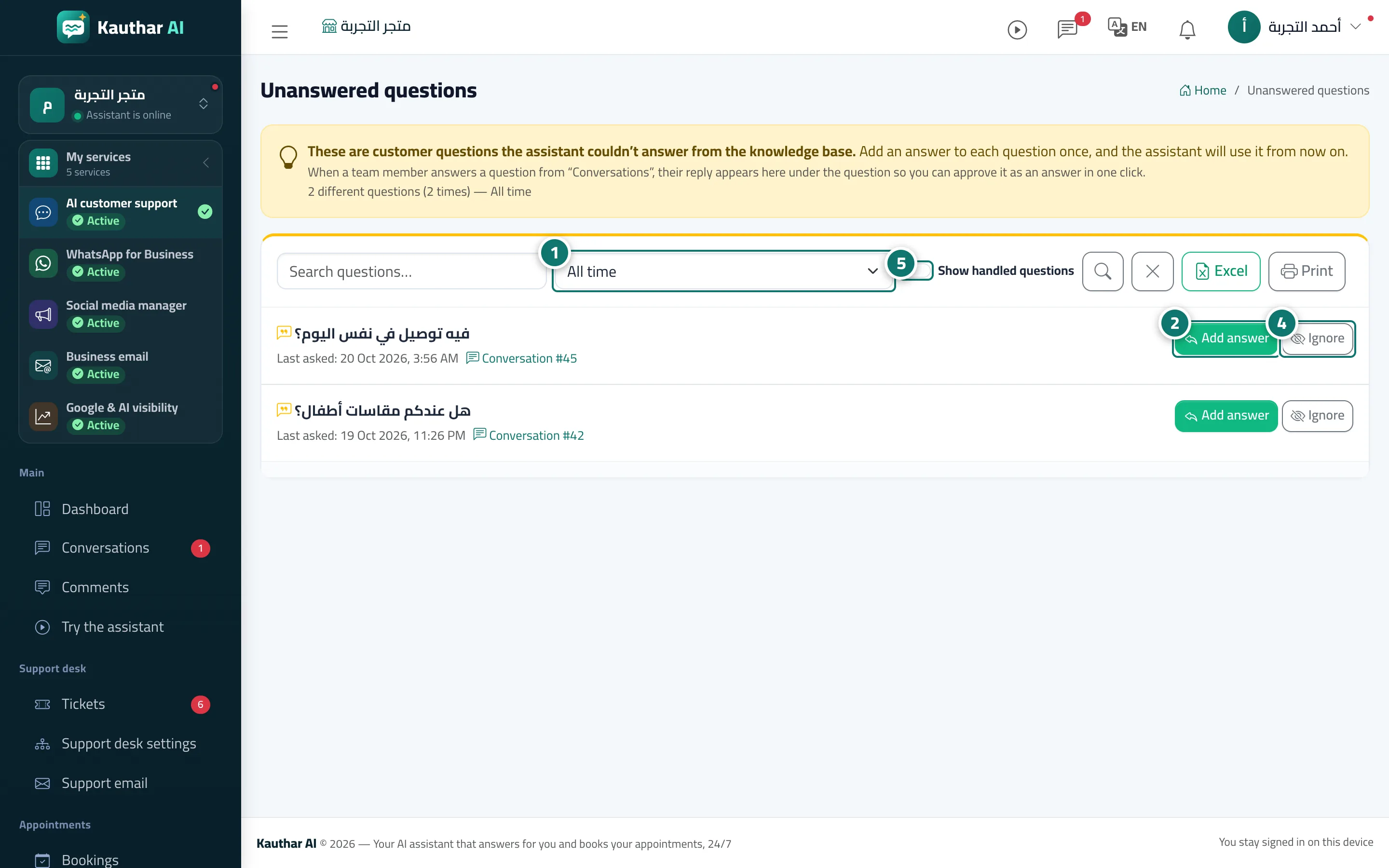
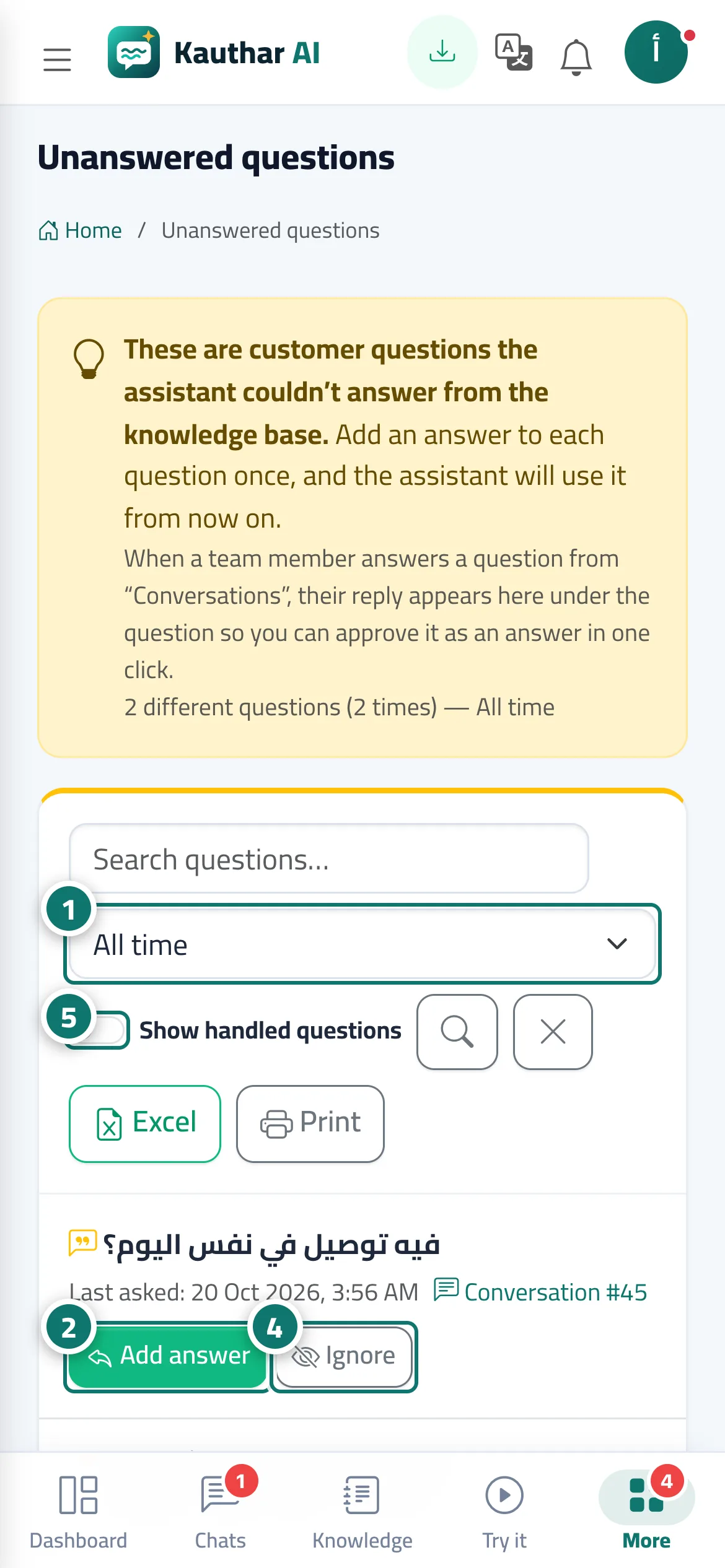
A list of your customers' questions that the assistant couldn't find an answer to in the knowledge base. They are grouped, so a repeated question appears once with how often it was asked, when it was Last asked and links to the conversations it came from. Next to each question is Add answer (it becomes a fixed answer immediately) or Dismiss. The number next to Unanswered questions in the sidebar shows how many questions are waiting from the last 7 days.
- Pour qui ?
- Business owner / manager / team member (depending on permissions)
- Où le trouver ?
- Sidebar → Train your assistant → Unanswered questions
Pas à pas#
- Open Unanswered questions and choose the period: Last 7 days, Last 30 days or All time.
- Click Add answer next to the question.
- In the Add a fixed answer window, adjust the question's wording if you like, write the answer, then click Save answer.
- For questions that have nothing to do with your business, click Dismiss.
- Turn on Show handled questions to see what you have answered or dismissed; you can put any question back on the list with Move back.
Astuces#
Bon à savoir#
Questions fréquentes#
What happens when I add an answer?
It is saved as a fixed answer, and next time any customer asks the same or a similar question they get this answer instantly.
Does the customer who asked receive the reply automatically?
No. If the customer left a phone number, you can contact them from the conversation itself through the Conversation #… link next to the question.
What is Dismiss for?
It removes the question from the list (for example, a question outside your business) without turning it into an answer, and you can bring it back later.