
Partner programme: referrals and managing client accounts
For agencies, consultants and accountants accepted into the Kauthar partner programme: a referral link, code and QR code, a commission on every subscription payment of your clients, payout requests, and for agencies adding and managing client accounts.
Vue d’ensemble#
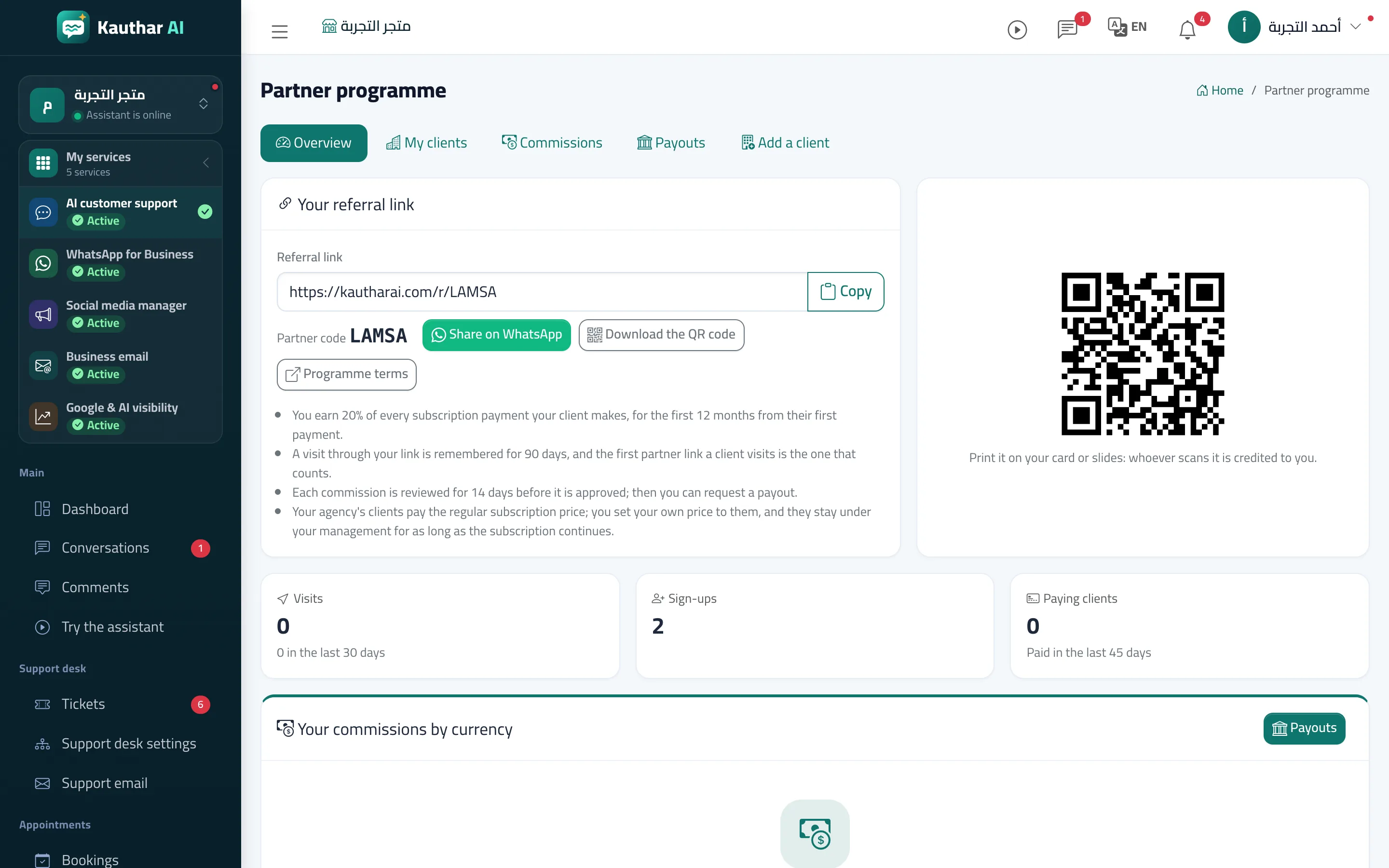
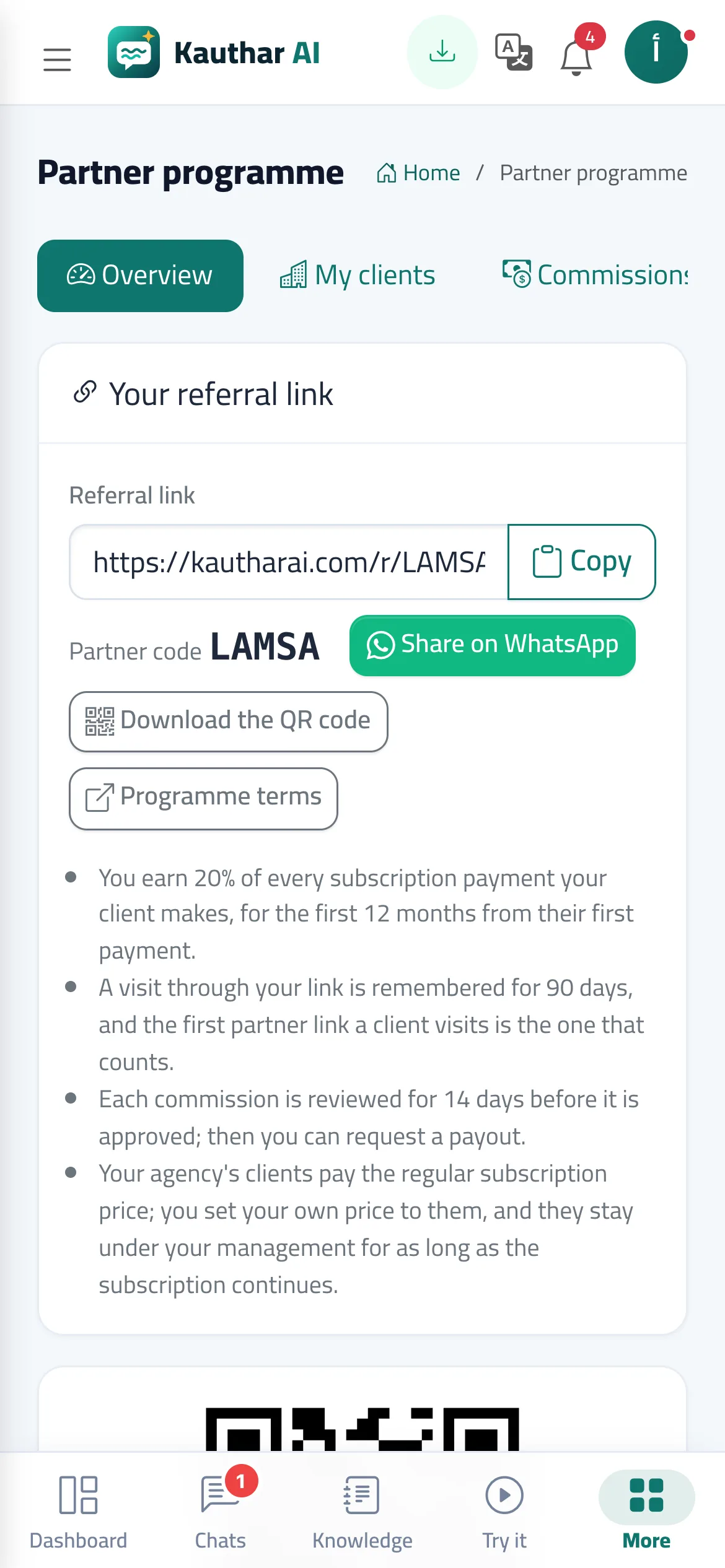
Partner programme appears in the sidebar of every login linked to a partner accepted into the programme (applications are made on the Partners page of the Kauthar website). Overview shows your referral link, code, QR code and a WhatsApp share button, the number of visits, sign-ups and paying clients, and your commissions by currency (under review, approved, paid out, reversed). My clients lists business names only, with their services and plans, status, first payment date and the commission period left. Commissions is the ledger: business, service, net amount, rate, commission, status and approval date. Payouts shows the available balance per currency, the minimum payout and your requests. Agencies also get Add a client: create a new business account with its owner's number (the agency becomes an admin in it), or invite a registered business, whose owner accepts it personally. The referral commission is 20% of every subscription payment for the first 12 months from the client's first payment; an agency that runs its clients' accounts pays the regular subscription price, sets its own price for its client, and keeps the client as long as the subscription continues. Rates, the commission period, the minimum payout and the review period are shown in the screen as set by the Kauthar team.
- Pour qui ?
- An accepted partner (the linked login, owner or admin), and a business owner who receives an agency invitation
- Où le trouver ?
- Sidebar → Account → Partner programme
Pas à pas#
- Open Partner programme from the sidebar.
- Copy or share your referral link on WhatsApp, or download the QR code to print it; your client can also type your code in the Partner code field when signing up.
- Follow your clients in My clients and each commission in Commissions: it starts Under review and becomes Approved after the review period.
- In Payouts, press Request a payout for a currency whose approved balance reached the minimum; the Kauthar team transfers it manually and the request shows Paid out with the transfer reference.
- Agencies: in Add a client, create a new business account with its owner's number, or send Invite a registered business with the owner's number and wait for their acceptance.
Astuces#
Bon à savoir#
Questions fréquentes#
Why don't I see Partner programme in the menu?
It appears once your partner application is accepted and linked to your verified mobile number. Apply on the Partners page of the Kauthar website.
Does the agency see my password if I accept its invitation?
No. The agency only becomes an admin in your account, and you can remove it at any time from Team and permissions.