
Pause Kauthar AI for a service without cancelling
You can pause the AI of one service any time from its page: automatic replies, writing and automatic actions stop, the manual tools stay — and your subscription is unchanged.
Vue d’ensemble#
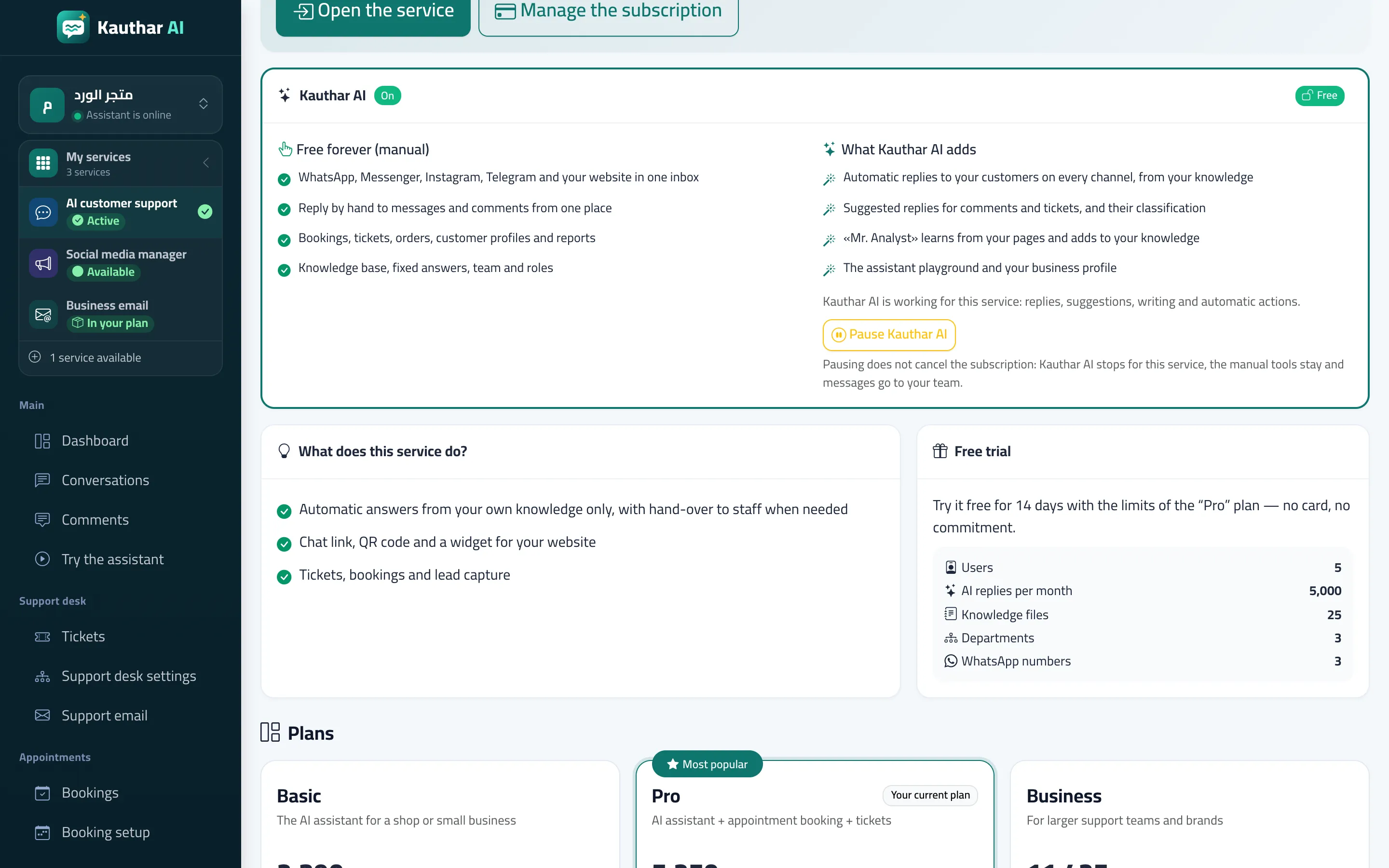
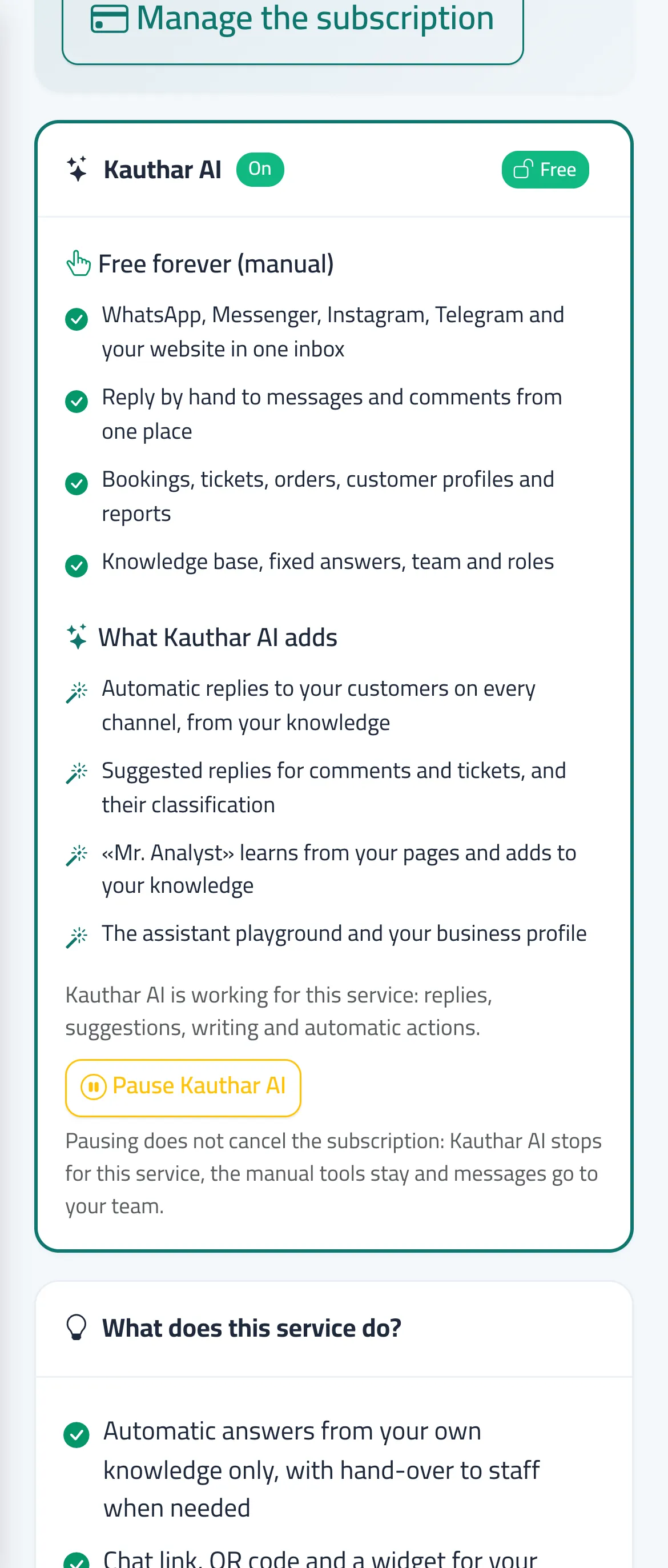
Each service page has a Kauthar AI section with its state (On / Trial / Off / Paused by you). Pause Kauthar AI stops everything AI in that service only: in AI customer support Kauthar no longer answers and messages go to your team; in social no posts or designs are written; in email no suggestions or auto-replies; in visibility the automatic fixes, publishing and AI checks stop. The subscription is not cancelled and its term does not change; Turn Kauthar AI back on restores it immediately.
- Pour qui ?
- Business owner / admin
- Où le trouver ?
- My services → Details on the service card → the Kauthar AI section
Pas à pas#
- Open the service page from My services → Details.
- In the Kauthar AI section press Pause Kauthar AI.
- To restore it press Turn Kauthar AI back on in the same section.
Astuces#
Bon à savoir#
Questions fréquentes#
Do I get money back when I pause?
No. Pausing is temporary and does not cancel the subscription; the term stays as it is.