Kauthar plugin for WordPress and WooCommerce
The free Kauthar AI plugin for WordPress adds Kauthar's chat bubble to your site and, with WooCommerce, syncs your products and order status — connected in one click or with a connection code, no keys to copy.
Sur cette page
Vue d’ensemble#
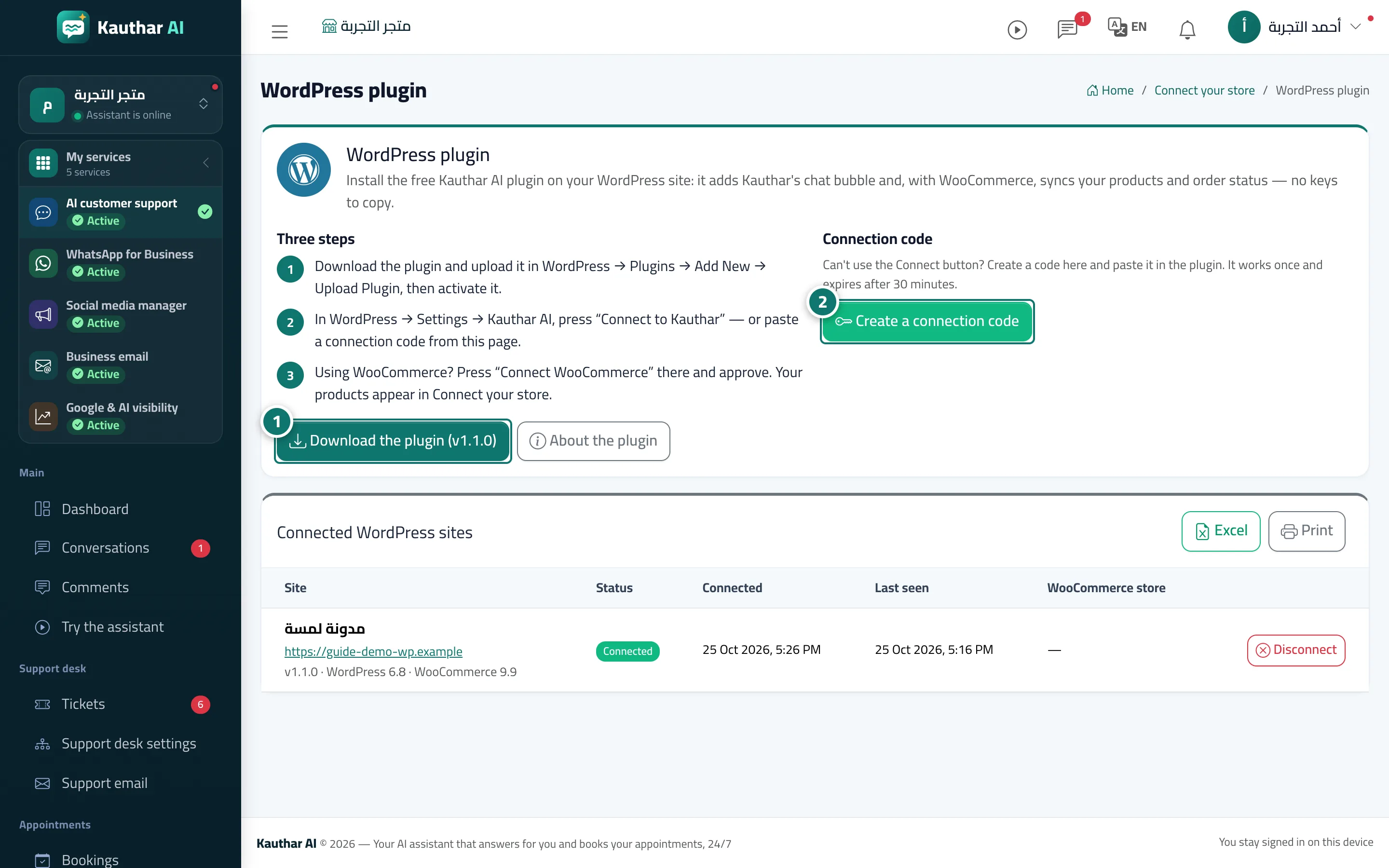
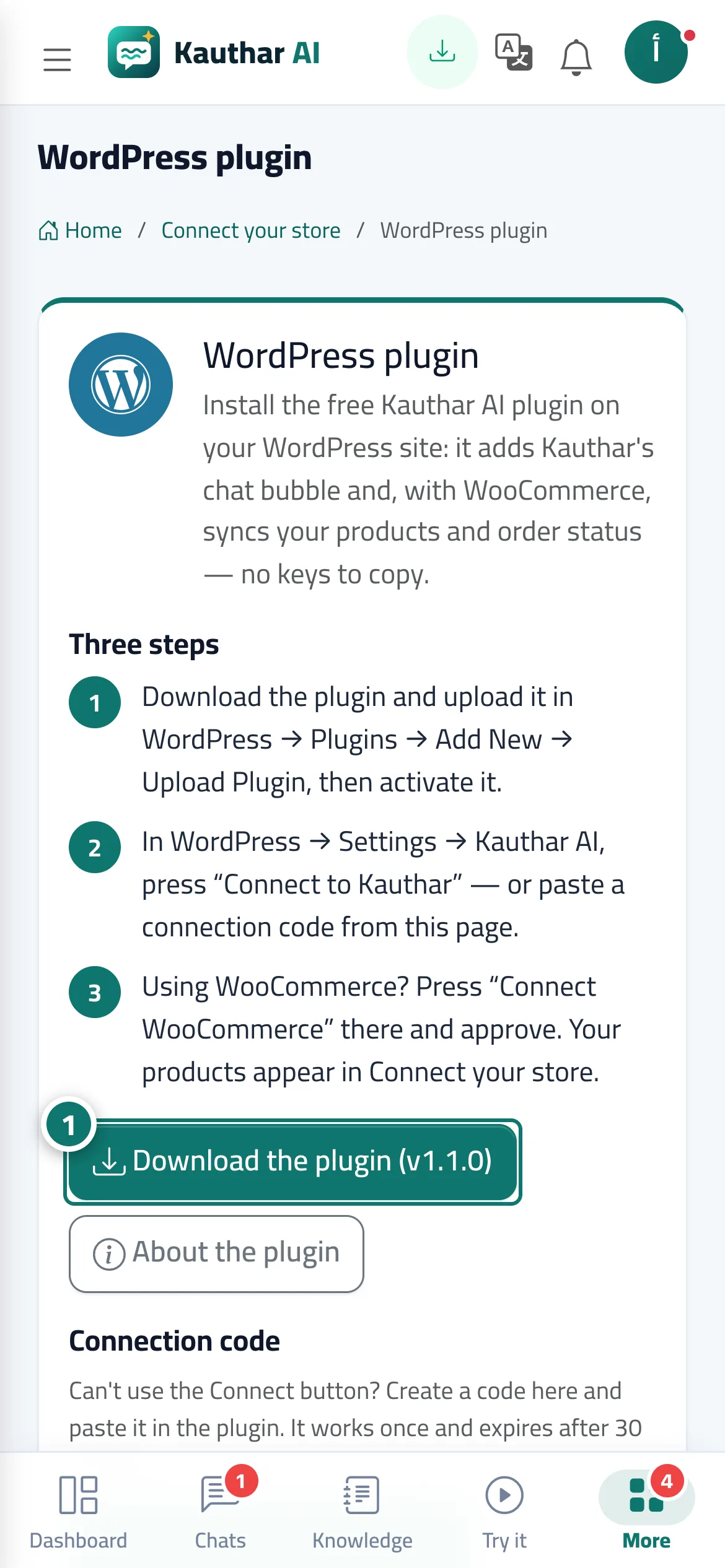
The WordPress plugin page explains three steps: download the plugin (the current version is shown on the button) and upload it in WordPress → Plugins → Add New → Upload Plugin; then in WordPress → Settings → Kauthar AI click Connect to Kauthar (you confirm the connection in Kauthar and return); then click WooCommerce sync and approve on WooCommerce's own screen, and your products appear in Connect your store. If the connect button doesn't work, create a connection code on this page and paste it into the plugin (it works once and expires after 30 minutes). The Connected WordPress sites table shows each site with its status, connection date and when it was last seen. In the plugin you set the bubble's position, the pages it appears on and the language of its texts. Since version 1.1 it also has a Kauthar SEO section for the visibility service's approvals (see WordPress plugin approvals).
- Pour qui ?
- Business owner / manager
- Où le trouver ?
- Connect your store → WordPress plugin
Pas à pas#
- Click Download the plugin, upload it in WordPress and activate it.
- In WordPress → Settings → Kauthar AI click Connect to Kauthar and approve in Kauthar (or create a connection code here and paste it into the plugin).
- For WooCommerce stores, click WooCommerce sync in the plugin and approve; the products appear in Connect your store.