
Shipping carriers — «Where is my shipment?»
Connect the carrier you ship with (Bosta, Aramex, SMSA, J&T, DHL, Mylerz, Naqel, Saudi Post, iMile, or AfterShip and 17TRACK for any carrier) and Kauthar answers «where is my shipment?» with the carrier's real status.
Vue d’ensemble#
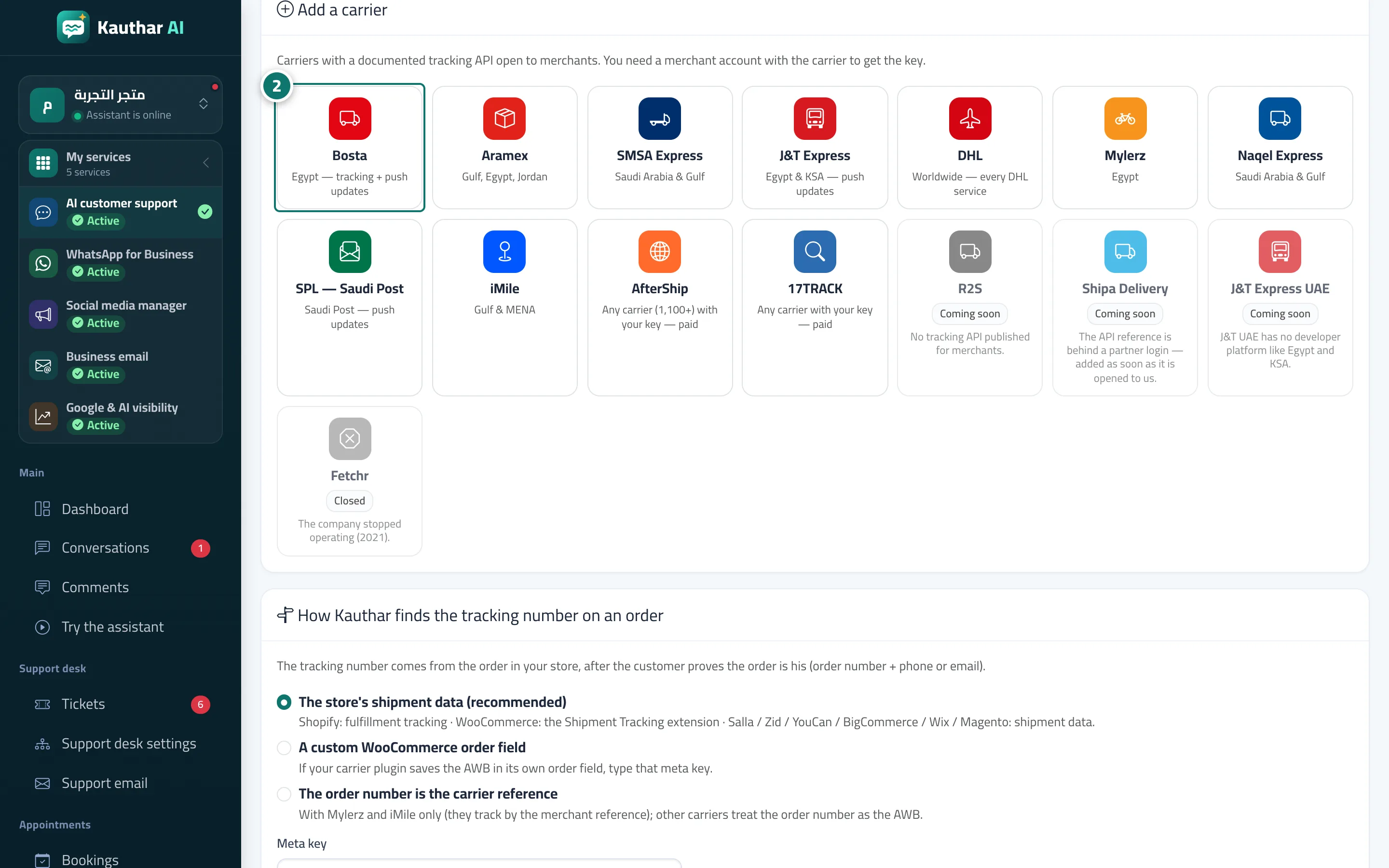
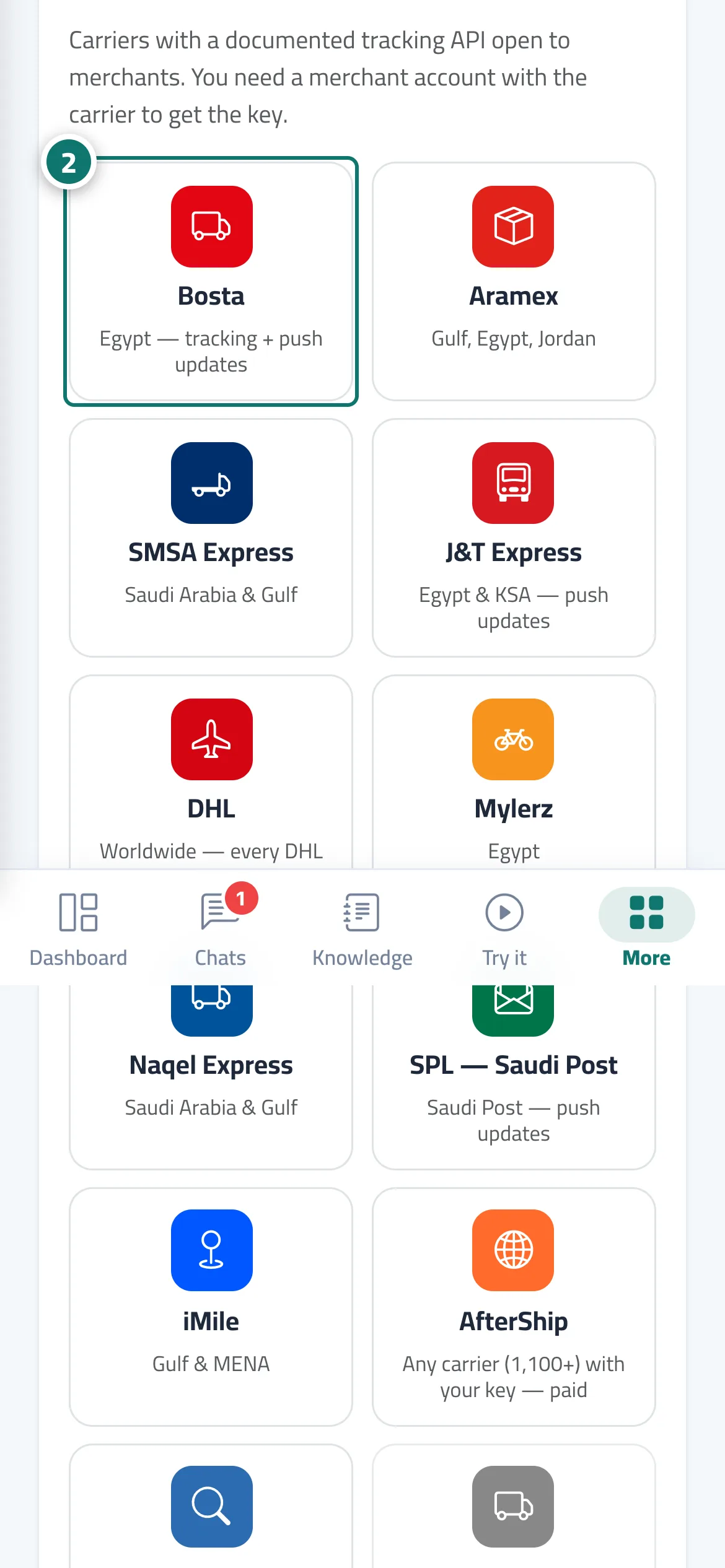
The Shipping carriers screen (from Connect your store) links your carrier to your account. Once the customer proves the order is his (order number + the phone or email on it, or his own WhatsApp number), the assistant takes the tracking number from the order in your store, asks the carrier directly and answers in the customer's language with the status (In transit, Out for delivery, Delivered, Delivery attempt failed, Returned…), the last update, where it happened and the tracking link. If the customer types the tracking number itself, he gets the carrier's public status only, with no order data. Available: Bosta, Aramex, SMSA Express, J&T Express (Egypt and KSA), DHL, Mylerz, Naqel, Saudi Post SPL, iMile, plus AfterShip and 17TRACK for any other carrier with your key. R2S, Shipa and J&T UAE show Coming soon with the reason. The screen has a card per carrier (status, last 4 characters of the key, default, instant-update link), Track a shipment for any number, the How Kauthar finds the tracking number rule and the latest shipments with print and Excel. On an order page you can add the tracking number by hand.
- Pour qui ?
- Business owner / manager (with the Store & website permission)
- Où le trouver ?
- Sidebar → Train the assistant → Connect your store → Shipping carriers
Pas à pas#
- Open Connect your store and press Shipping carriers.
- In Add a carrier pick yours, paste the credentials from your merchant account with it and press Save.
- Press Test and check the status turns Connected.
- If you ship with several carriers, use Make default on the main one and review How Kauthar finds the tracking number on an order.
Astuces#
Bon à savoir#
Questions fréquentes#
My carrier isn't listed?
Connect AfterShip or 17TRACK with your key — they track more than 1,100 carriers.
Are my carrier keys safe?
They are stored encrypted and only their last 4 characters are ever shown.