WhatsApp Business home
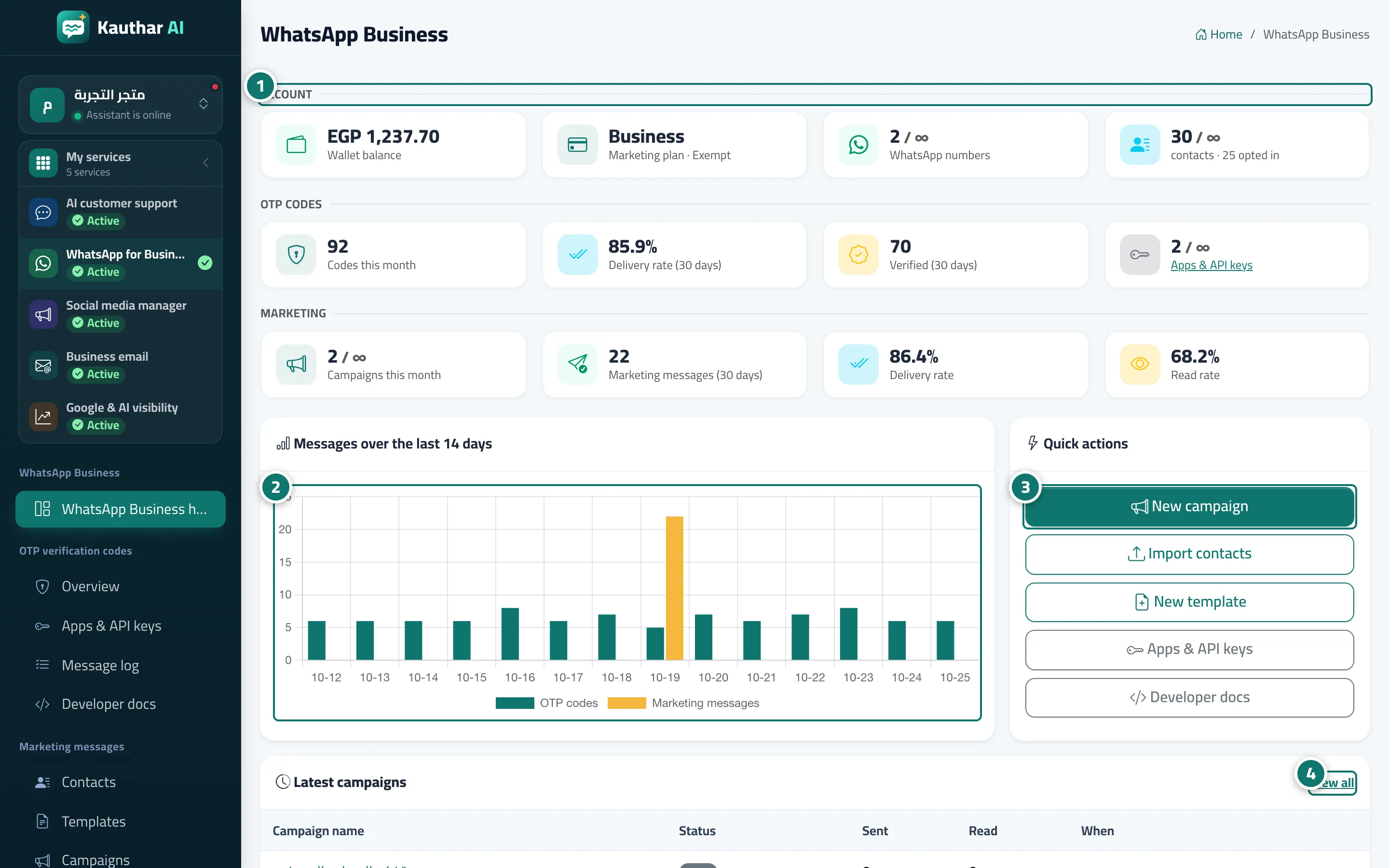
One dashboard for the product: wallet balance, subscription, numbers and contacts, OTP and campaign figures, a 14-day message chart and quick actions.
Sur cette page
Vue d’ensemble#
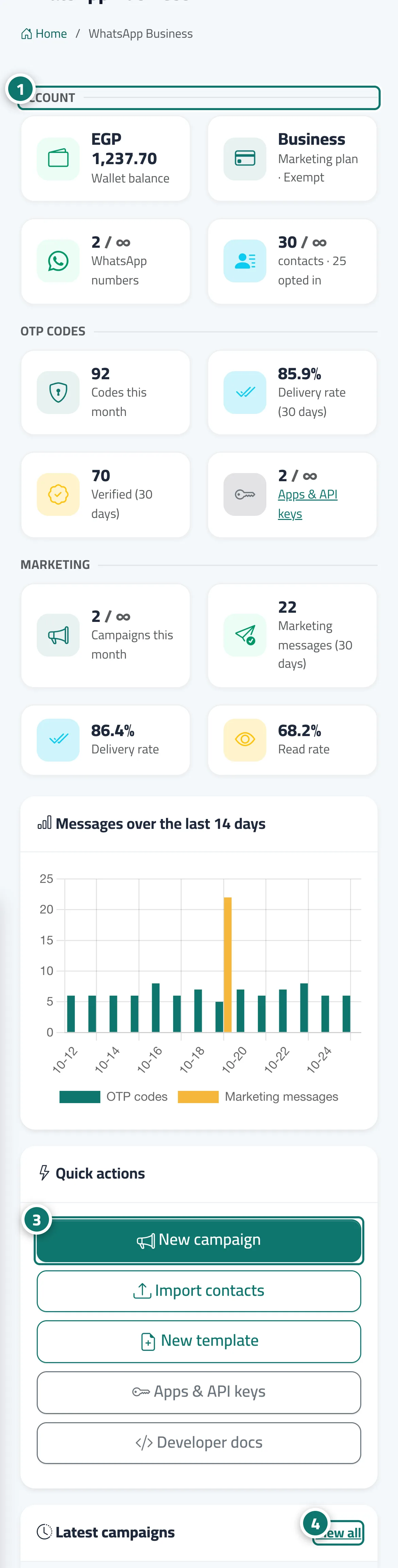
The WhatsApp Business screen has three sections: Account (wallet balance, marketing plan, WhatsApp numbers, contacts and how many of them opted in), OTP codes (codes this month, delivery rate and verification success for the last 30 days, apps and keys) and Marketing (campaigns this month, marketing messages in the last 30 days, delivery rate and read rate). Below them are the chart Messages over the last 14 days for OTP codes and marketing messages, a Quick actions card and a Latest campaigns table. For a business that uses only this product, this screen is its dashboard.
- Pour qui ?
- Business owner / manager / staff member (according to their permissions)
- Où le trouver ?
- Sidebar → WhatsApp Business → WhatsApp Business home
Pas à pas#
- Review the Account section: balance, plan, numbers and contacts.
- Follow the OTP codes and Marketing figures.
- Use Quick actions to create a new campaign, import contacts or create a new template.
- Open any campaign under Latest campaigns to see its report.