
Installing Kauthar as an app on your phone or computer
Install Kauthar from the browser on your phone or computer like any app — a home-screen icon, full screen and notifications — without an app store.
Vue d’ensemble#
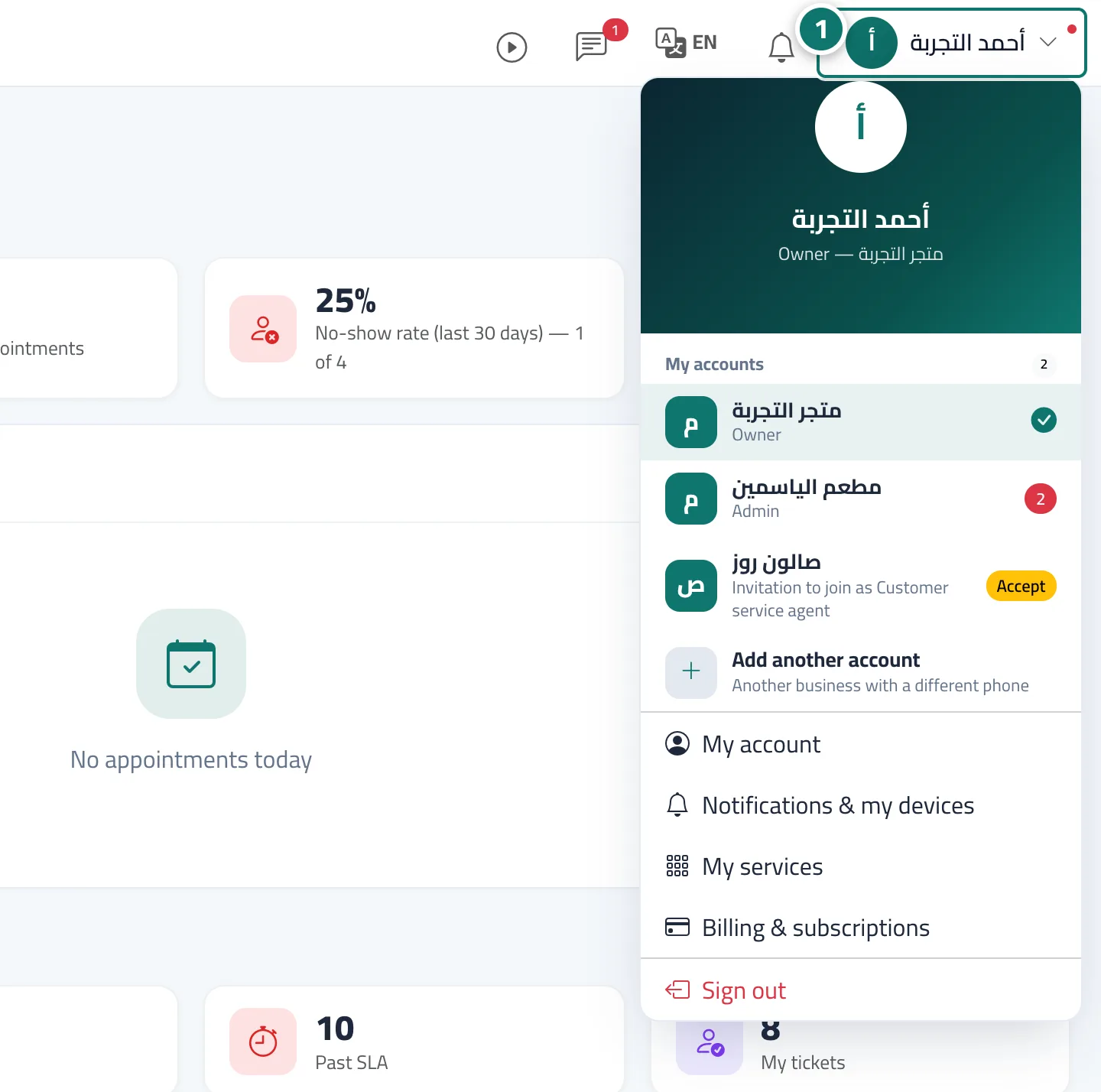
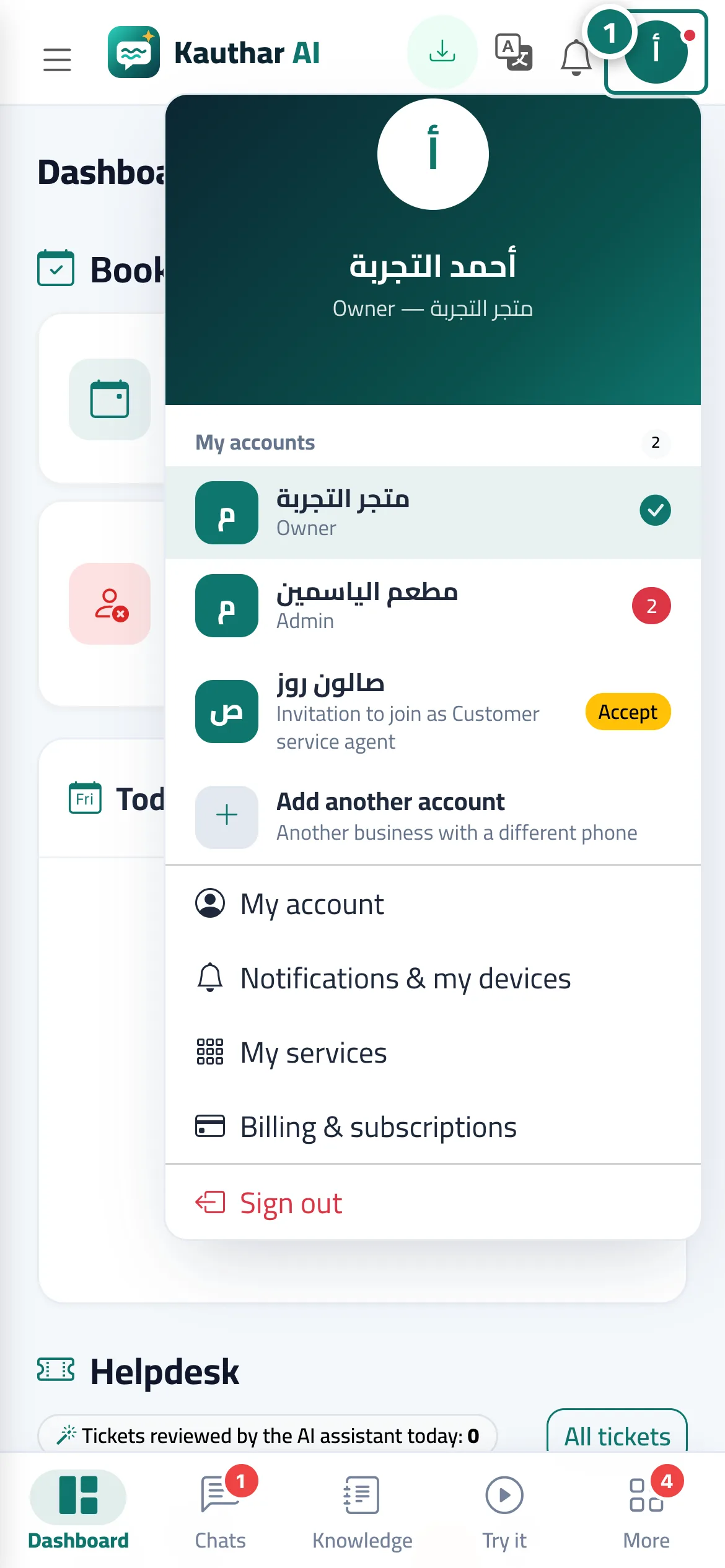
Kauthar can be installed as a web app from the browser, without an app store, from Install the app in your name menu when installing is available. On Android, Chrome and Edge, the install window appears directly. On iPhone and iPad: tap the Share button → choose Add to Home Screen → tap Add. On a phone you may also see the card Install Kauthar on your phone with Install the app and Later buttons. The app opens on the dashboard in full screen. For Android there is also the Kauthar phone app on Google Play, with extra features (see Kauthar phone app).
- Pour qui ?
- Business owner / manager / staff member
- Où le trouver ?
- Your name menu → Install the app · or the Install Kauthar on your phone card
Pas à pas#
- Open your name menu in the top bar and tap Install the app (it appears when your browser allows installation).
- On iPhone: Share button → Add to Home Screen → Add. On a computer or Android: accept the install window.
- Open Kauthar from its icon and turn on notifications from the bell menu.
Astuces#
Bon à savoir#
Questions fréquentes#
Do I need an app store?
No. Installing from the browser works on any device and takes up hardly any space. For Android, the Kauthar app is also available on Google Play.
Do I get notifications when the app is closed?
Yes, once notifications are turned on — and on iPhone, provided Kauthar is added to the home screen.