
Test the knowledge base
Type a question the way your customer would and see instantly which information the assistant will rely on to answer.
Vue d’ensemble#
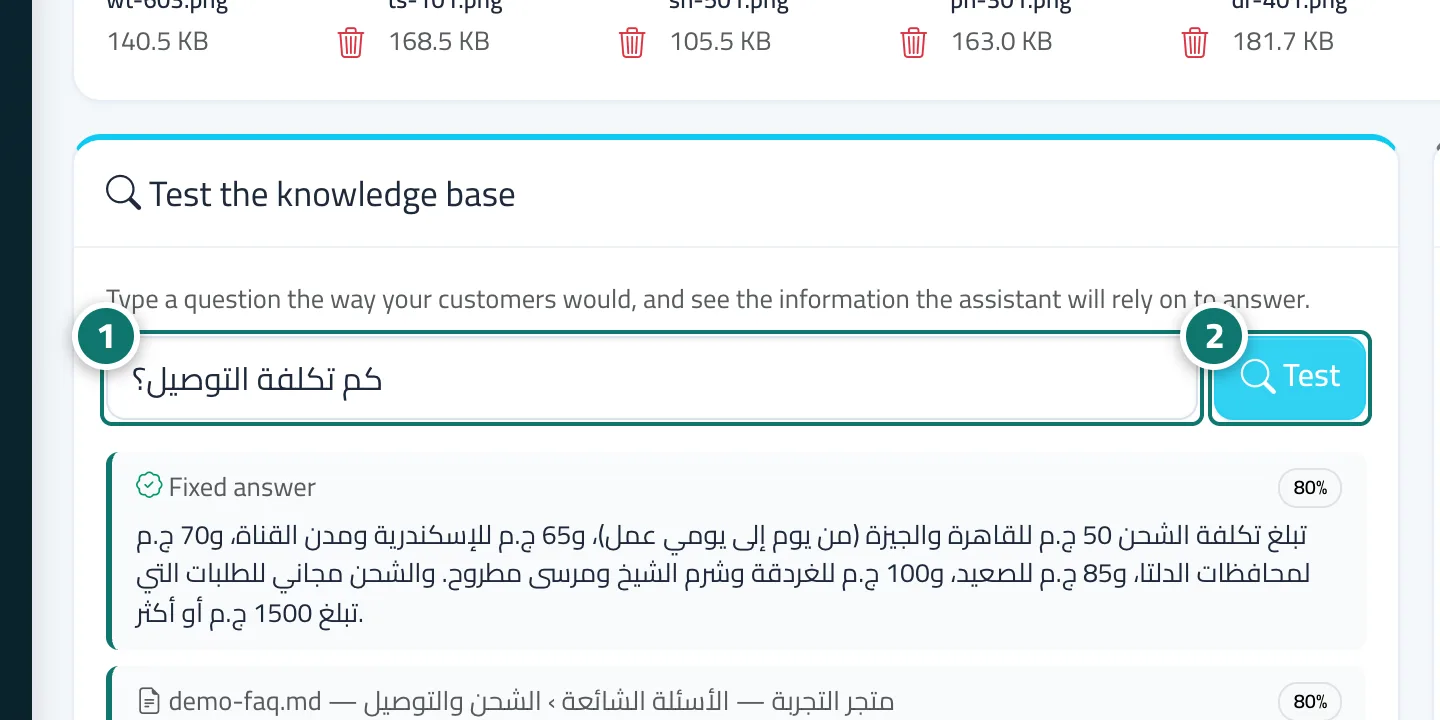
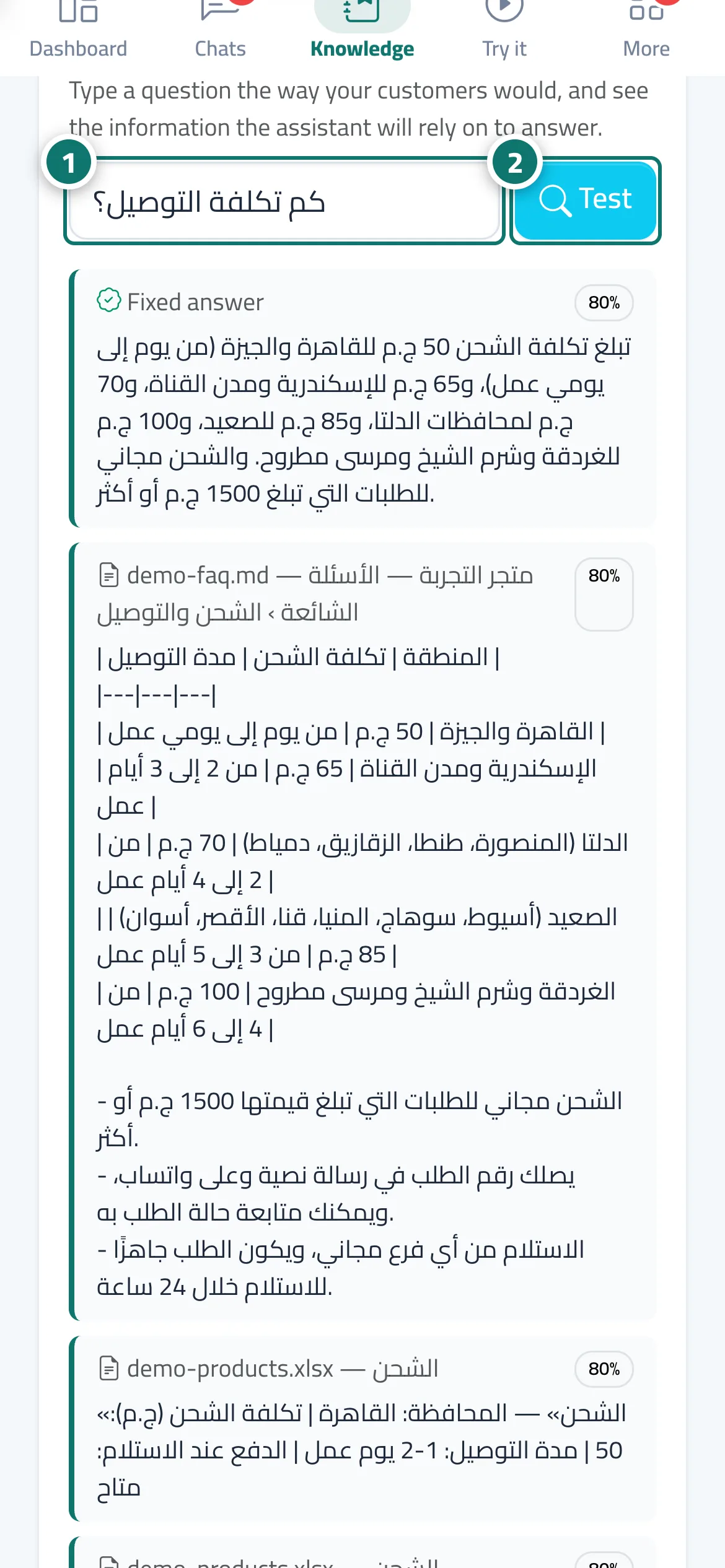
The Test the knowledge base card on the Knowledge base page: type a question and the 5 closest results from your files and fixed answers appear, each with its source (file name and chunk heading, or Fixed answer) and its match percentage — without writing a reply. If nothing suitable exists you see There's nothing in the knowledge base for this question with a link to add it as a fixed answer. It is the quickest way to check that a piece of information exists and is understood, before trying the full assistant.
- Pour qui ?
- Business owner / manager / team member (depending on permissions)
- Où le trouver ?
- Sidebar → Train your assistant → Knowledge base → Test the knowledge base card
Pas à pas#
- Type a question in the box (for example: How much is delivery?).
- Click Test.
- Review the results and the source of each; if the first result isn't the right information, clarify the file or add a fixed answer.
Astuces#
Bon à savoir#
Questions fréquentes#
How is it different from Try the assistant?
Test the knowledge base shows in seconds the information the assistant will rely on, while Try the assistant writes the complete reply exactly as the customer will see it.
What does the percentage next to each result mean?
How closely the chunk or fixed answer matches your question; the higher it is, the closer the information is to what was asked.