
Wallet and top-ups
A prepaid wallet that verification and marketing messages are charged to: card top-ups, a low-balance alert, and wallet movements with export and print.
Vue d’ensemble#
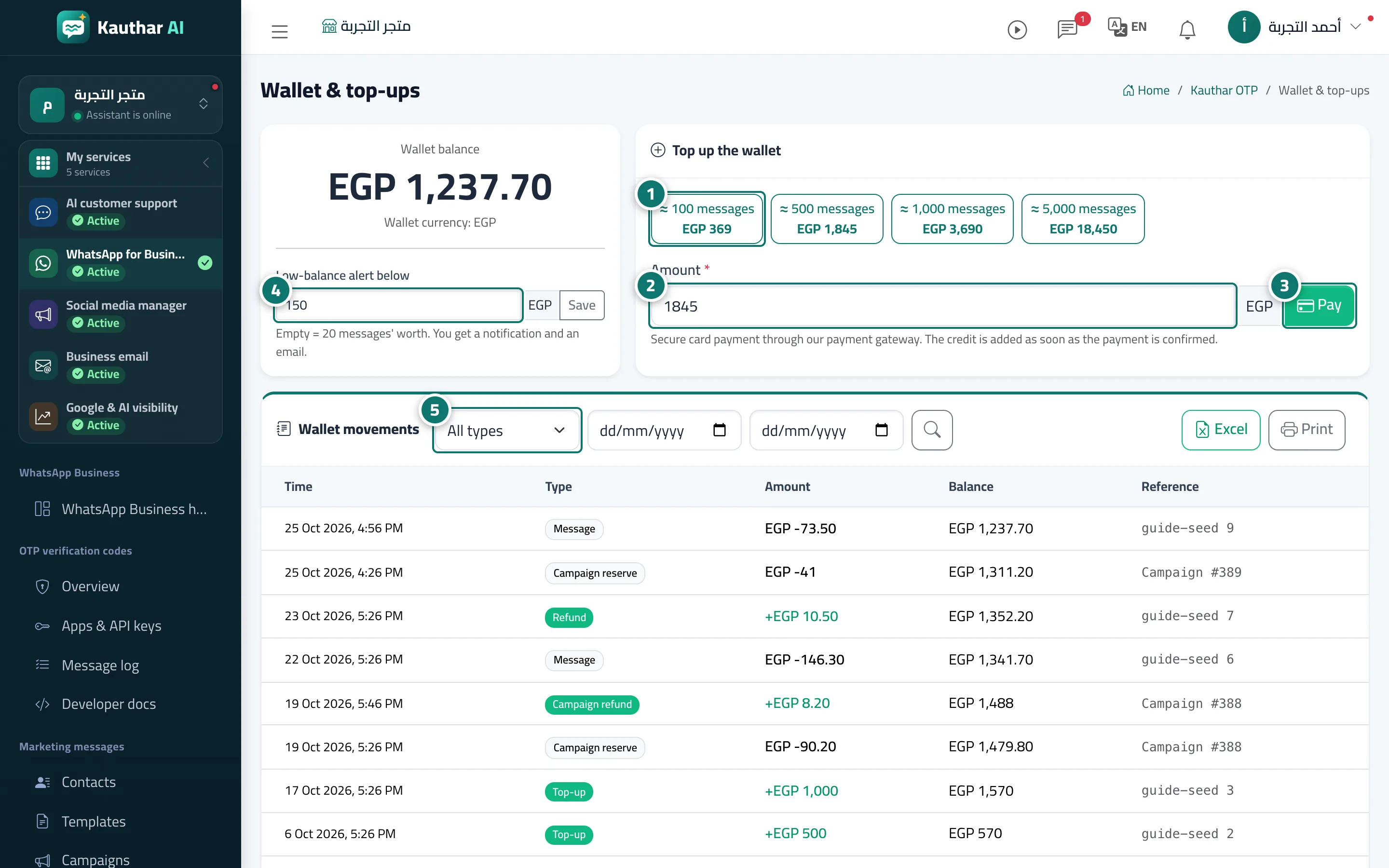
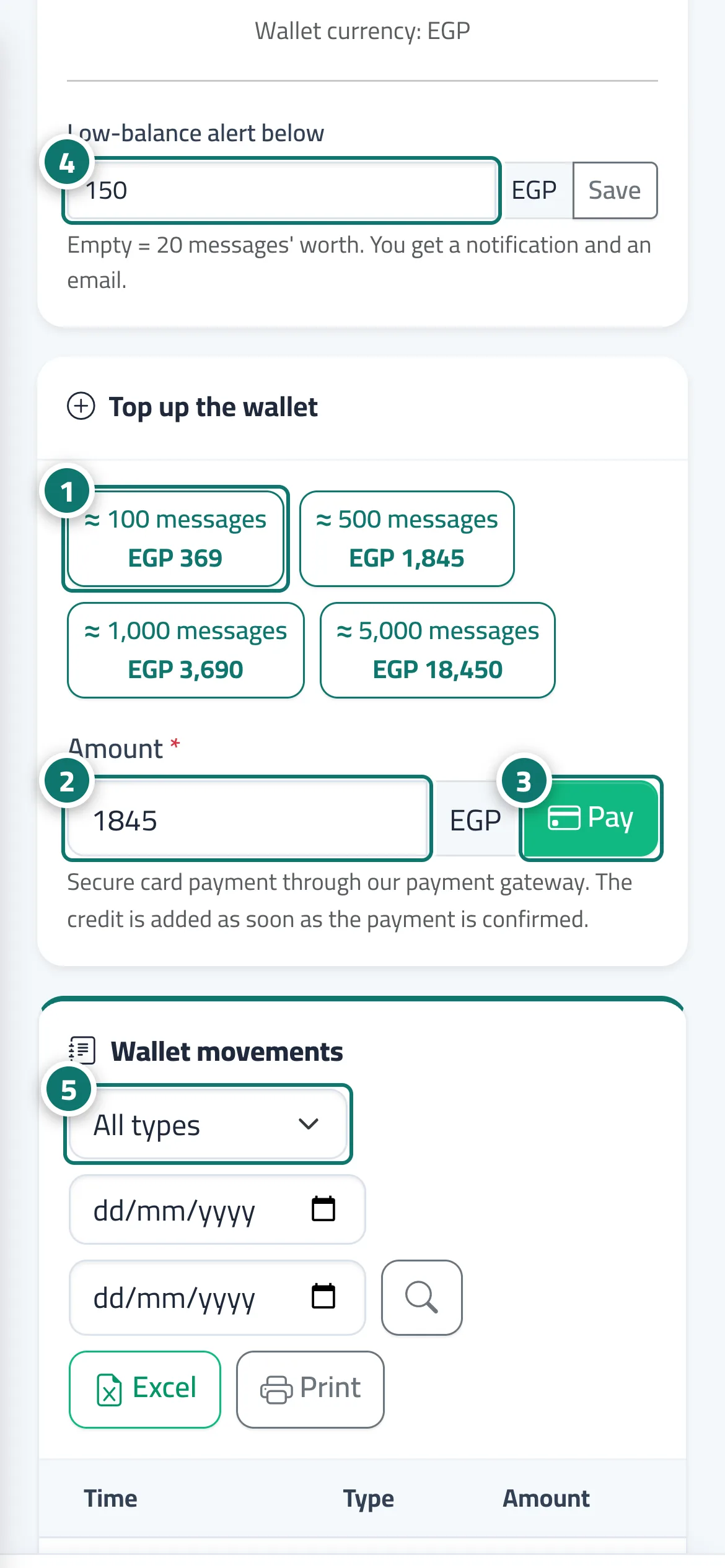
The "Wallet & top-ups screen: a Top up the wallet card with Quick amounts (and the approximate number of messages for each), an Amount field and a Pay" button (secure card payment through the payment gateway; the credit is added as soon as the payment is confirmed), Recent payments, a Low-balance alert below field, and the Wallet movements table with its types — free credit, top-up, adjustment, message, refund, campaign reserve, campaign refund — with the balance after each movement, filters by type and period, Excel and Print.
- Pour qui ?
- Business owner / manager (only they can top up)
- Où le trouver ?
- Sidebar → WhatsApp Business → Numbers & wallet → Wallet
Pas à pas#
- Pick an amount from Quick amounts.
- Or enter the amount you want in the Amount field.
- Click Pay and complete the payment; the balance appears within moments.
- Enter the Low-balance alert below threshold and click Save.
- Filter Wallet movements by type and export to Excel when needed.
Astuces#
Bon à savoir#
Questions fréquentes#
What currency is the wallet in?
Your business currency; the page shows it as the wallet currency.