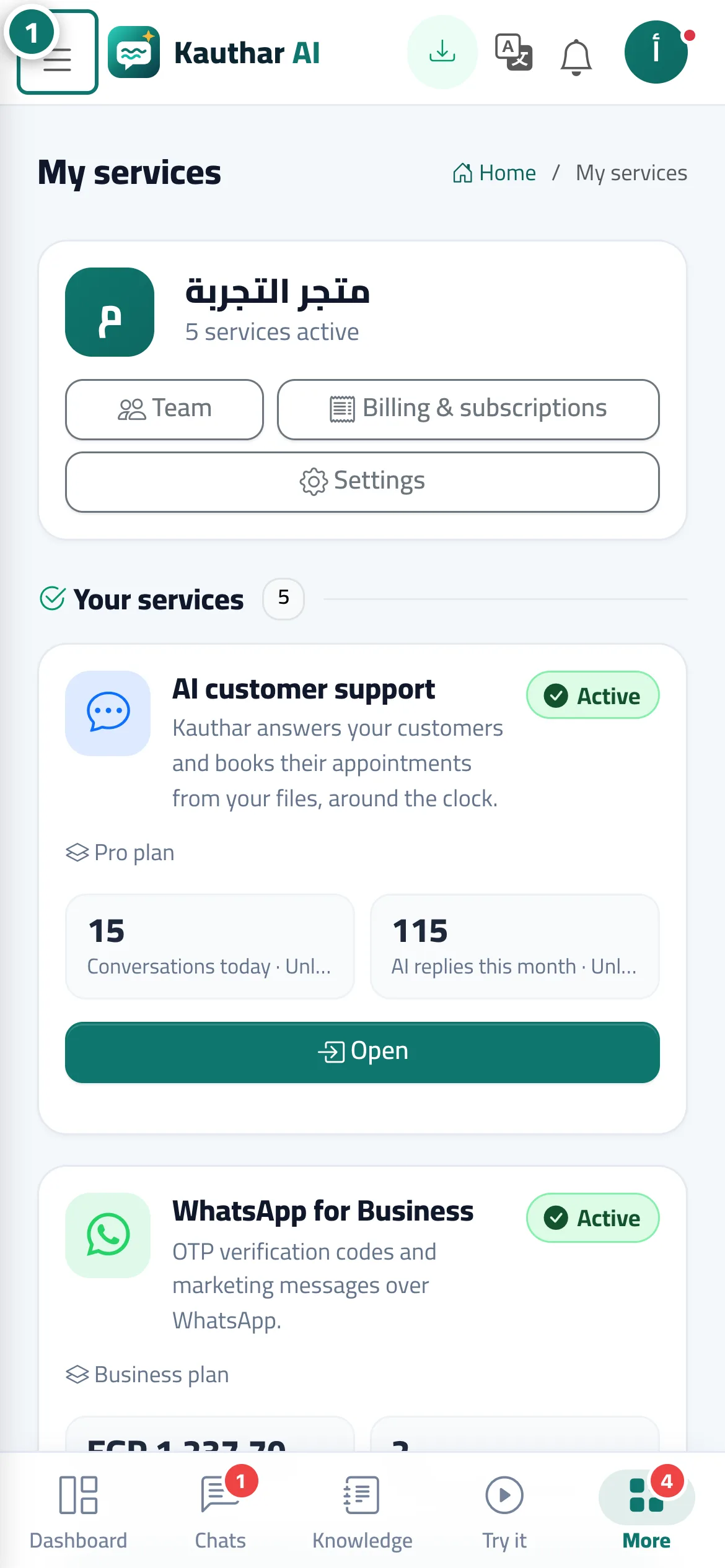
The service switcher: moving between your services
At the top of the sidebar a switcher lists your active services; choose one and the menu shows only that service's pages, and the phone's bottom bar changes with it.
Sur cette page
Vue d’ensemble#
To stay uncluttered, the sidebar shows only the current service's pages. Above them, the service switcher has a My services link, then your active services and those included in your plan, and below them the number of services available that you haven't started yet. When you pick a service, Kauthar remembers your choice, the sidebar shows that service's sections, and on the phone the bottom bar switches to that service's shortcuts. Account pages (team, settings, notifications, billing, user guide) stay visible with every service.
- Pour qui ?
- All team members
- Où le trouver ?
- Sidebar → top of the menu
Pas à pas#
- Open the sidebar (on the phone, from the menu button).
- In the service switcher at the top of the menu, click the name of the service you want to go to.
- That service's home page opens and the menu shows only its sections.