
A4 printing and Excel export for every list
Print any list on an A4 page or export it to Excel with the same filters in one tap.
Vue d’ensemble#
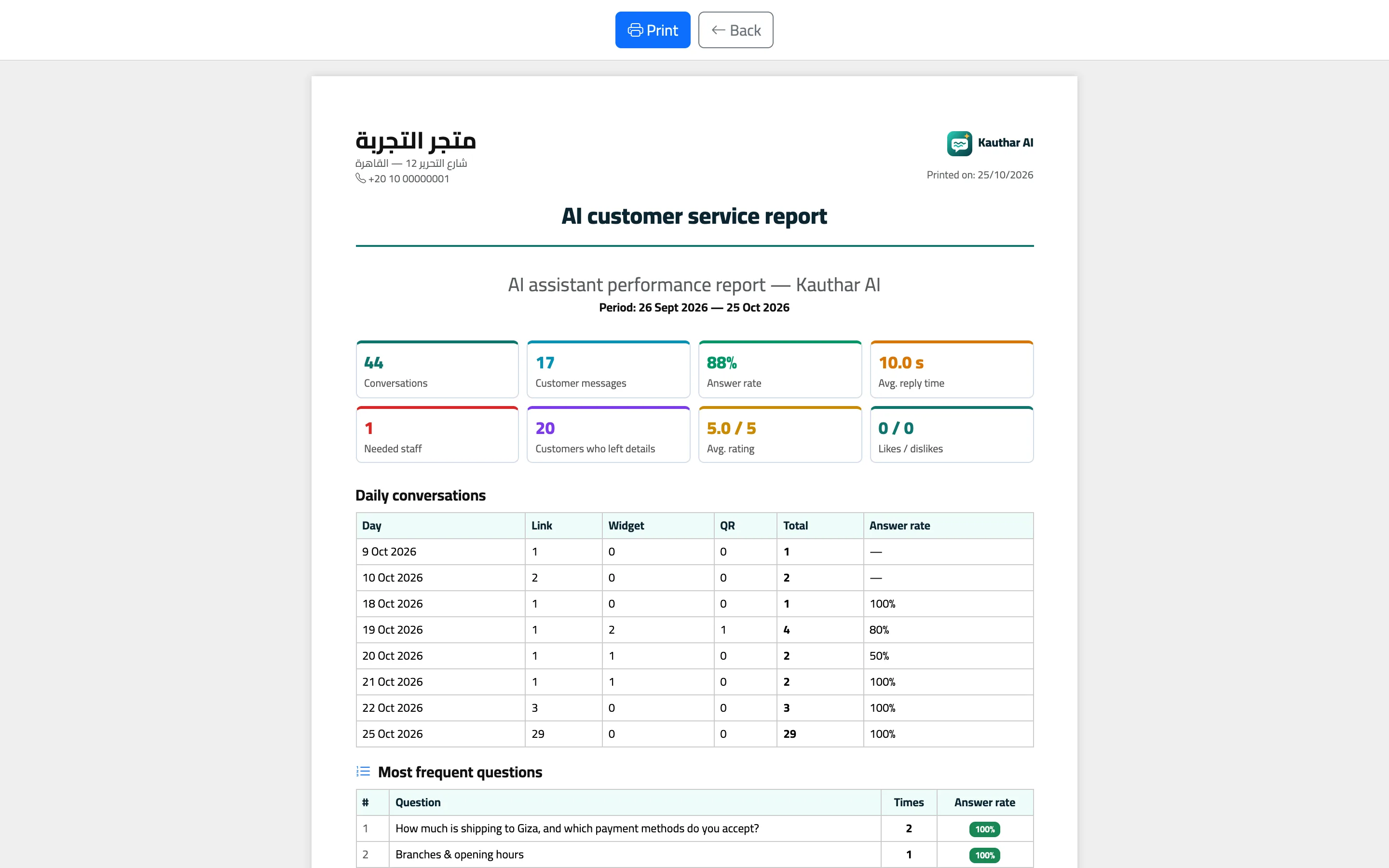
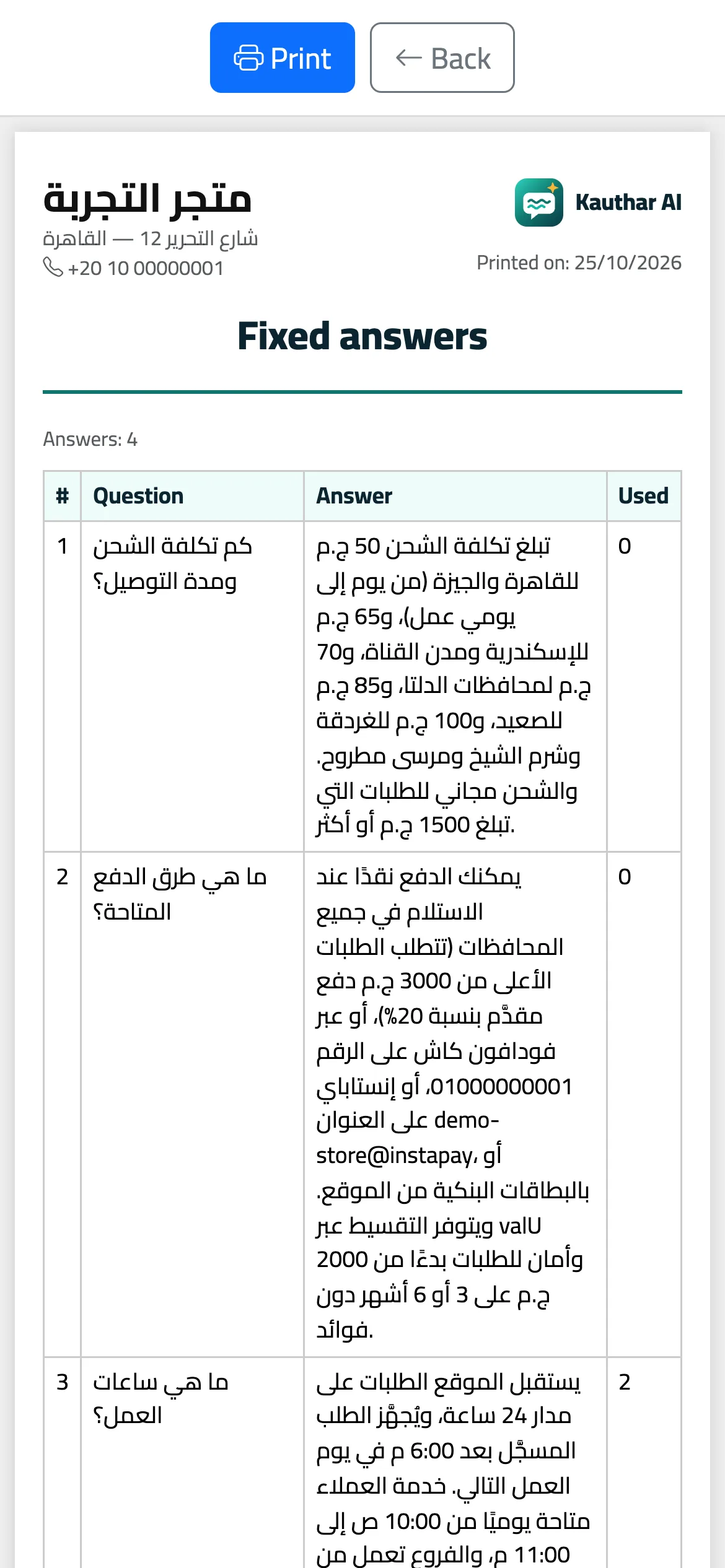
Every list has Excel and Print buttons: tickets, conversations, bookings, knowledge files, fixed answers, unanswered questions, canned responses, customer data, the team, the activity log, subscription payment history and reports. Printing produces an A4 page with a header carrying your business name, details and logo (or the Kauthar logo if you haven't uploaded one), and exports follow the current search and filters.
- Pour qui ?
- Business owner / manager / staff member
- Où le trouver ?
- Top of any list → Excel / Print
Pas à pas#
- Filter the list the way you want.
- Tap Excel to download the file, or Print to open a ready A4 page.
Astuces#
Bon à savoir#
Questions fréquentes#
Does the file open in Excel with Arabic text without problems?
Yes. The .xlsx files open with Arabic text displayed correctly.
Does it export all the data or only the current page?
It exports every result matching the current search and filters, not just the page on screen.