Connect your hosting so Kauthar fixes the site files herself
For a site built as HTML files on a hosting account (cPanel or other): connect SFTP once, and Kauthar confirms you own it and edits titles, descriptions, image alt text and structured data in the site files themselves, with a backup and undo for every change.
Sur cette page
Vue d’ensemble#
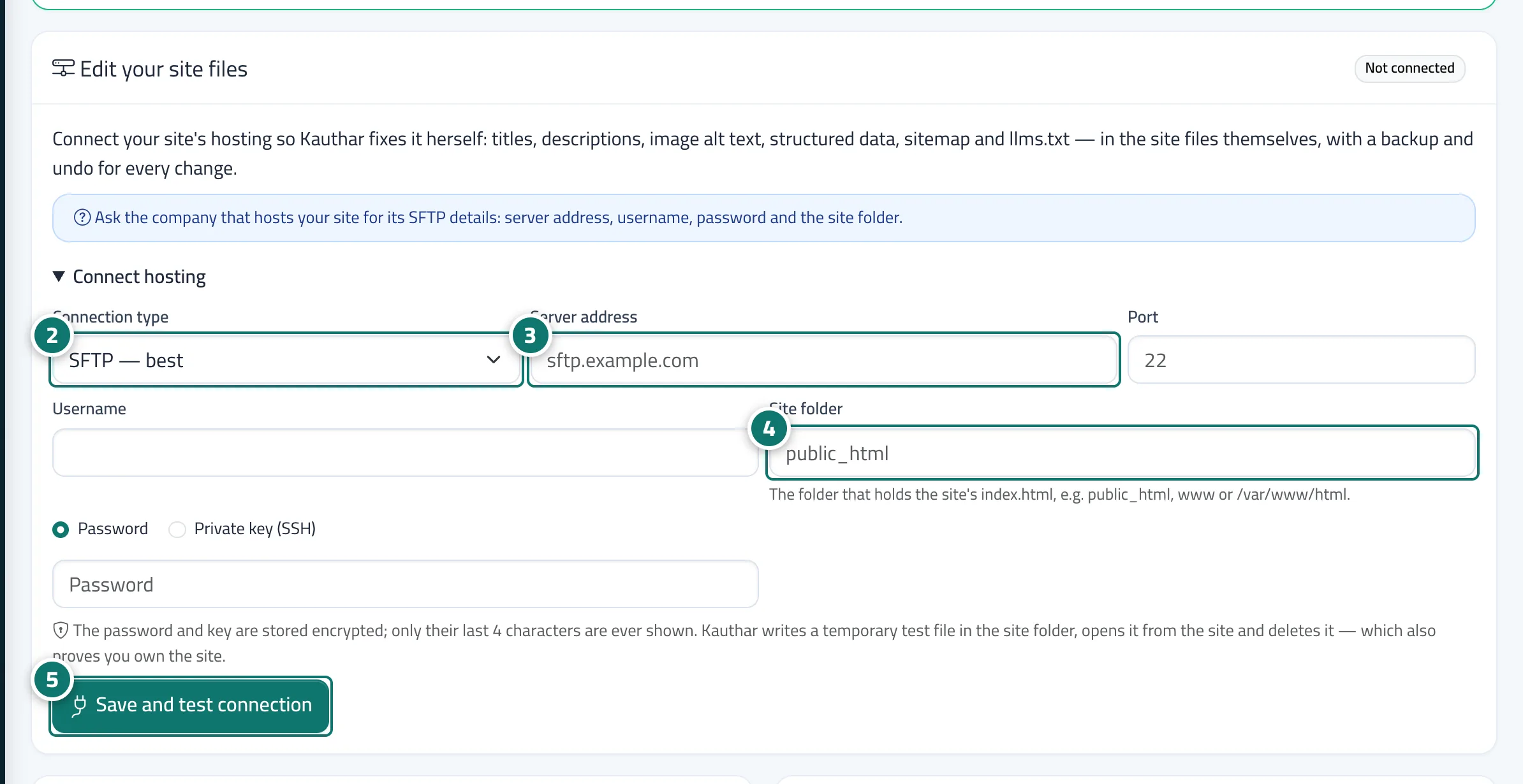
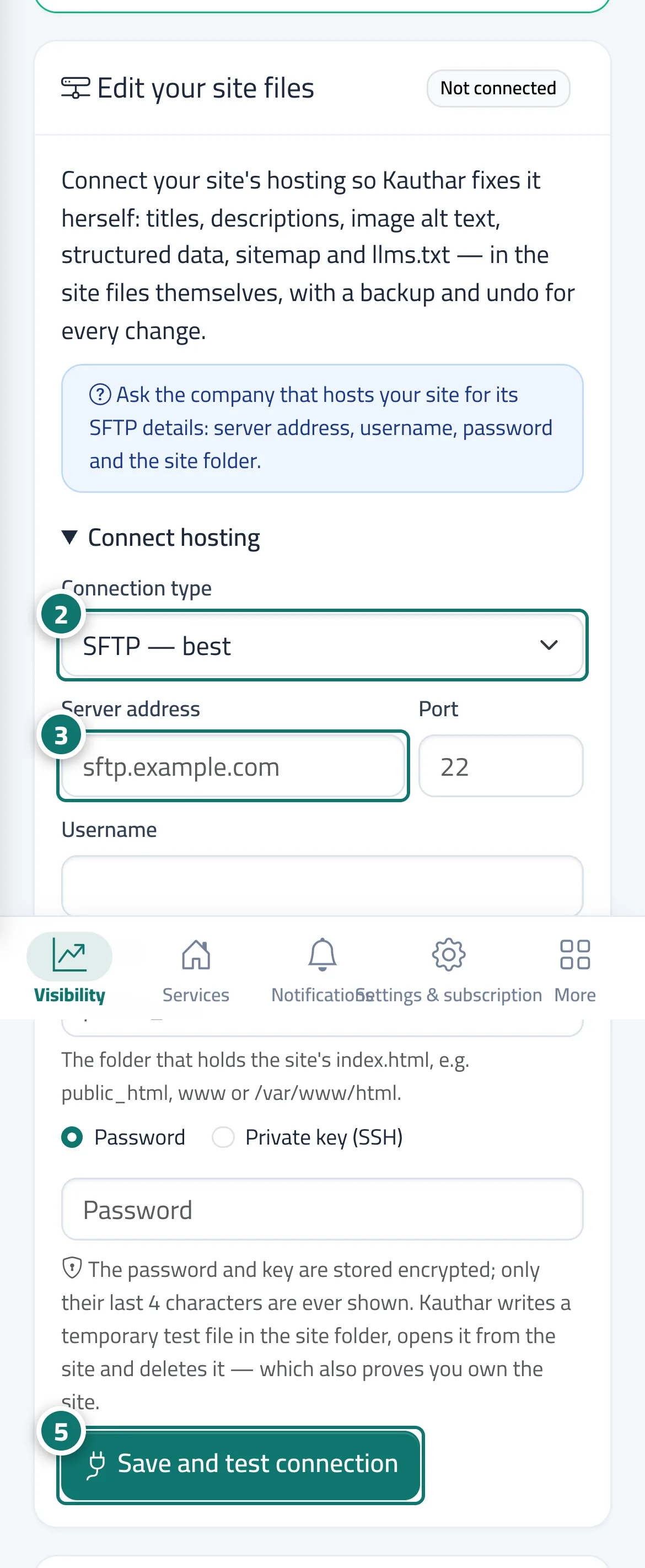
The page of a plain website has an Edit your site files card. After entering the hosting details (connection type: SFTP — the best — or encrypted FTPS, or unencrypted FTP; server address; port; username; password or SSH key; Site folder) you click Save and test connection: Kauthar writes a temporary test file in the site folder, opens it from the website and deletes it, which also proves you own the site. When the test passes, the badge Kauthar edits it herself appears: she edits static HTML pages directly, keeps a copy of every file before editing and checks the site after every change, and every change is in the Log with undo. Dynamic pages (PHP or a CMS) are not edited as files; they are listed under Pages Kauthar did not edit as files with the reason.
- Pour qui ?
- Business owner / manager
- Où le trouver ?
- Google & AI visibility → Sites → the site → the Edit your site files card
Pas à pas#
- Ask the company that hosts your site for its SFTP details: server address, username, password and site folder.
- Open the site from Sites, scroll to the Edit your site files card and choose the Connection type (SFTP is the best).
- Enter the server address, port, username and password or key.
- Enter the Site folder (the folder that holds index.html, such as public_html).
- Click Save and test connection; when it works, Kauthar edits it herself appears.