Plan limits and usage
The month's counters: AI checks, generated content, speed measurements, daily changes, and sites and questions, with a notification at 80% and 100%.
Sur cette page
Vue d’ensemble#
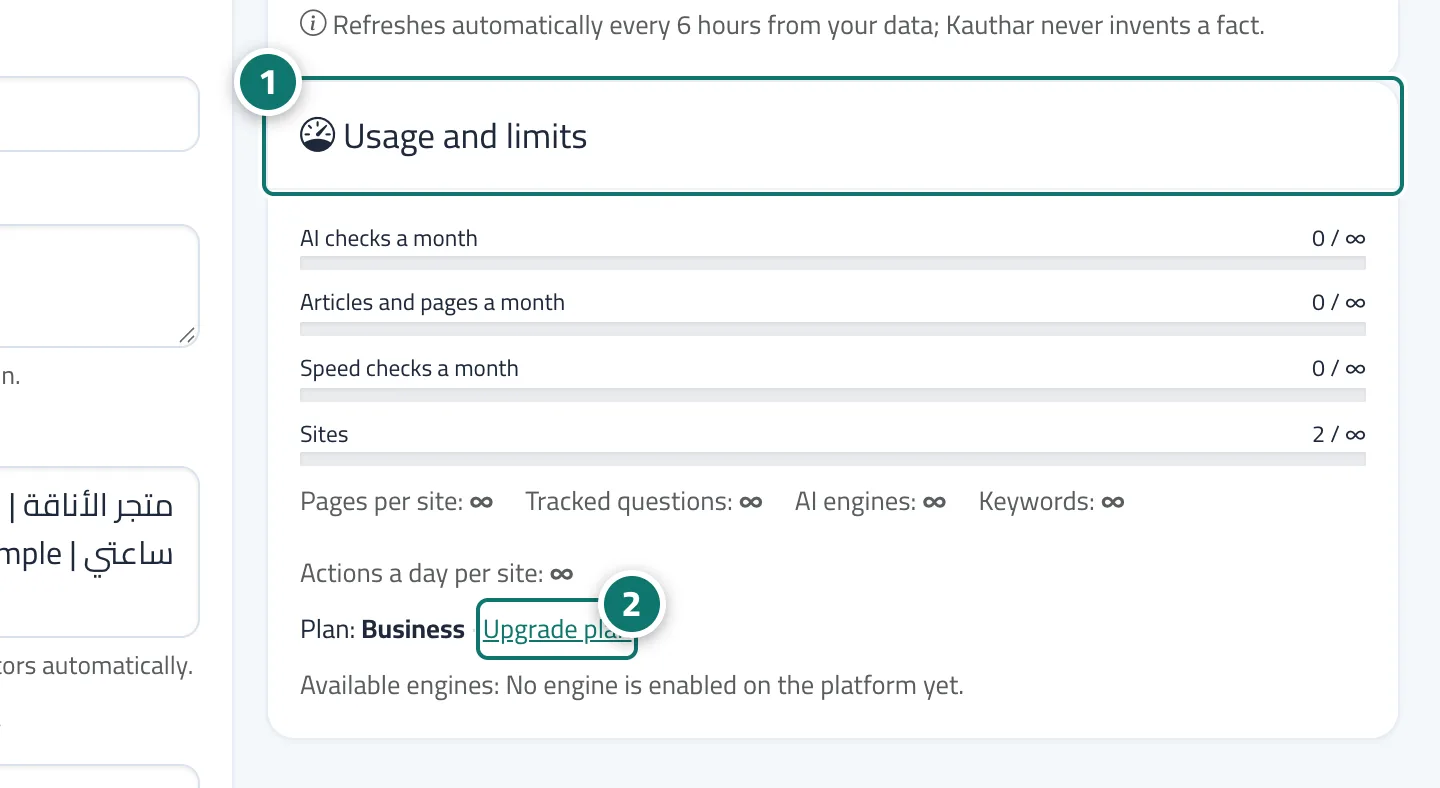
The visibility settings and the service card in My services show the month's counters for every limit of your plan: sites and pages per site, tracked questions and engines, AI checks, generated articles and pages, keywords and competitors, daily changes per site, and speed measurements. At 80% you get an alert; at 100% only the task concerned stops (for example, the AI rounds) until the start of the month or an upgrade, and a notification explains which task stopped and why.
- Pour qui ?
- Business owner / manager
- Où le trouver ?
- Sidebar → Google & AI visibility → Settings → usage
Pas à pas#
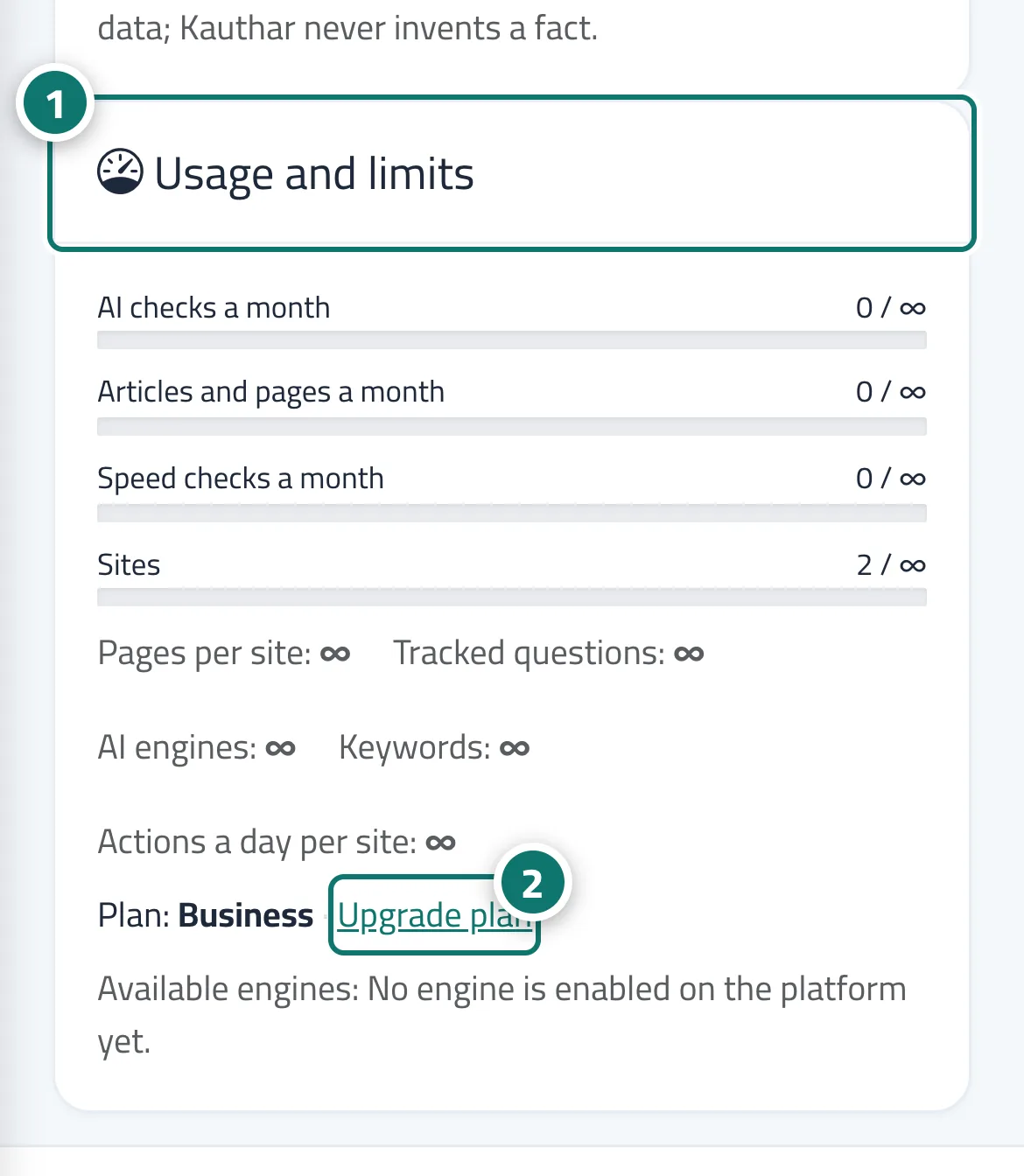
- Open Settings and look at the Usage and limits card (what's used of each limit, with your current plan and its end date).
- To upgrade, click Upgrade plan on the same card, or open the service subscription from the service card in My services or from the notification.