
Signing in with Google
Sign in to Kauthar with one tap using the Google account linked to your account, and use it to recover your account if the code message doesn't arrive.
Vue d’ensemble#
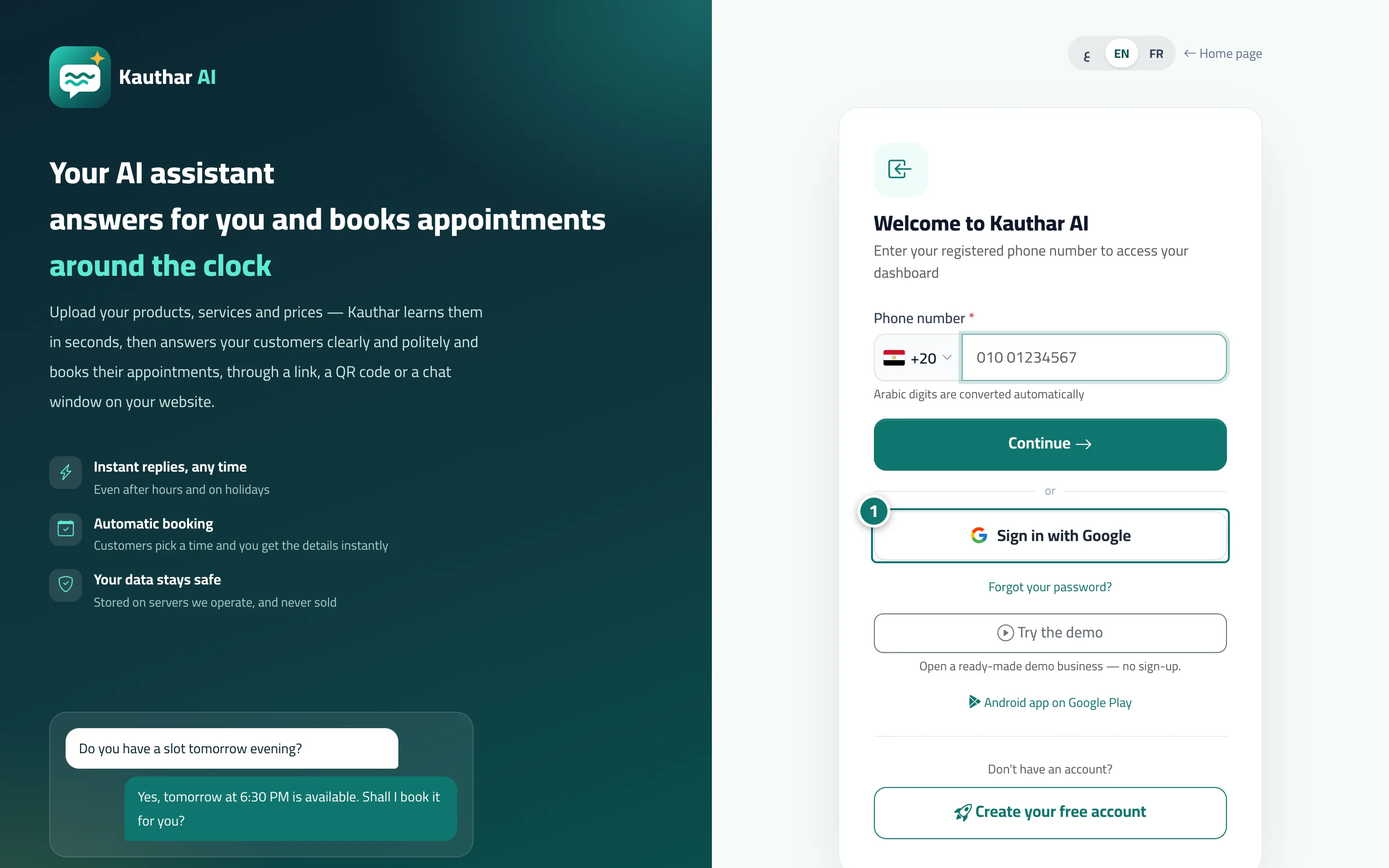
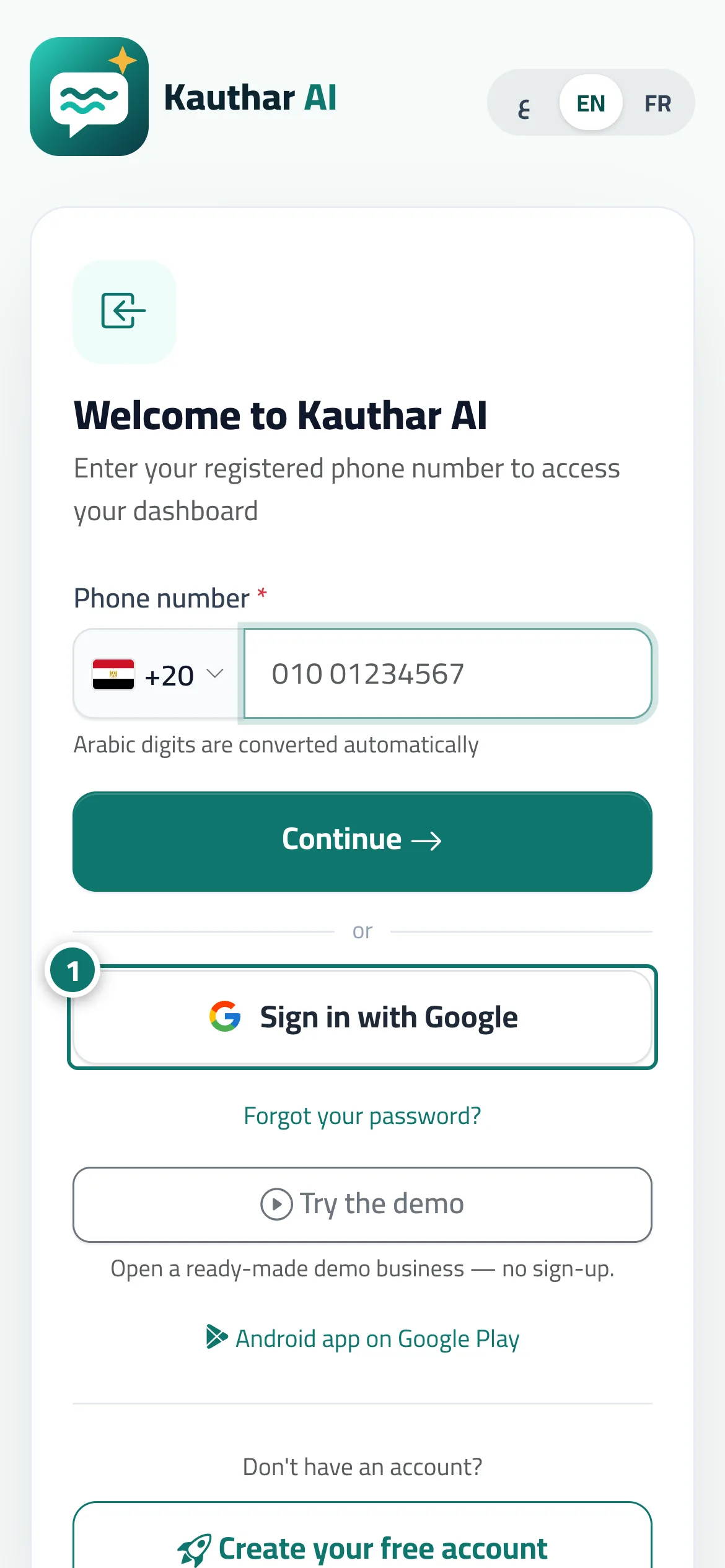
The sign-in page has a Sign in with Google button under Continue. It works for anyone who has linked a Google account to their Kauthar account: you choose your account in the Google window and you're signed in straight away, without a password. Linking is done once from My account → the Sign in with Google card → Link Google account; the linked email then appears with an Unlink button. On the sign-up page, if the verification code can't be delivered by WhatsApp or text message, a Continue with Google button appears: you finish signing up with it and enter your phone number (required), then confirm the number later from the dashboard through the Confirm your mobile number banner. The button also appears on the Forgot your password? page for accounts linked to Google.
- Pour qui ?
- Every team member
- Où le trouver ?
- Sign-in page → Sign in with Google · linking: your name menu → My account → the Sign in with Google card
Pas à pas#
- On the sign-in page, tap Sign in with Google.
- Choose the Google account linked to your account in the window that appears; you go straight to the dashboard.
- If the account isn't linked, you'll see No account is linked to this Google account: sign in with your number and password, then link it from My account → Link Google account.
Astuces#
Bon à savoir#
Questions fréquentes#
Does Kauthar see my Google password?
No. You sign in on Google's own page, and we only receive the account's identity, email and name.
How do I unlink it?
From My account → the Sign in with Google card → Unlink; after that you sign in with your number and password only.