
Advanced ticket filters and search
Find any ticket in seconds by filtering on status, priority, type, channel, department, agent, tag and date.
Vue d’ensemble#
The Filter button on the Tickets screen opens a full filter bar where you can combine several conditions, and the search box looks inside the message text itself. The filter is kept in the page link, so you can send it to a colleague who will see exactly the same results; Excel export and printing follow the same filter.
- Pour qui ?
- Business owner / manager / agent
- Où le trouver ?
- Sidebar → Support desk → Tickets → Filter
Pas à pas#
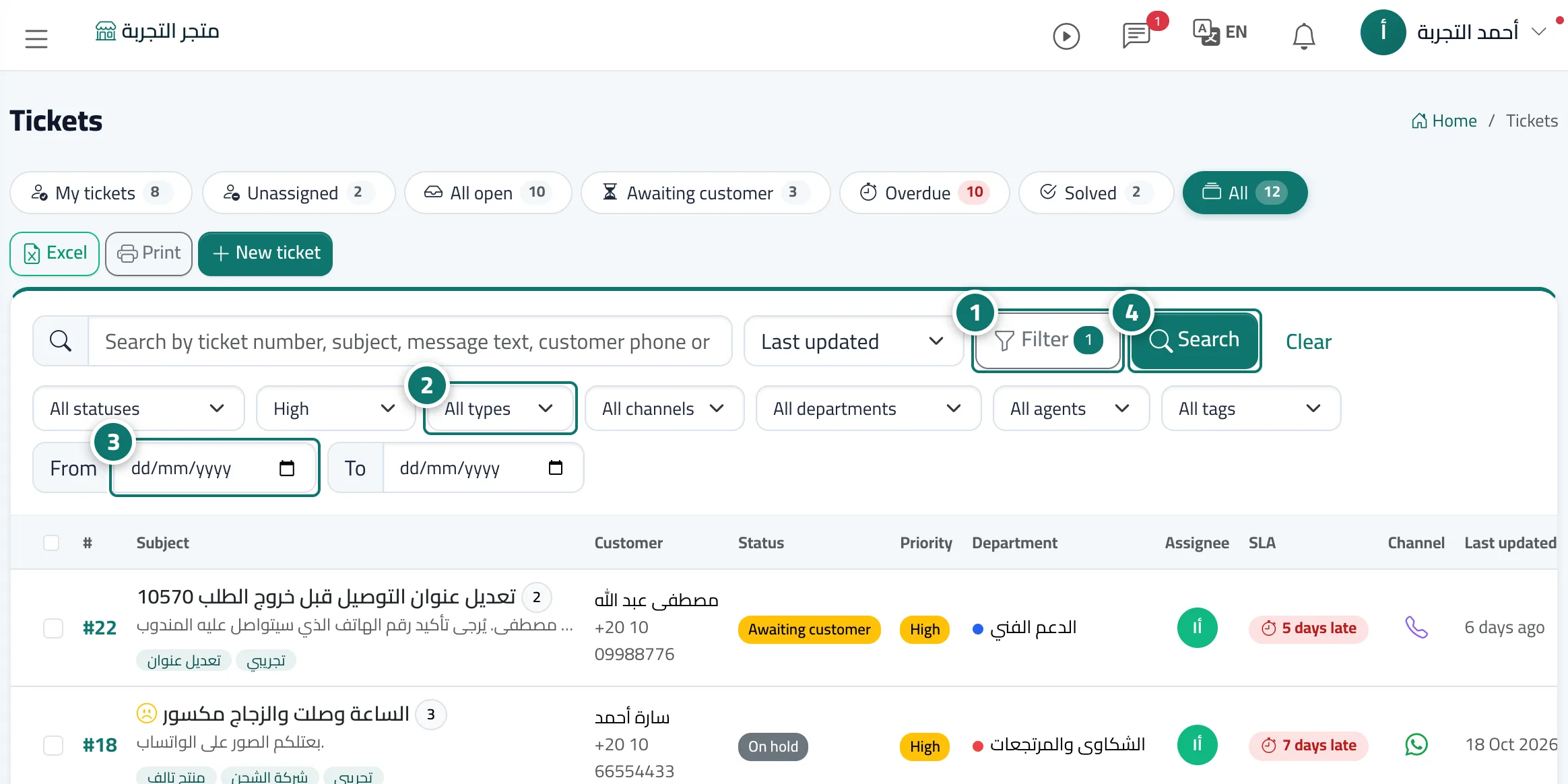
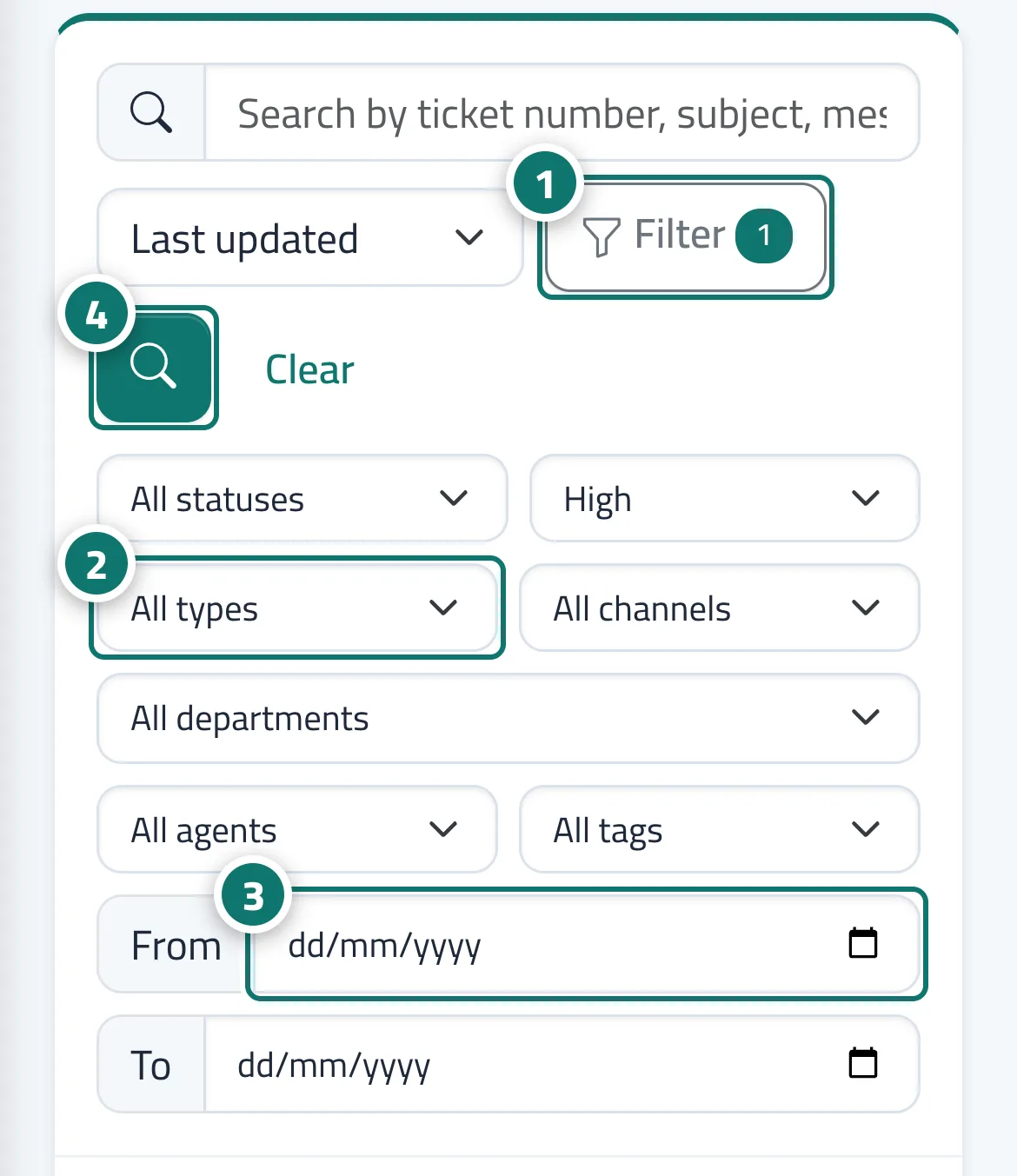
- On the Tickets screen, press Filter.
- Choose from the lists: All statuses · All priorities · All types (question, problem, request, complaint) · All channels (chat, website form, email, agent, WhatsApp, Facebook, phone) · All departments (or No department) · All agents (or Me or Unassigned) · All tags.
- Set the period with the From and To fields.
- Press Search. The Filter button shows how many conditions are active, and Clear resets everything to the default.
Astuces#
Bon à savoir#
Questions fréquentes#
How do I show only last week's complaints?
Press Filter, choose the type Complaint, set the first day of the week in From and the last in To, then press Search.
Can I export the filtered results to Excel?
Yes. The Excel and Print buttons above the list export exactly the filtered tickets.
Can I search with Arabic numerals?
Yes. Arabic numerals typed into the search box are converted to Western digits automatically, so you find the ticket or phone number however you typed it.