Connect Zapier and Make
Connect Kauthar AI events to thousands of apps with Zapier or Make — today with a webhook address, soon with the official Kauthar AI app.
On this page
Overview#
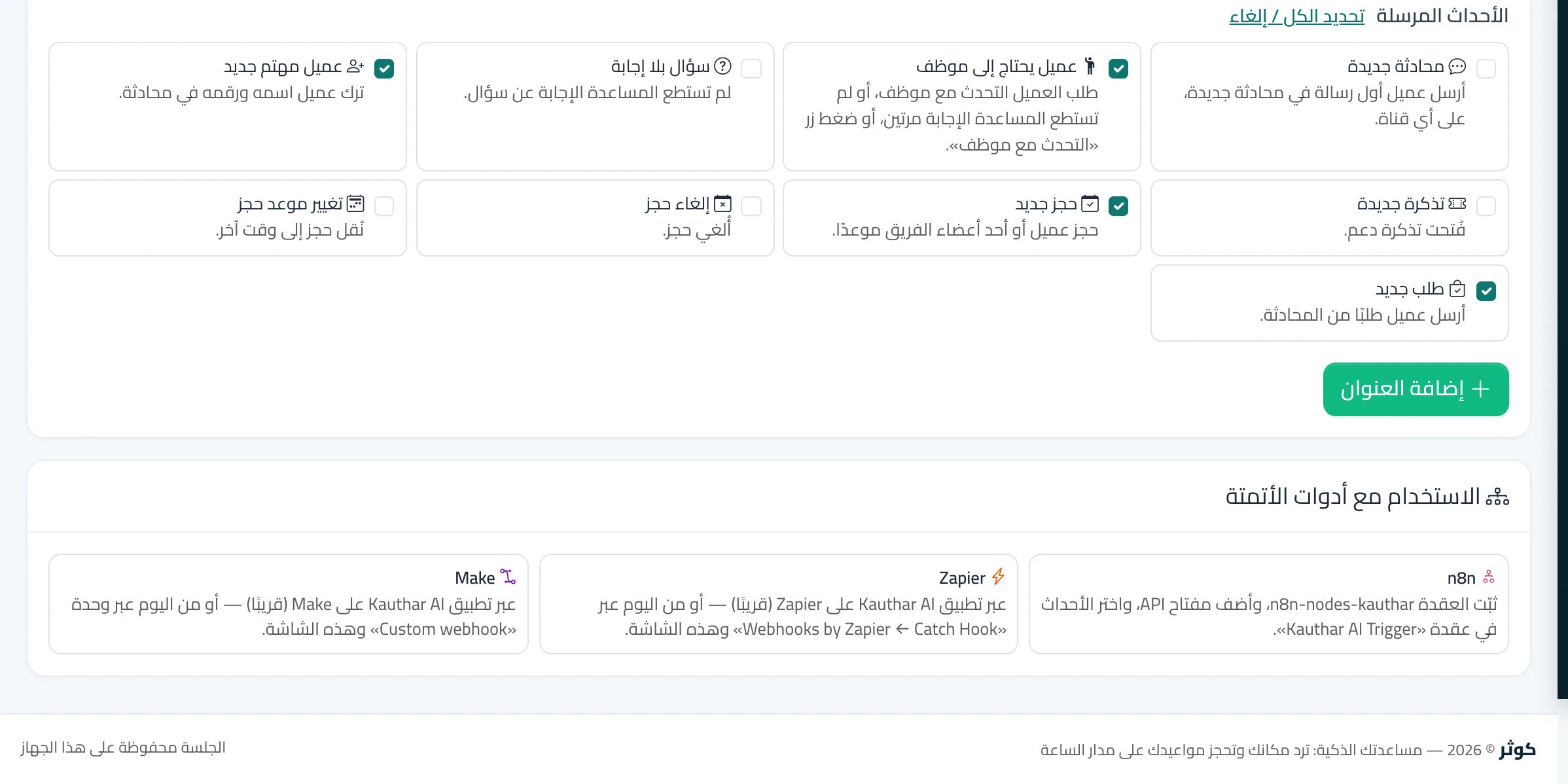
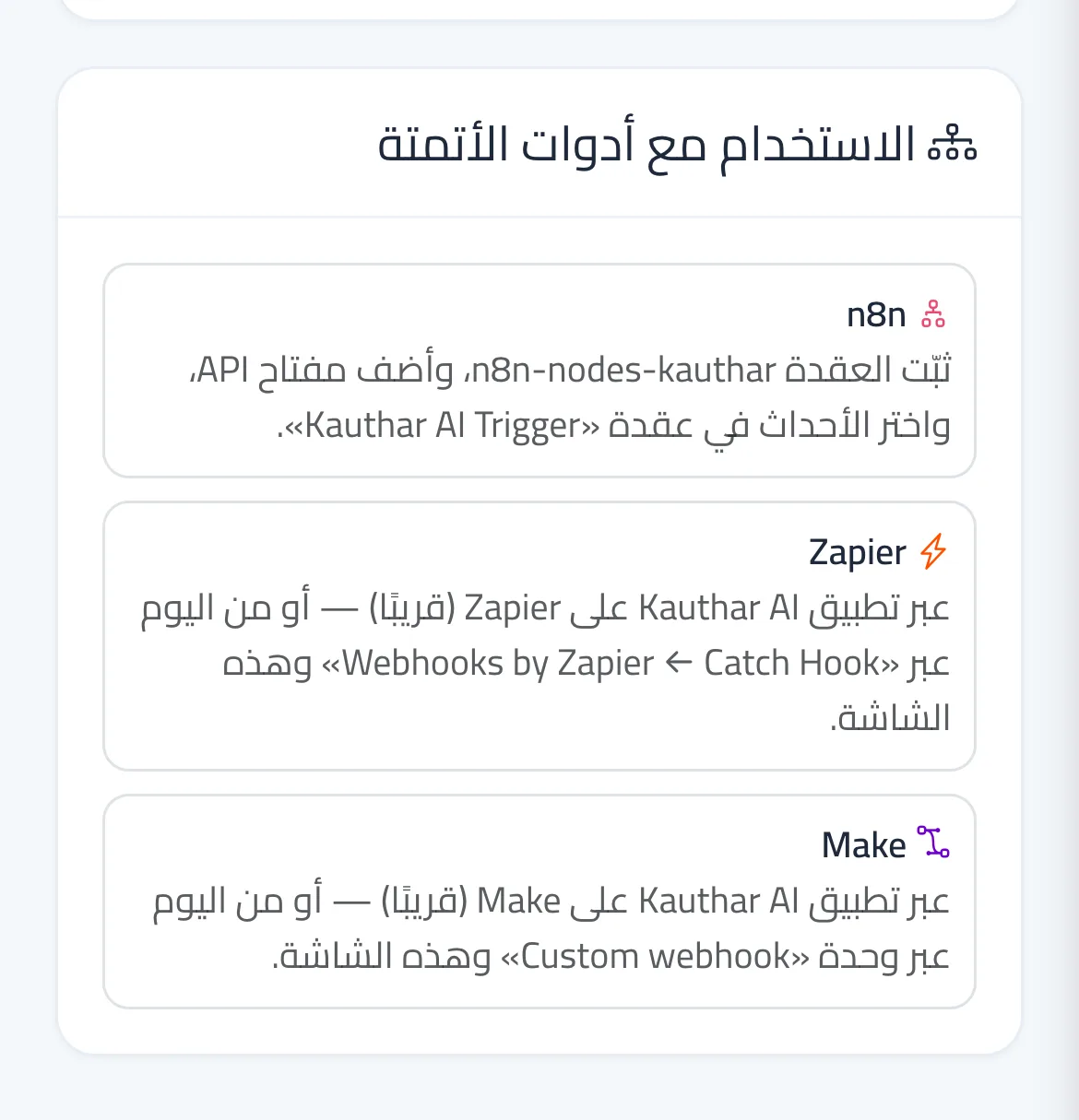
Zapier and Make receive Kauthar AI events at a webhook address. Today: in Zapier create a Zap that starts with Webhooks by Zapier → Catch Hook; in Make a scenario that starts with a Custom webhook module; copy the address it gives you into Add an endpoint on the Webhooks screen and choose the events. The official Kauthar AI apps for Zapier and Make are ready and waiting for their directory listings: then you only paste an API key and choose the event, and the endpoint is added and removed automatically.
- Who can use it
- Business owner / admin
- Where to find it
- Side menu → Channels and customers → Webhooks
Step by step#
- In Zapier or Make create a Webhook start step and copy the address it shows.
- In Kauthar AI open Webhooks, paste the address in Add an endpoint, choose the events and press Add endpoint.
- Press Send test event so Zapier or Make learns the data shape, then finish the next steps in the tool.