Connect n8n
Start any n8n workflow from Kauthar AI events with the «Kauthar AI Trigger» node: it adds and removes its own endpoint and checks the signature for you.
On this page
Overview#
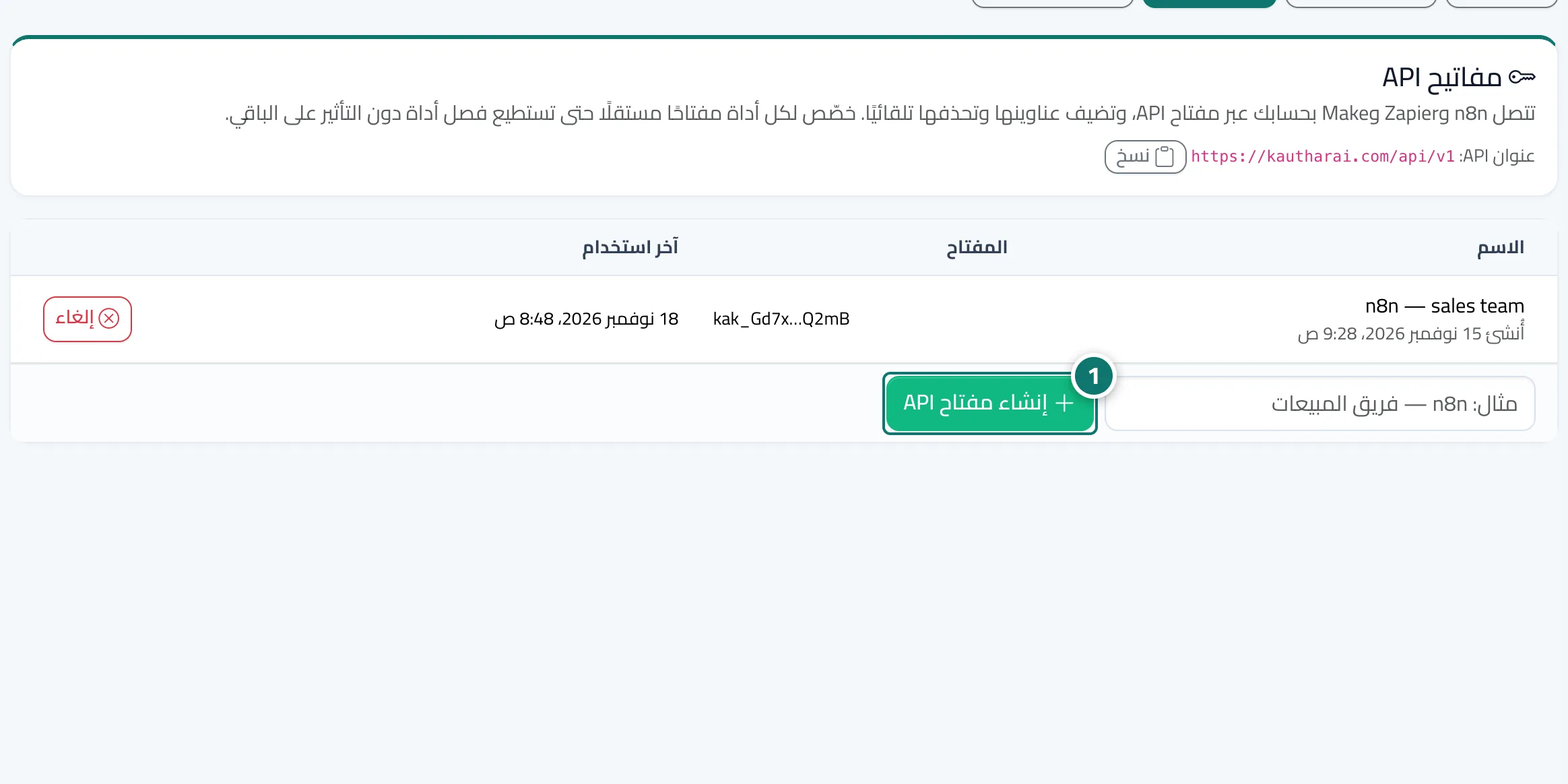
The n8n-nodes-kauthar package adds a Kauthar AI Trigger node to n8n. All it needs is an API key from the API keys tab of the Webhooks screen. When you activate the workflow the node adds its endpoint to your account (shown in Endpoints with an n8n label), checks the signature of every request, and removes the endpoint when you deactivate the workflow. Choose one or more events or All events, and the output Full or Simplified (customer, booking and order fields at the top level). Ready recipes: log leads in Google Sheets, alert Slack when a customer needs a person, create a HubSpot contact.
- Who can use it
- Business owner / admin / developer
- Where to find it
- Webhooks → API keys
Step by step#
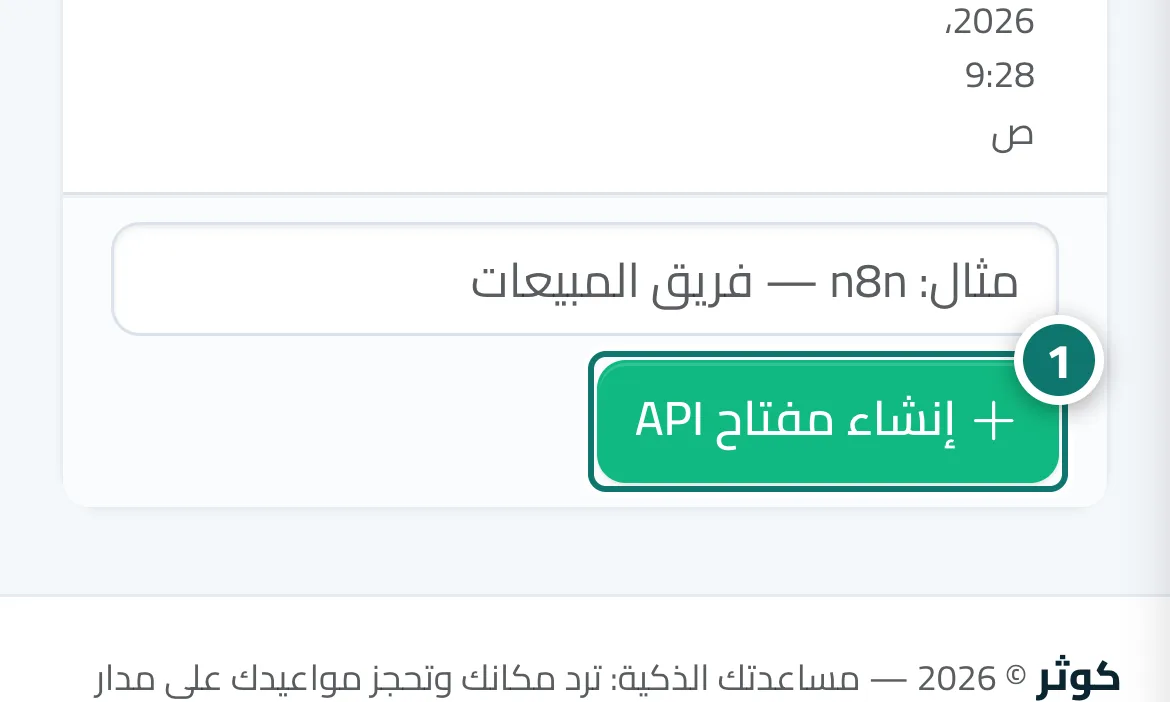
- Open Webhooks, then the API keys tab, type a name such as n8n and press Create API key.
- Copy the key (it starts with kak_) — it is shown only once.
- In n8n install n8n-nodes-kauthar from Settings → Community nodes, add a Kauthar AI Trigger node and create the Kauthar AI API credential with the key.
- Choose the events and activate the workflow — the n8n endpoint appears in the Webhooks screen.