
Connect ClickUp
Connect your ClickUp workspace: a task is created automatically for every ticket, complaint, lead, unanswered question, booking or order, and when your team closes the task in ClickUp the ticket is closed in Kauthar AI.
Overview#
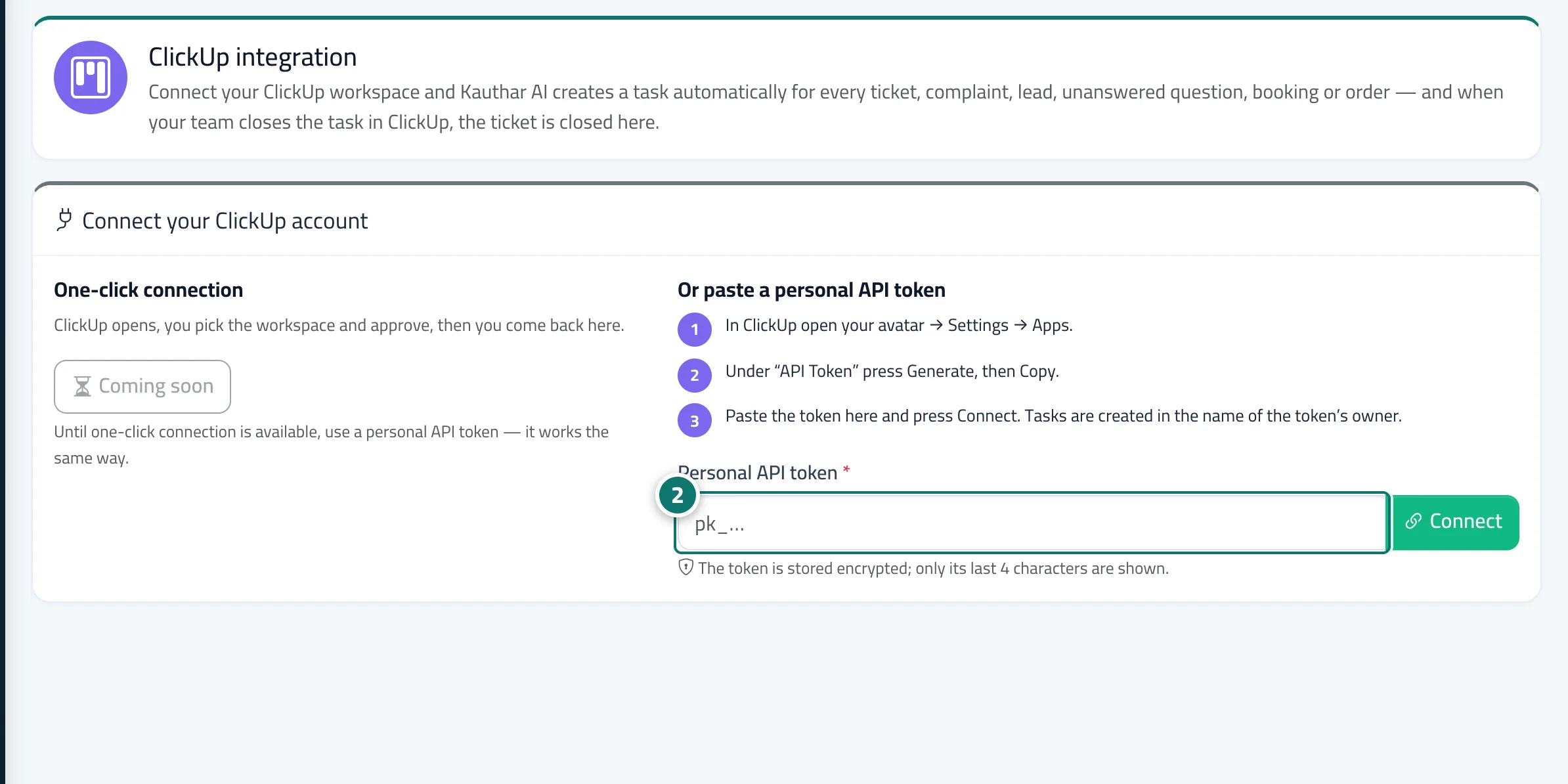
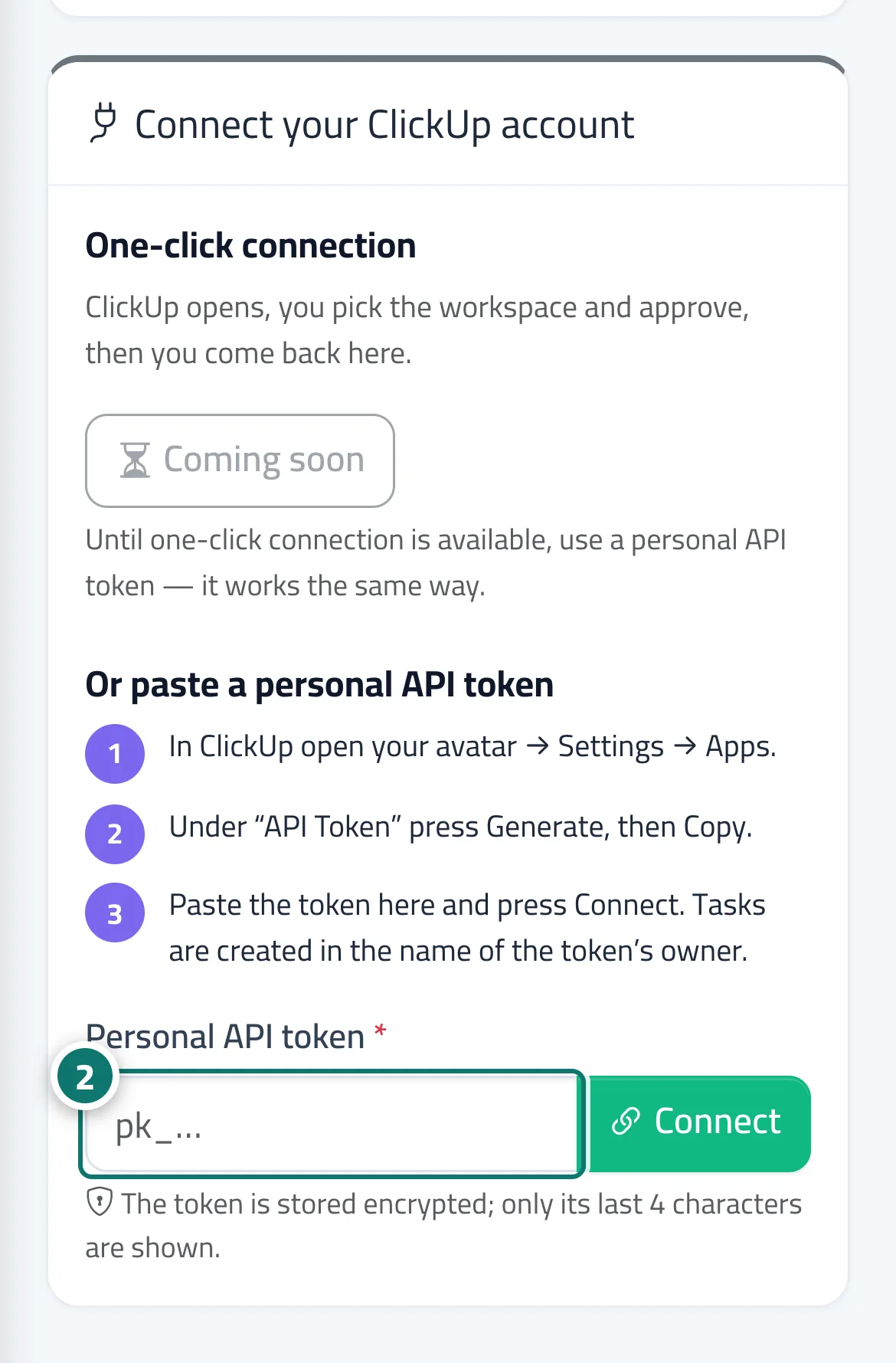
The ClickUp integration screen links Kauthar AI to your ClickUp workspace both ways. Connect with the Connect with ClickUp button (when available) or paste a personal API token starting with pk_ from ClickUp → Settings → Apps; the token is stored encrypted and only its last 4 characters are shown. After connecting you choose the workspace, then under What is sent, and where you turn on any of the six types: new ticket or request for a person, complaints, leads, unanswered questions, new bookings and new orders — for each you pick the space and list, and optionally an assignee and a priority. Every task carries the customer's name and number, the channel, a summary, a link back to the ticket or conversation in Kauthar AI and the tag kauthar, and the same ticket, booking or order never gets two tasks. When the task becomes closed or done in ClickUp, the linked ticket is closed automatically, and with Tell the customer on, the customer gets the ready reply Problem solved. The bottom of the screen lists the latest tasks sent; the full log shows each task's status, its ClickUp link, the reason for any error and a Retry button, with print and Excel.
- Who can use it
- Business owner / manager (with the ClickUp permission)
- Where to find it
- Sidebar → Channels & customers → ClickUp
Step by step#
- Open ClickUp in the sidebar.
- Press Connect with ClickUp, or copy your personal API token from ClickUp, paste it into the field and press Connect.
- Choose the workspace if your account has more than one.
- Under What is sent, and where, turn on the types you want, pick the space and list for each, then press Save.
- Press Send a test task and check that it appears in your ClickUp list.
Tips#
Good to know#
Frequently asked questions#
What happens if I disconnect?
Sending stops, the token and the ClickUp webhook are deleted, and the log is kept. You can connect again any time.