Recipe: a HubSpot contact for every lead
Every new lead in Kauthar AI becomes a HubSpot contact with the name, phone and where they reached you.
On this page
Overview#
A ready n8n recipe (kauthar-leads-to-hubspot.json): Kauthar AI Trigger on New lead, then HTTP Request to the HubSpot CRM (POST /crm/v3/objects/contacts) with a HubSpot App Token credential, creating a contact with first name, last name and phone, plus Kauthar AI and the channel in the notes field.
- Who can use it
- Business owner / admin
- Where to find it
- Webhooks → n8n
Step by step#
- In HubSpot create a Private App with the crm.objects.contacts.write scope and copy its token.
- In n8n import the recipe, pick Kauthar AI API in the start node and create a HubSpot App Token credential with the token in the HTTP Request node.
- Activate the workflow and send a test event from the Webhooks screen.
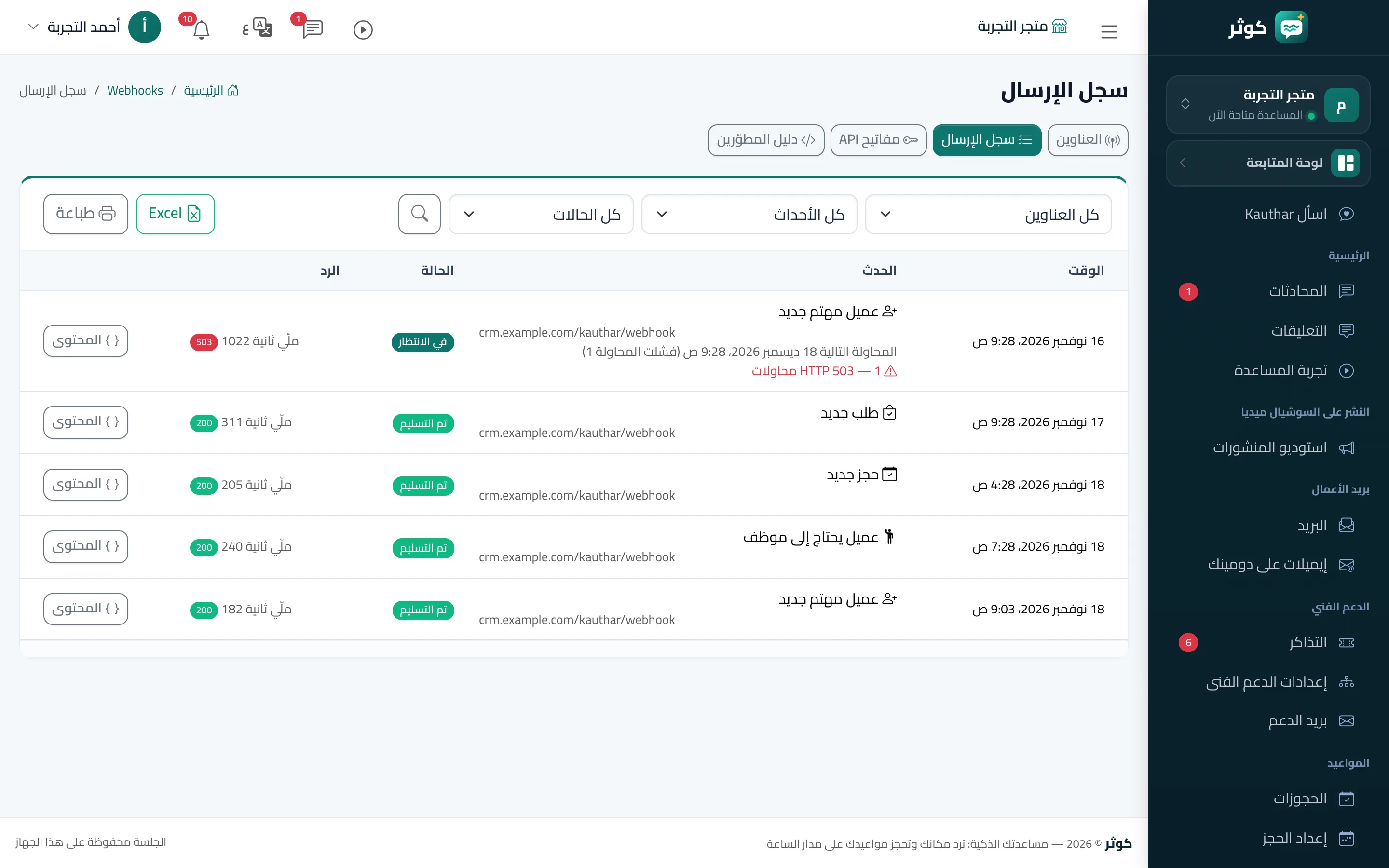
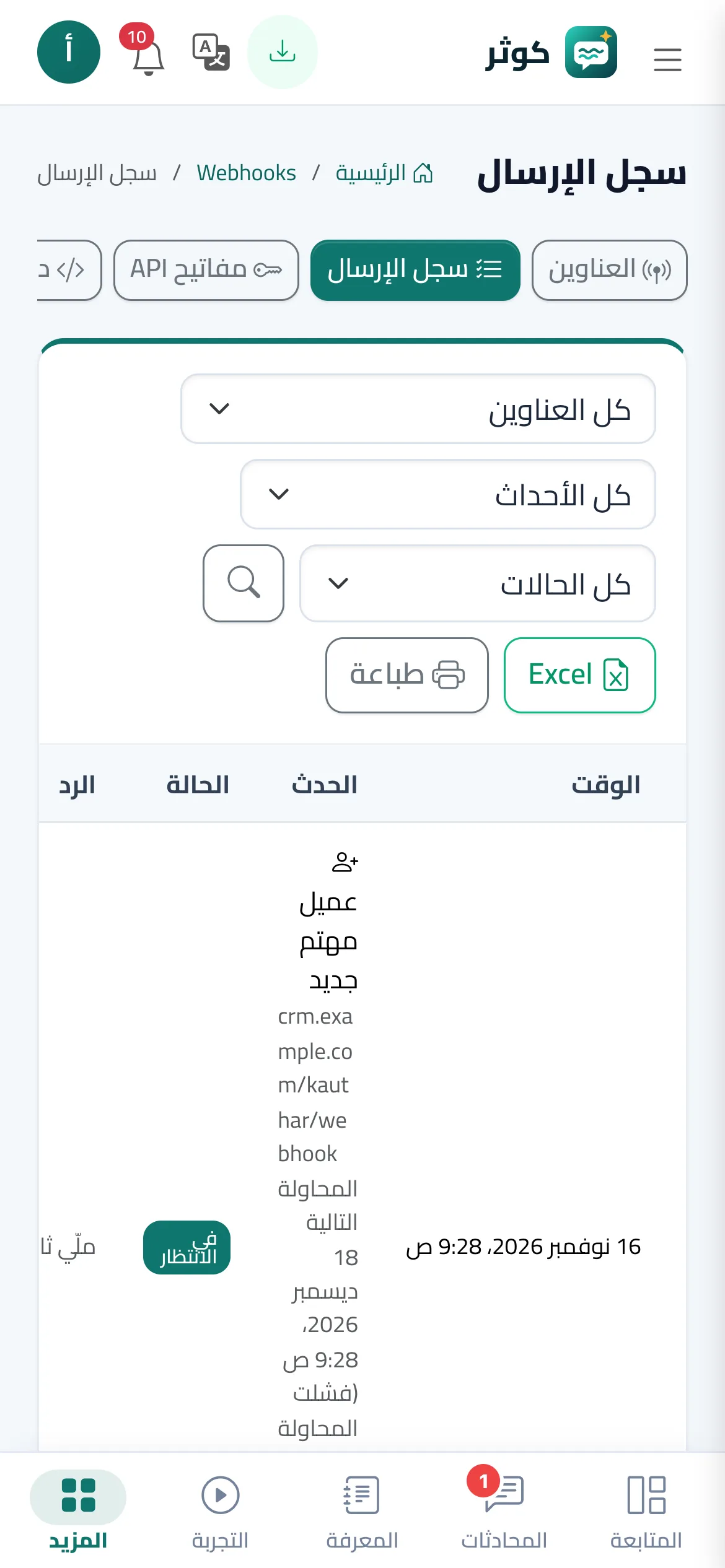
- Open the delivery log in Kauthar AI, check the answer is 200, then find the contact in HubSpot.