
Getting started · Checking that you're a real person
Why does “One moment, checking you're a real person…” appear when I sign in?
The sign-in and sign-up pages are protected from bots by an automatic check that runs in the background in a moment, usually without pictures or puzzles.
Who this is for: Owner & manager · Team members
Where: The sign-in, sign-up and “Forgot your password?” pages
Steps
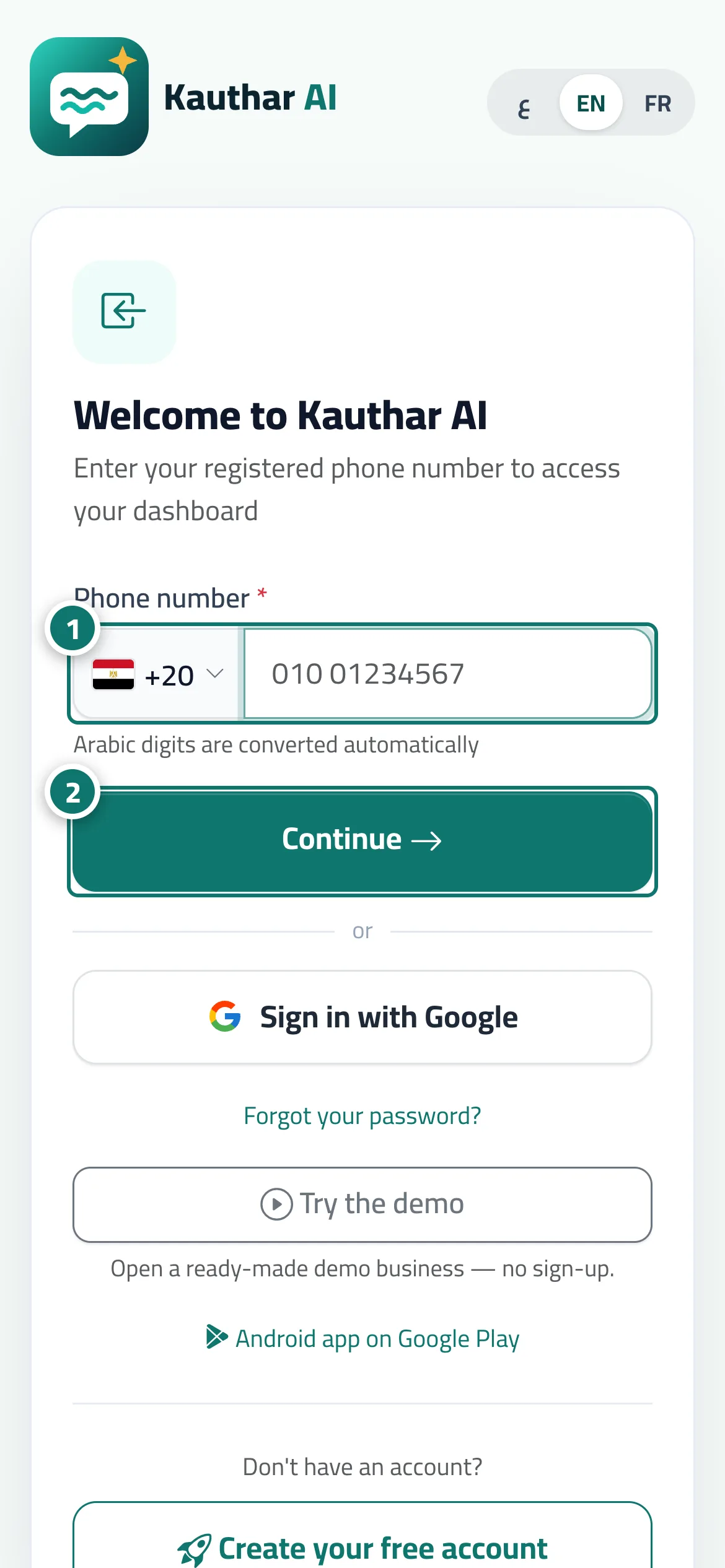
- Choose your country and type your phone number as usual. Number 1 on the picture
- Tap “Continue”; if “One moment, checking you're a real person…” appears, wait a second without tapping again, and the request continues automatically. Number 2 on the picture
Steps
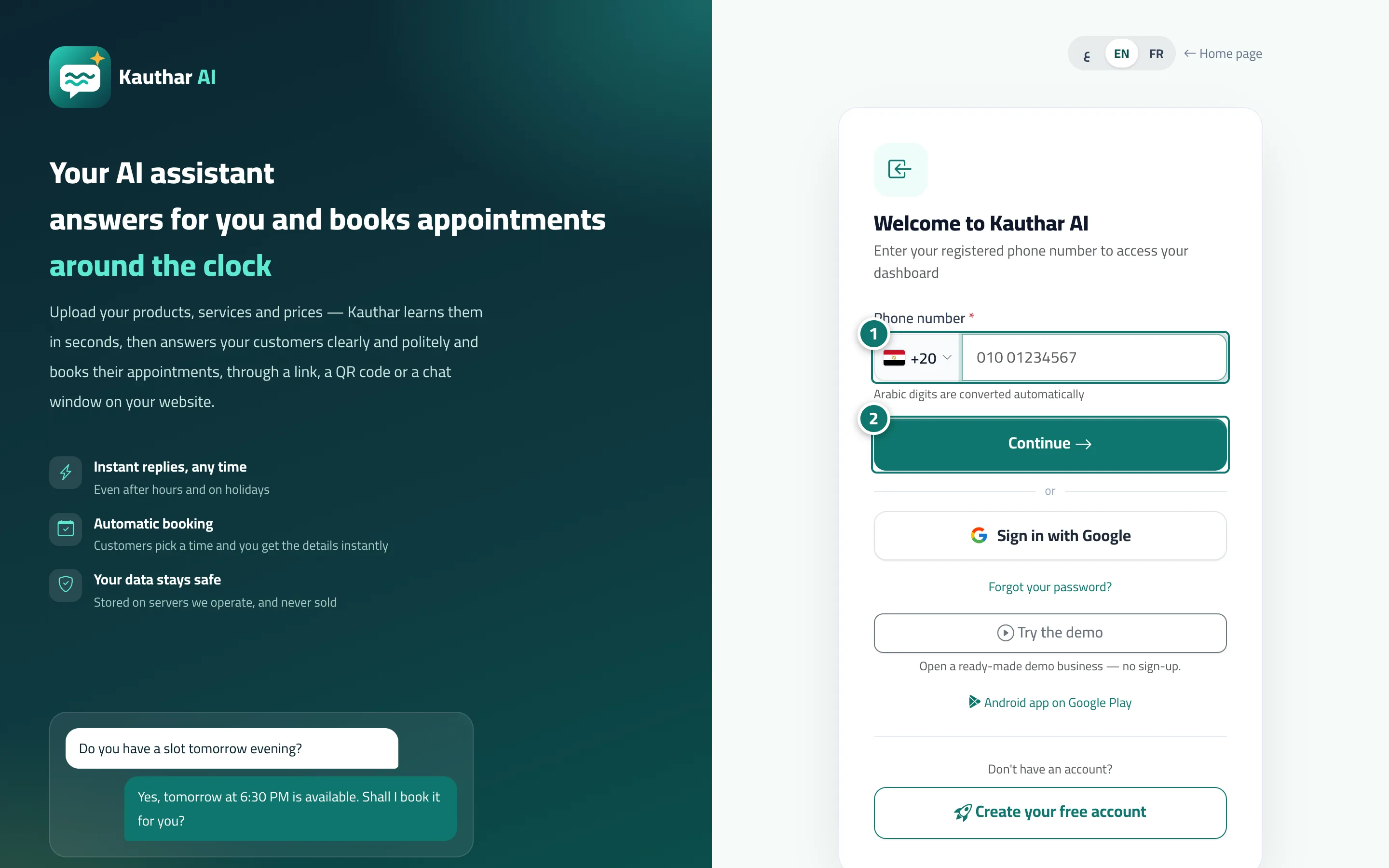
- Choose your country and type your phone number as usual. Number 1 on the picture
- Tap “Continue”; if “One moment, checking you're a real person…” appears, wait a second without tapping again, and the request continues automatically. Number 2 on the picture