
Getting started · Creating a free account with your phone number
How do I create a new Kauthar account?
A free account in 3 steps: phone number with country code → verification code on WhatsApp or by SMS → your details. Then you choose the services you need from “My services”.
Who this is for: Owner & manager
Where: Kauthar website → “Start free”, or the sign-in page → “Create your free account”
Steps
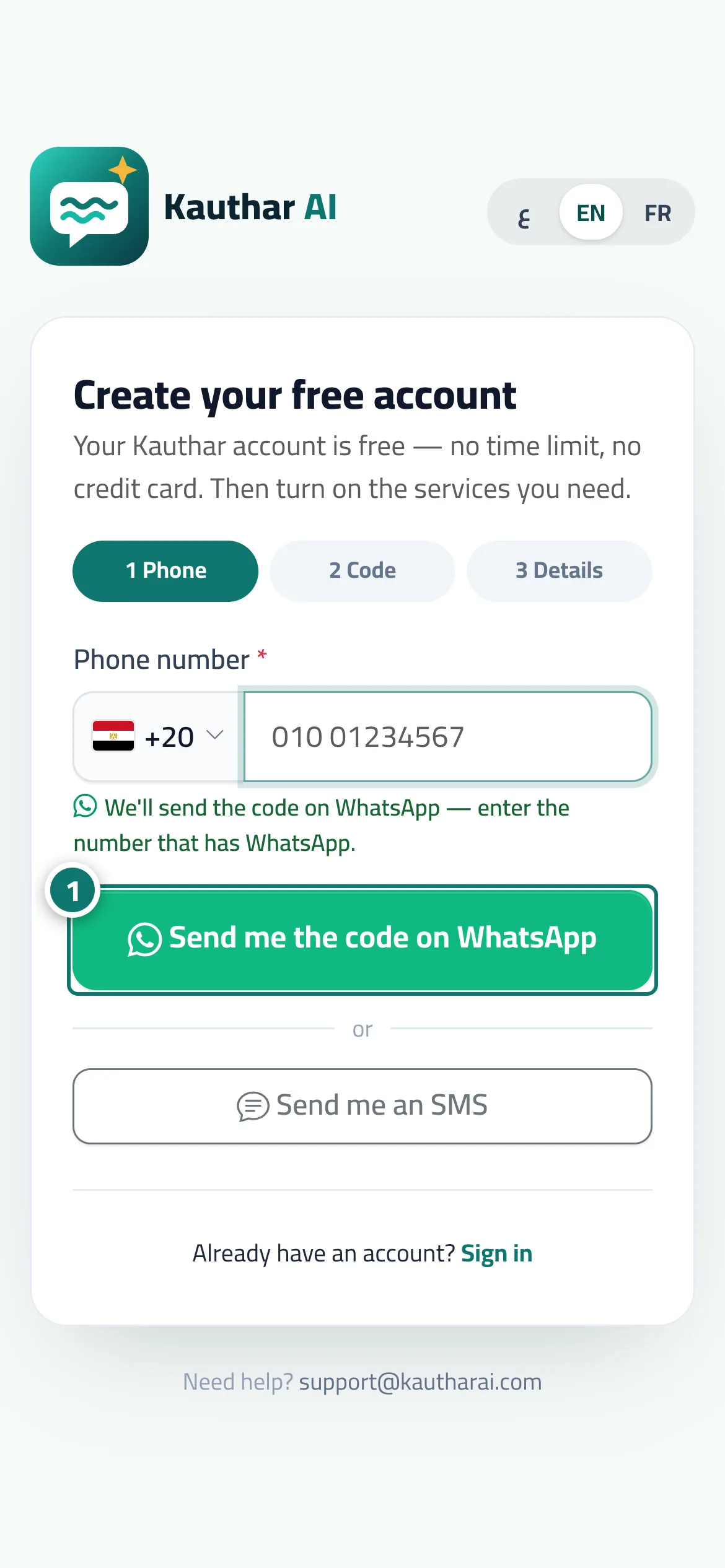
- Choose your country and type your phone number, then tap “Send me the code on WhatsApp” (or “Send me an SMS”). Number 1 on the picture
- Type the 6-digit code and tap “Verify”.
- Fill in your details, accept the terms, then tap “Create account”.
- You land on “My services”; tap “Start free trial” on the service you want (for example “AI customer support”, then upload your first file in the “Knowledge base”).
Steps
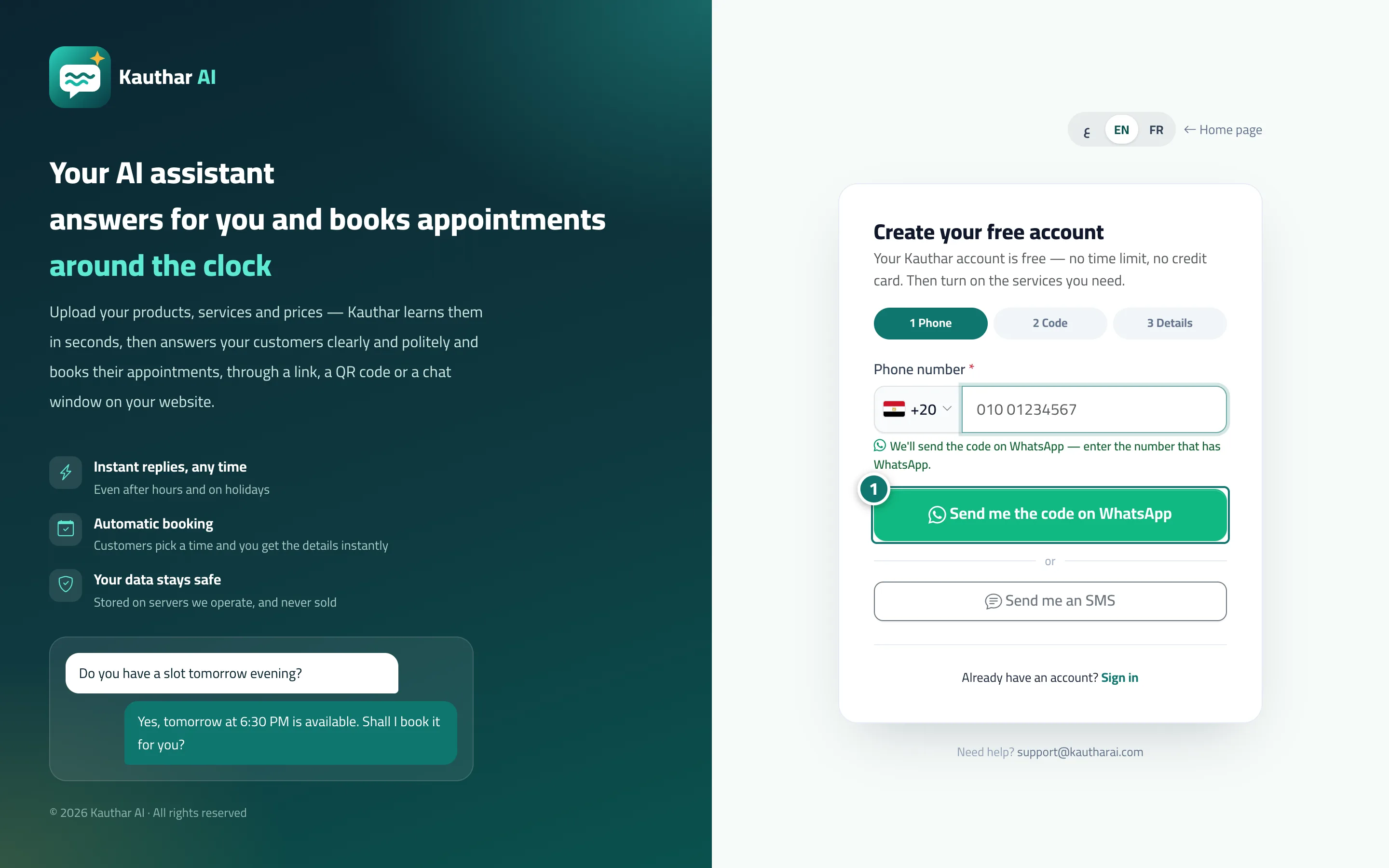
- Choose your country and type your phone number, then tap “Send me the code on WhatsApp” (or “Send me an SMS”). Number 1 on the picture
- Type the 6-digit code and tap “Verify”.
- Fill in your details, accept the terms, then tap “Create account”.
- You land on “My services”; tap “Start free trial” on the service you want (for example “AI customer support”, then upload your first file in the “Knowledge base”).