
Getting started · Signing in with your phone number and staying signed in
How do I sign in to Kauthar?
Sign in with your phone number (with country code) and password, or with your linked Google account, and you won't need to sign in again on the same device for up to 90 days.
Who this is for: Owner & manager · Team members
Where: The sign-in page
Steps
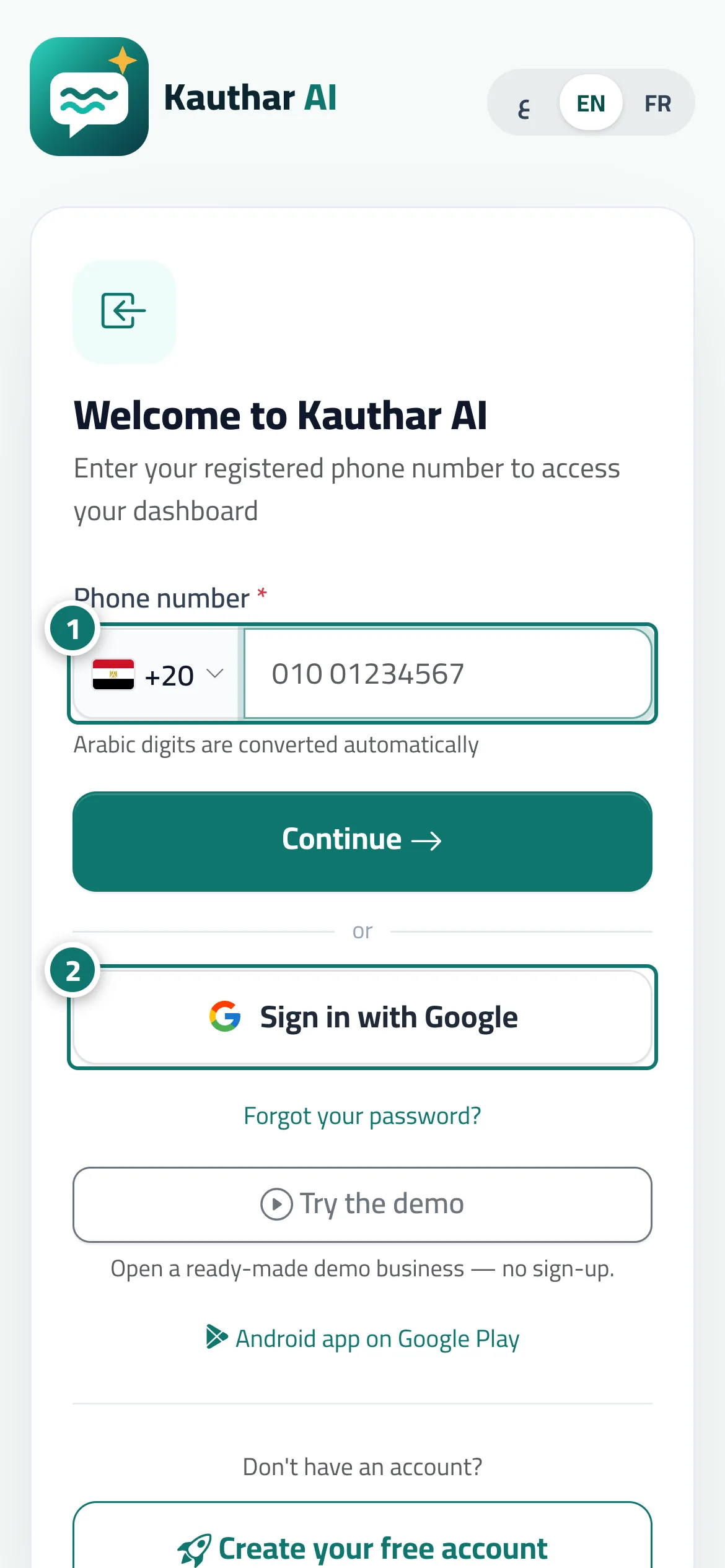
- Choose your country, type your phone number and tap “Continue”. Number 1 on the picture
- Type your password and tap “Sign in” — or tap “Sign in with Google” if your account is linked to it. Number 2 on the picture
- On a staff member's first sign-in: type your full name and a new password, and tap “Activate and sign in”.
Steps
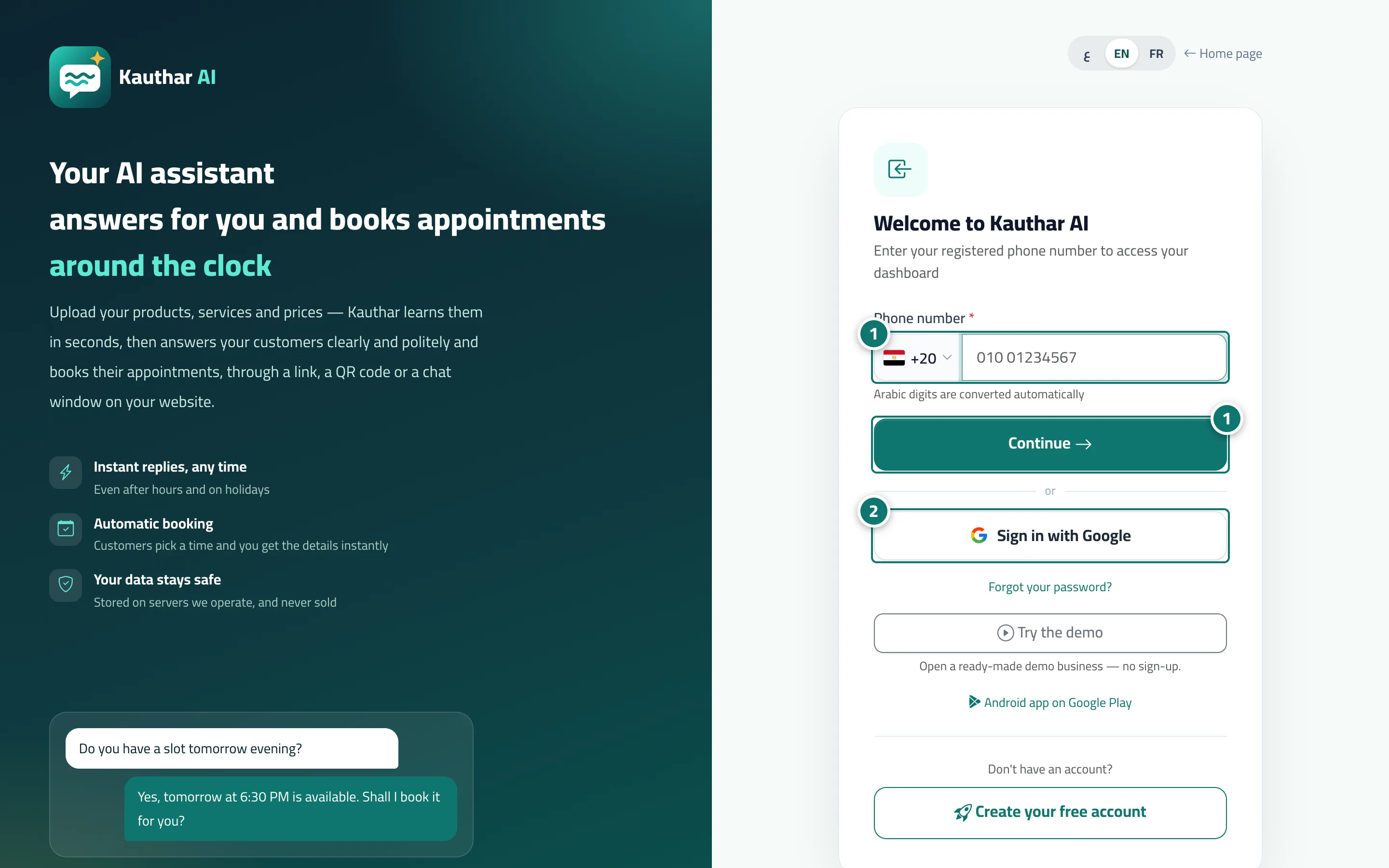
- Choose your country, type your phone number and tap “Continue”. Number 1 on the picture
- Type your password and tap “Sign in” — or tap “Sign in with Google” if your account is linked to it. Number 2 on the picture
- On a staff member's first sign-in: type your full name and a new password, and tap “Activate and sign in”.