
Getting started · Phone interface with a bottom bar, in three languages
How do I move between screens on my phone?
Every screen is designed for the phone first: a bottom bar for quick navigation and easy-to-tap cards instead of tables, in Arabic, English or French.
Who this is for: Owner & manager · Team members
Where: Any dashboard screen on a phone
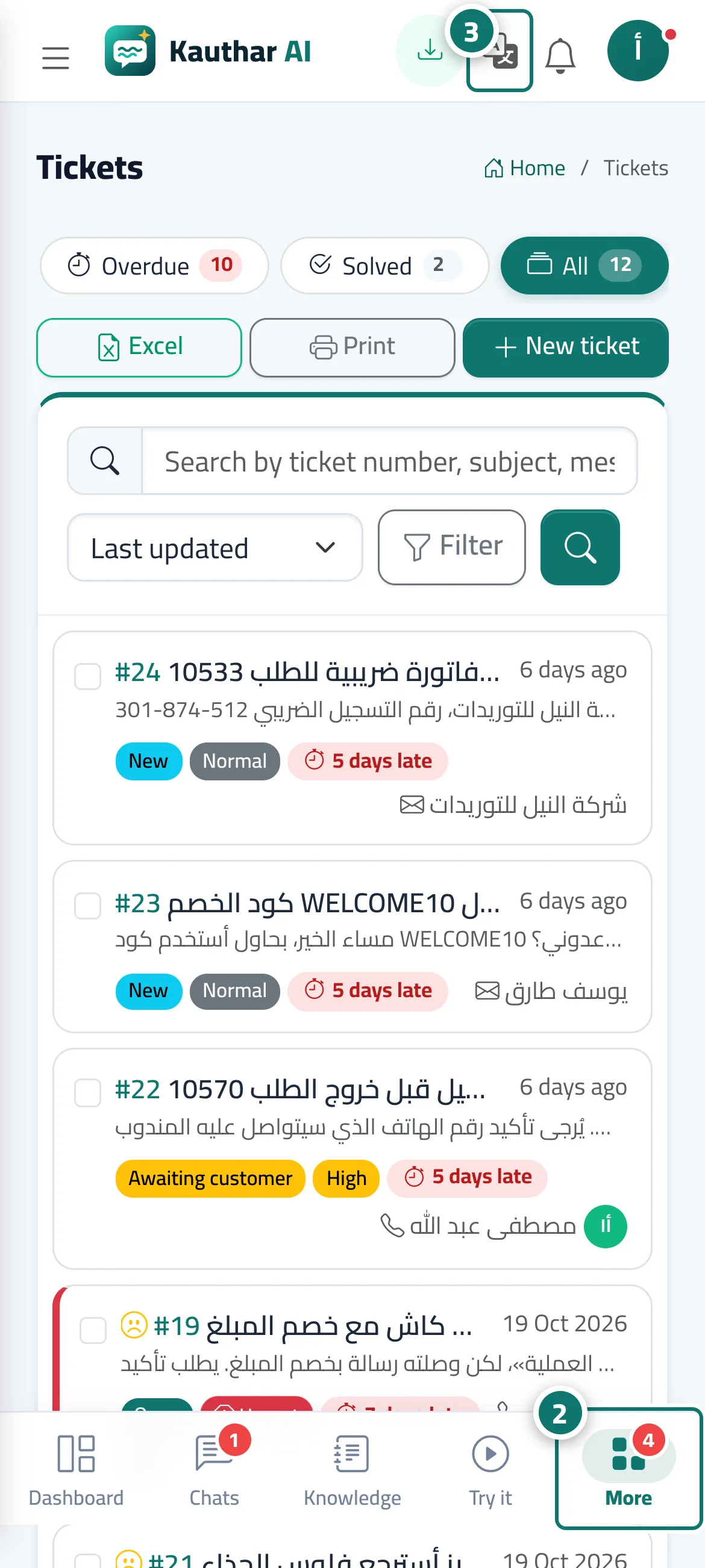
Steps
- Open the dashboard on your phone.
- Use the bottom bar to move around, and “More” for the other screens. Number 2 on the picture
- To change the language, tap the language button in the top bar and choose العربية, English or Français. Number 3 on the picture
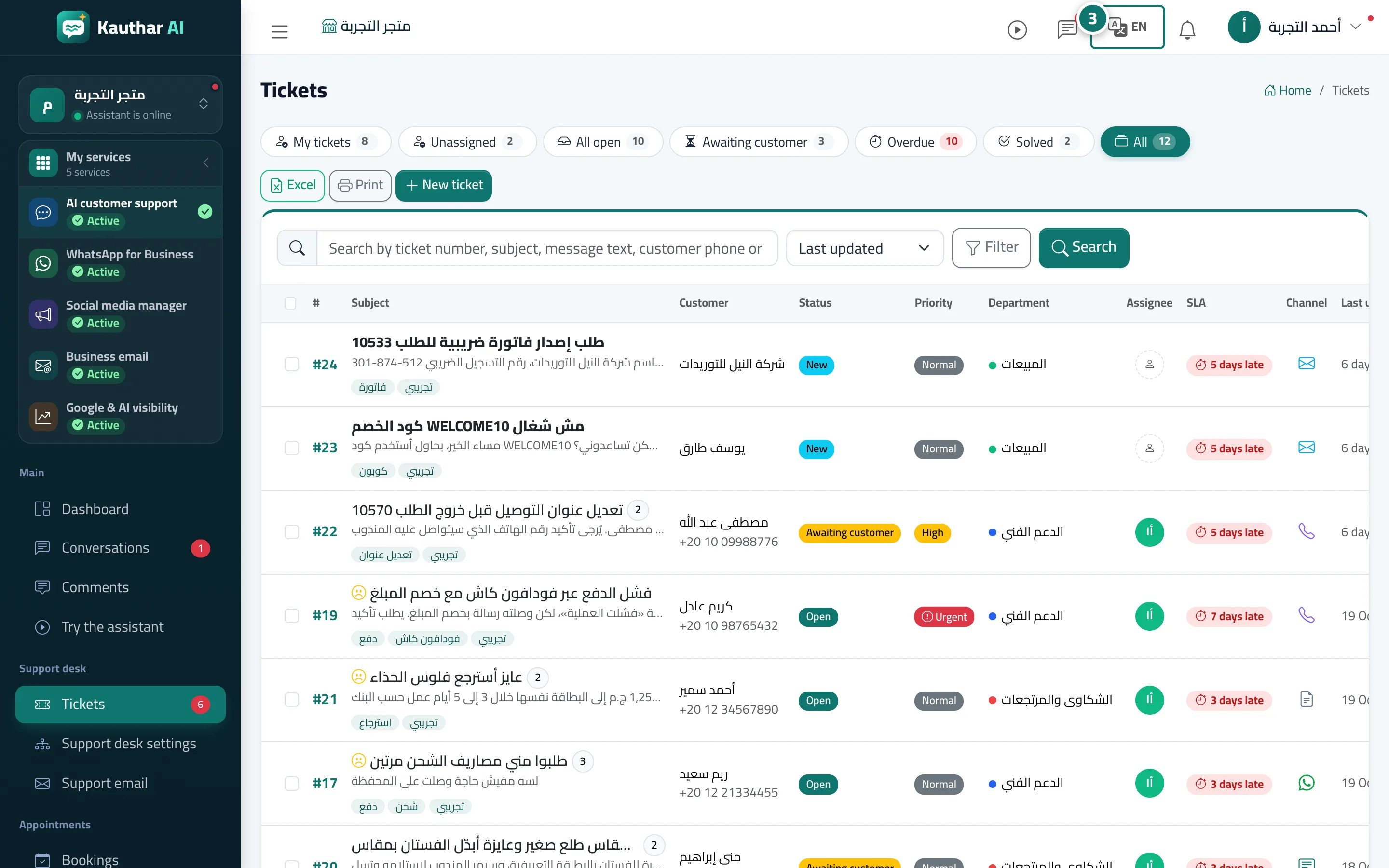
Steps
- Open the dashboard on your phone.
- Use the bottom bar to move around, and “More” for the other screens.
- To change the language, tap the language button in the top bar and choose العربية, English or Français. Number 3 on the picture