
Getting started · A4 printing and Excel export for every list
How do I export a list to Excel?
Print any list on an A4 page or export it to Excel with the same filters in one tap.
Who this is for: Owner & manager · Team members
Where: Top of any list → “Excel” / “Print”
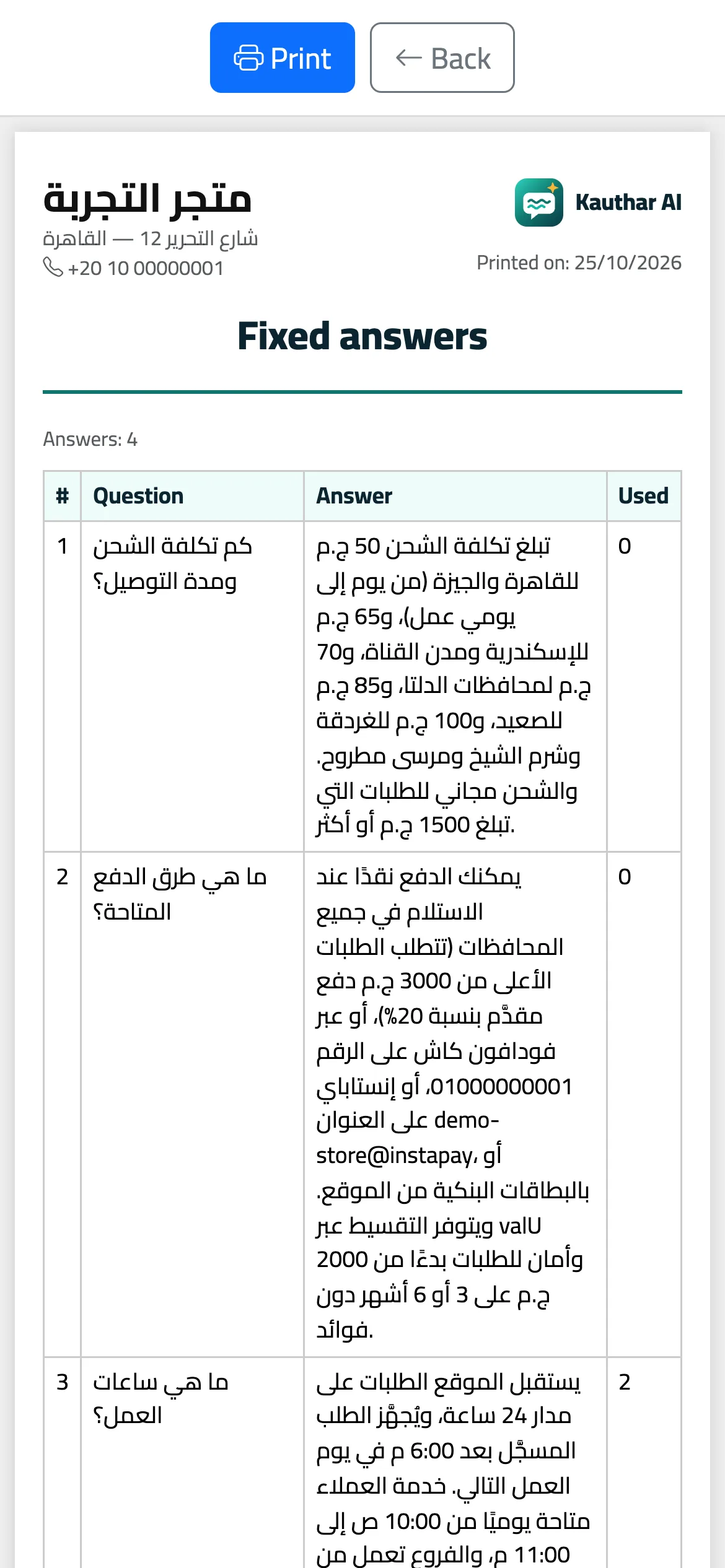
Steps
- Filter the list the way you want.
- Tap “Excel” to download the file, or “Print” to open a ready A4 page.
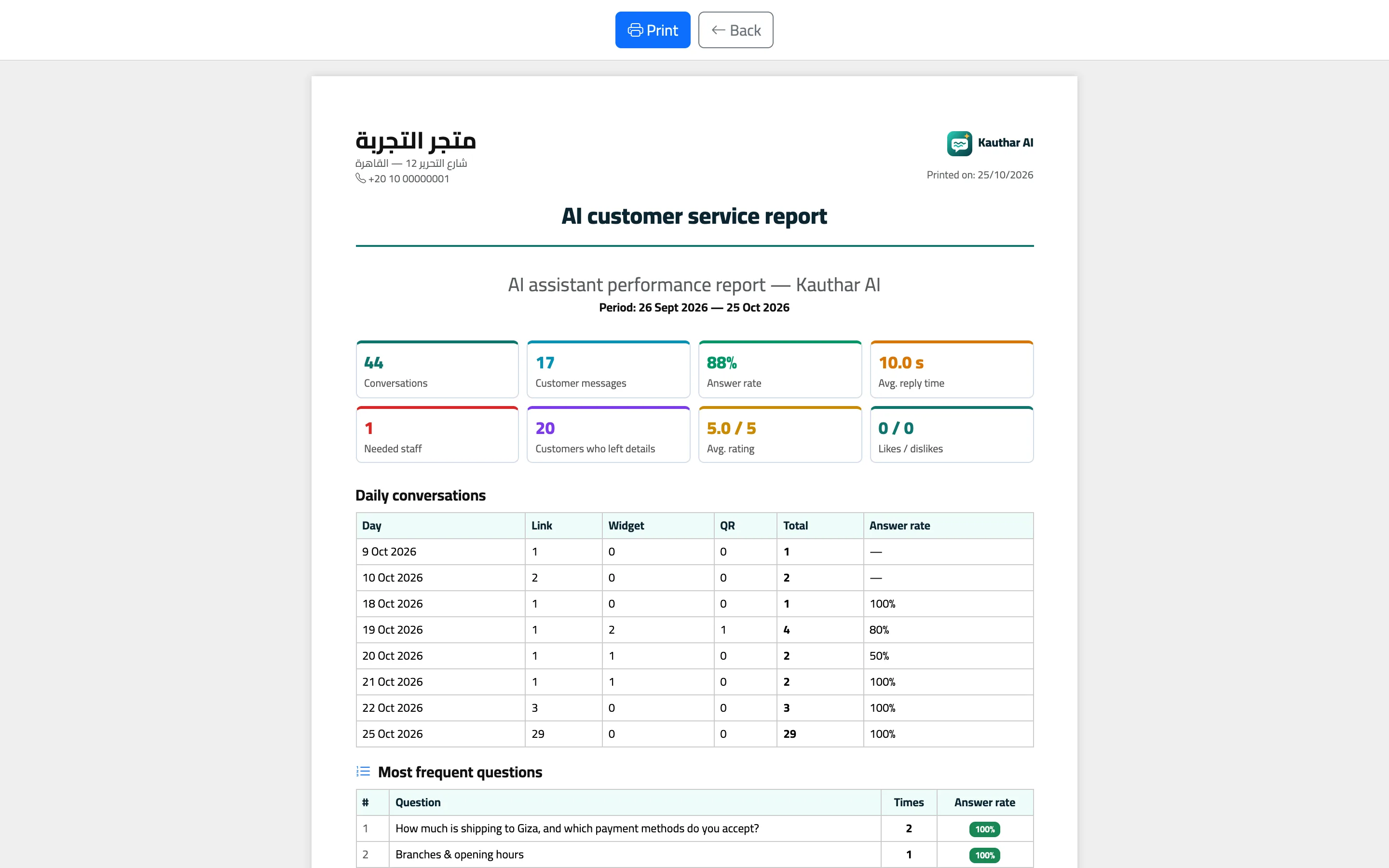
Steps
- Filter the list the way you want.
- Tap “Excel” to download the file, or “Print” to open a ready A4 page.