
SEO & AI visibility · Business info, photos and posts on Google
How do I change my opening hours on Google Maps from Kauthar?
Edit opening hours, phone, website and description, upload photos and publish updates, offers and events on your business profile — with a before / after log of every change.
Who this is for: Owner & manager
Where: Google & AI visibility → Google Maps business profile → Business info / Photos / Posts
Steps
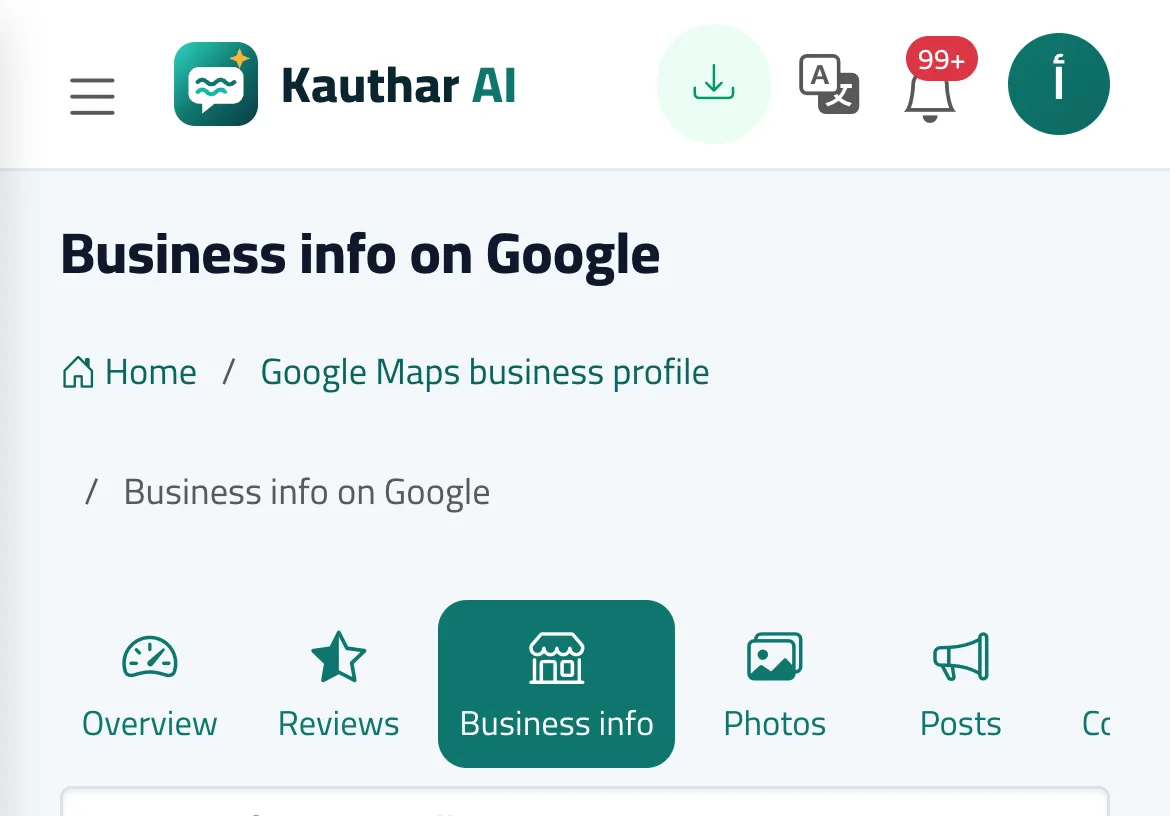
- Open «Business info», change the phone, website, description or the hours, and click «Save to Google».
- Check what changed on the change page (before / after) or in «Business info changes».
- In «Photos» pick a picture and its type and click «Send to Google».
- In «Posts» choose the type, write the text (or start from a fixed answer) and click «Publish on Google».
Steps
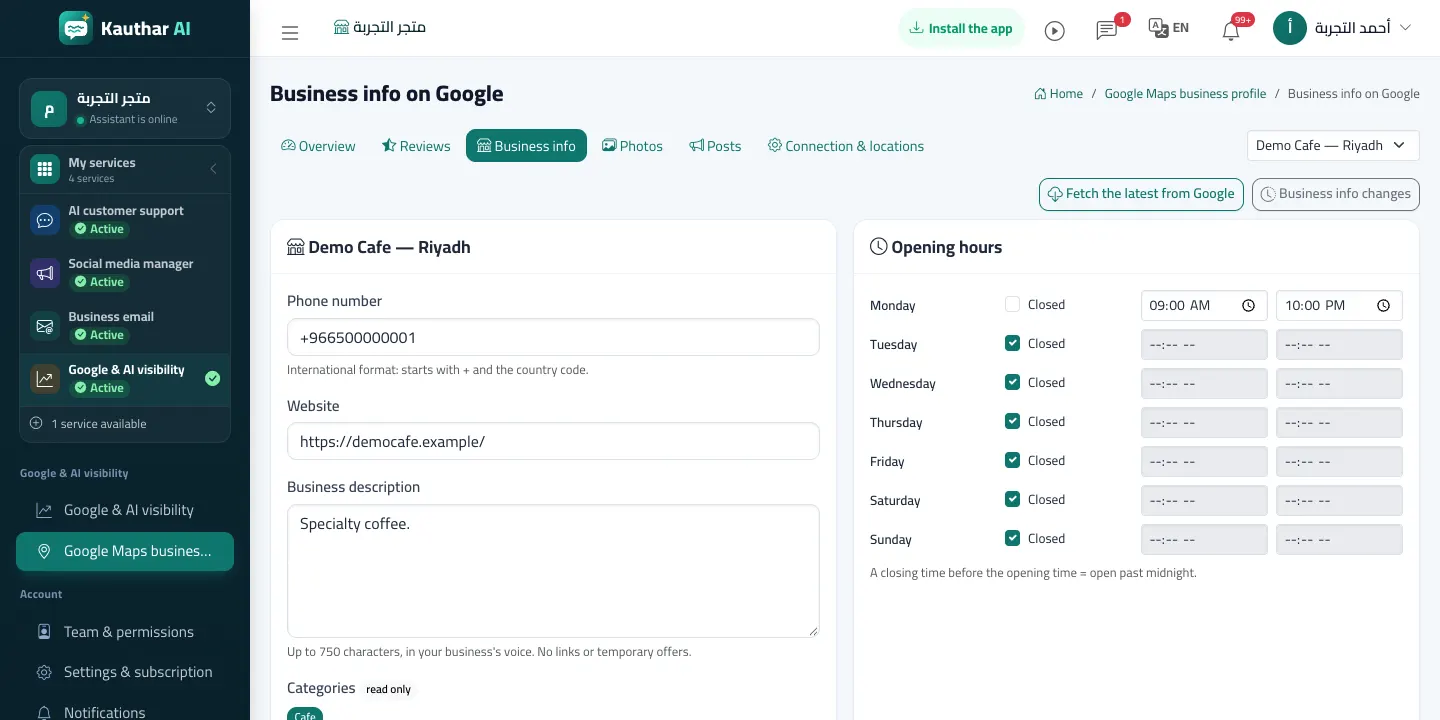
- Open «Business info», change the phone, website, description or the hours, and click «Save to Google».
- Check what changed on the change page (before / after) or in «Business info changes».
- In «Photos» pick a picture and its type and click «Send to Google».
- In «Posts» choose the type, write the text (or start from a fixed answer) and click «Publish on Google».