
SEO & AI visibility · Connect your website or store
How do I connect my website to the visibility service?
Add your site (WordPress through the Kauthar plugin, your linked store, or any link) to start the full audit and automatic technical fixes — with no settings to choose.
Who this is for: Owner & manager
Where: Sidebar → Google & AI visibility → Sites
Steps
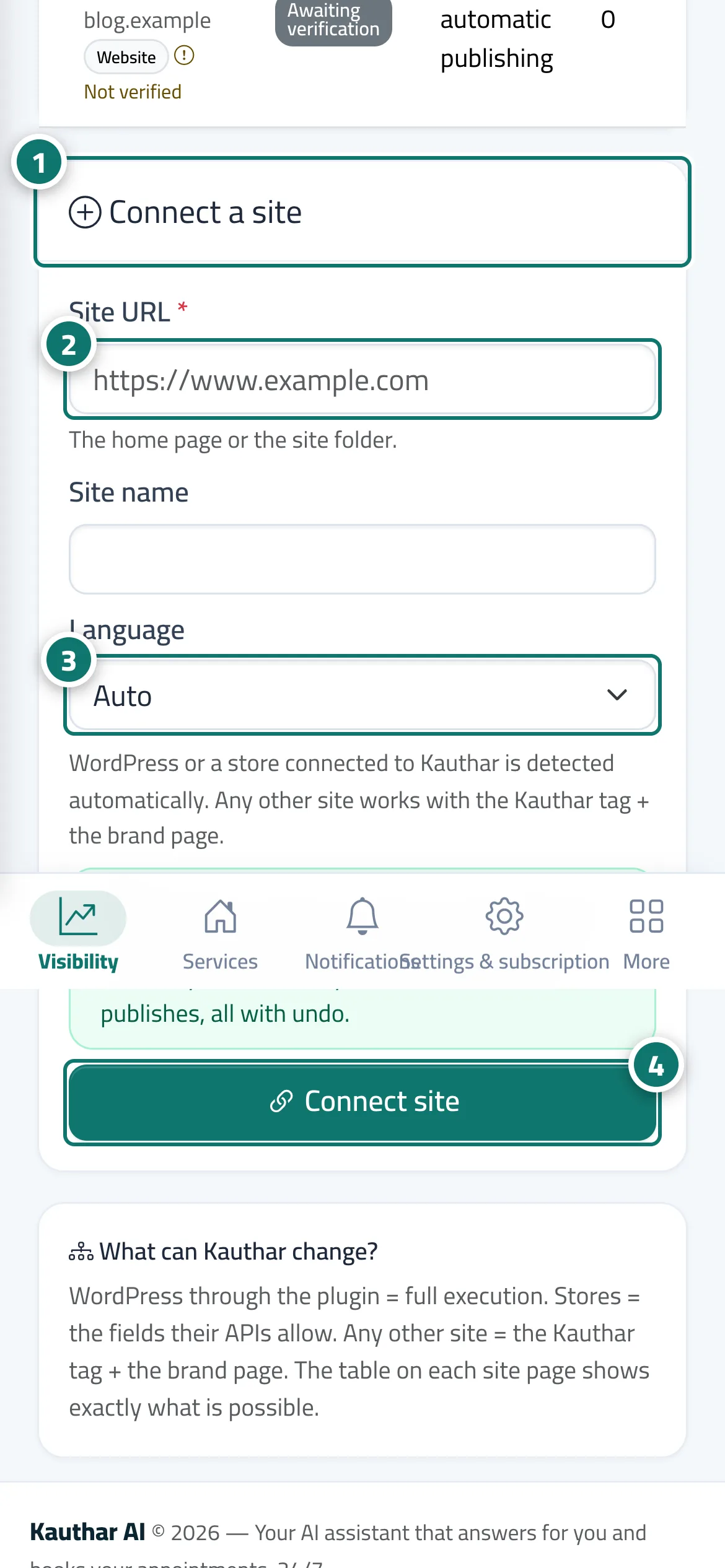
- Open «Sites»; the «Connect a site» card is next to the list of your sites. Number 1 on the picture
- Enter the site link and its name (a WordPress site connected with the Kauthar plugin or a linked store is recognised automatically). Number 2 on the picture
- Choose the site's main language or leave it on «Automatic». Number 3 on the picture
- Click «Connect site», then complete the ownership check (topic «Verify site ownership») and add the names your business is known by and your competitors in «Settings». Number 4 on the picture
Steps
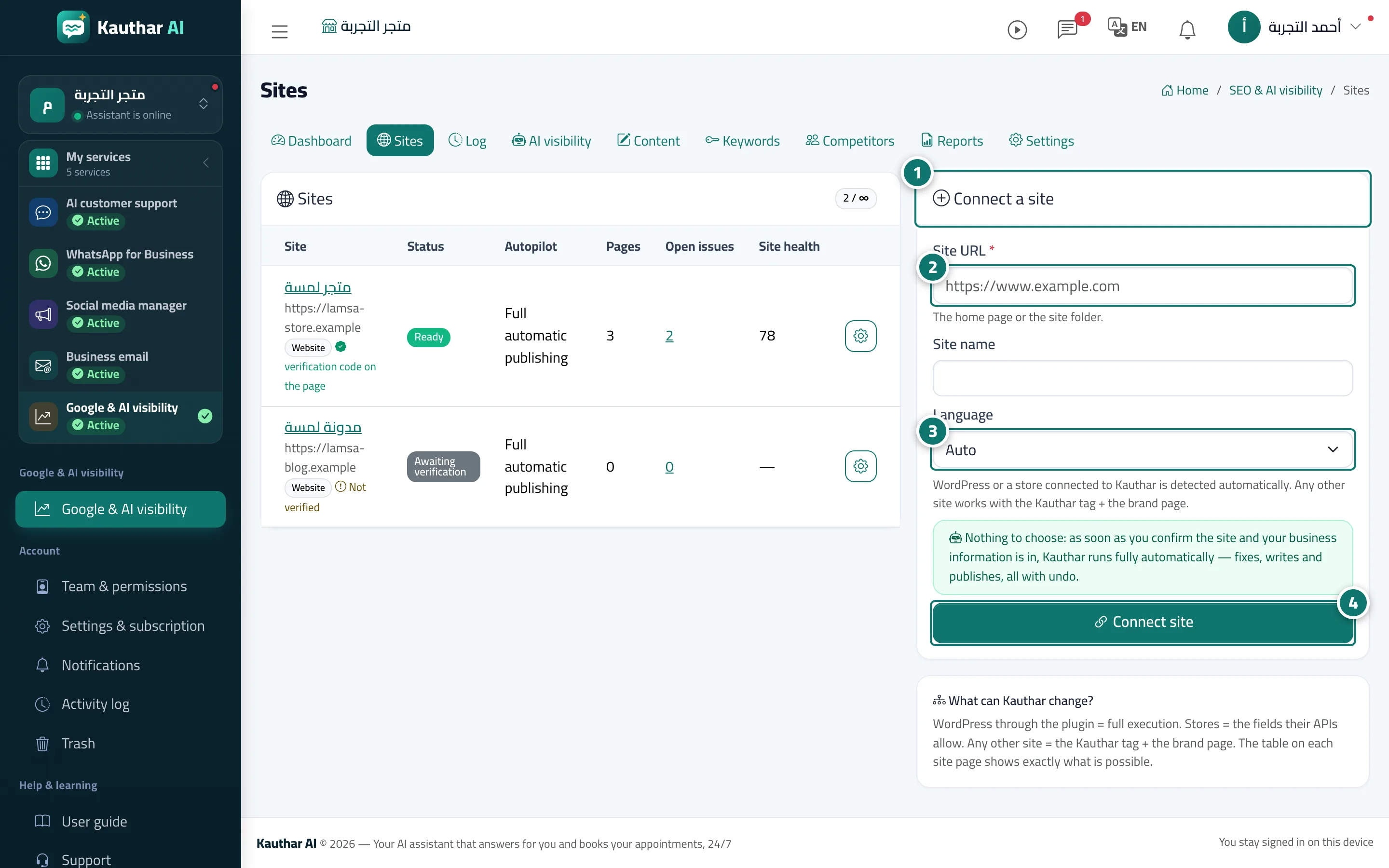
- Open «Sites»; the «Connect a site» card is next to the list of your sites. Number 1 on the picture
- Enter the site link and its name (a WordPress site connected with the Kauthar plugin or a linked store is recognised automatically). Number 2 on the picture
- Choose the site's main language or leave it on «Automatic». Number 3 on the picture
- Click «Connect site», then complete the ownership check (topic «Verify site ownership») and add the names your business is known by and your competitors in «Settings». Number 4 on the picture