
SEO & AI visibility · Plan limits and usage
Where do I see my usage of the service limits?
The month's counters: AI checks, generated content, speed measurements, daily changes, and sites and questions, with a notification at 80% and 100%.
Who this is for: Owner & manager
Where: Sidebar → Google & AI visibility → Settings → usage
Steps
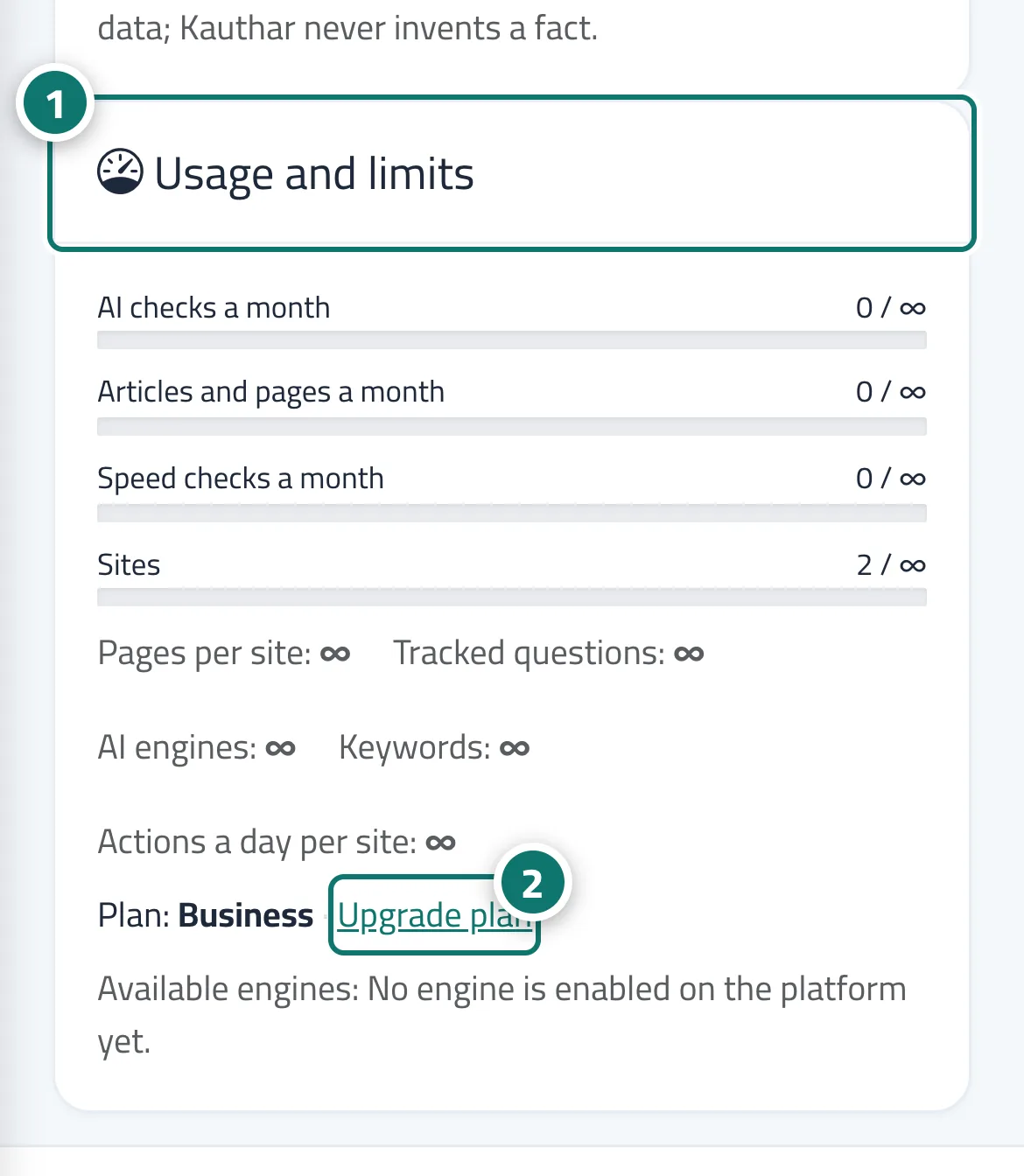
- Open “Settings” and look at the “Usage and limits” card (what's used of each limit, with your current plan and its end date). Number 1 on the picture
- To upgrade, click “Upgrade plan” on the same card, or open the service subscription from the service card in “My services” or from the notification. Number 2 on the picture
Steps
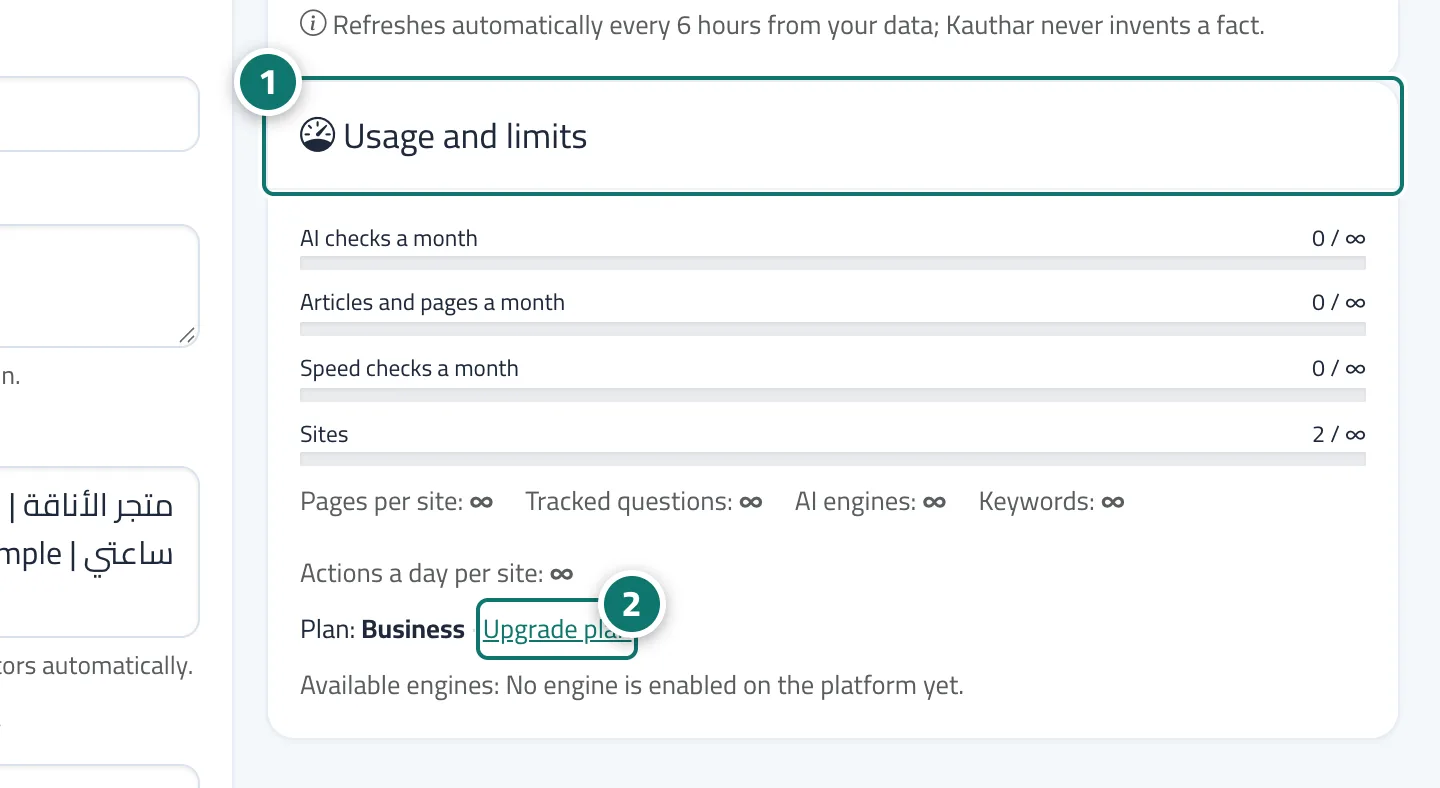
- Open “Settings” and look at the “Usage and limits” card (what's used of each limit, with your current plan and its end date). Number 1 on the picture
- To upgrade, click “Upgrade plan” on the same card, or open the service subscription from the service card in “My services” or from the notification. Number 2 on the picture