
SEO & AI visibility · Connecting Google Search Console and page speed
How do I connect Search Console to Kauthar?
Connect your Google account to see impressions, clicks and keywords close to the first page, submit your sitemap and measure page speed.
Who this is for: Owner & manager
Where: Sidebar → Google & AI visibility → Settings → Google Search Console
Steps
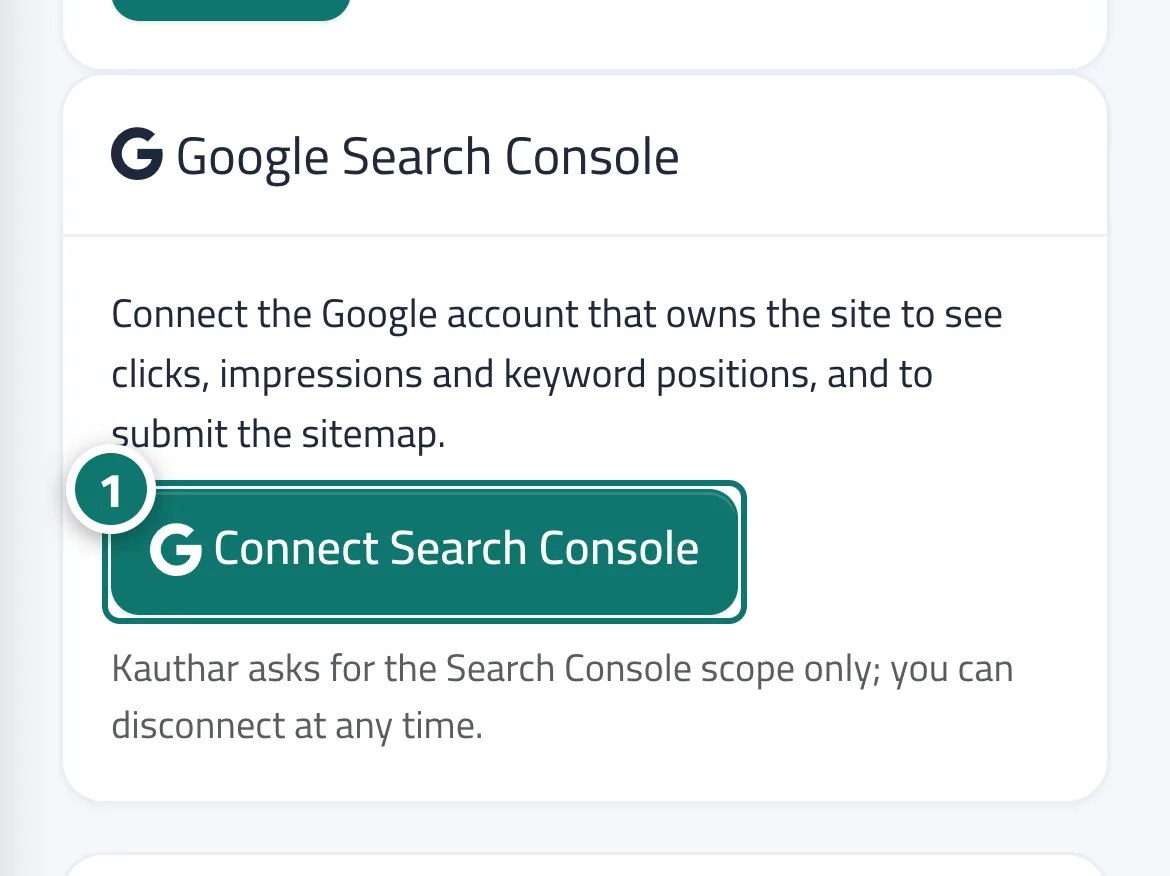
- Open “Settings”, and on the Google Search Console card click “Connect Search Console” and complete the approval in Google's window. Number 1 on the picture
- Choose the property (domain or URL) that matches your site and save.
- Wait for the first sync; the data appears on the dashboard and on the “Keywords” screen.
Steps
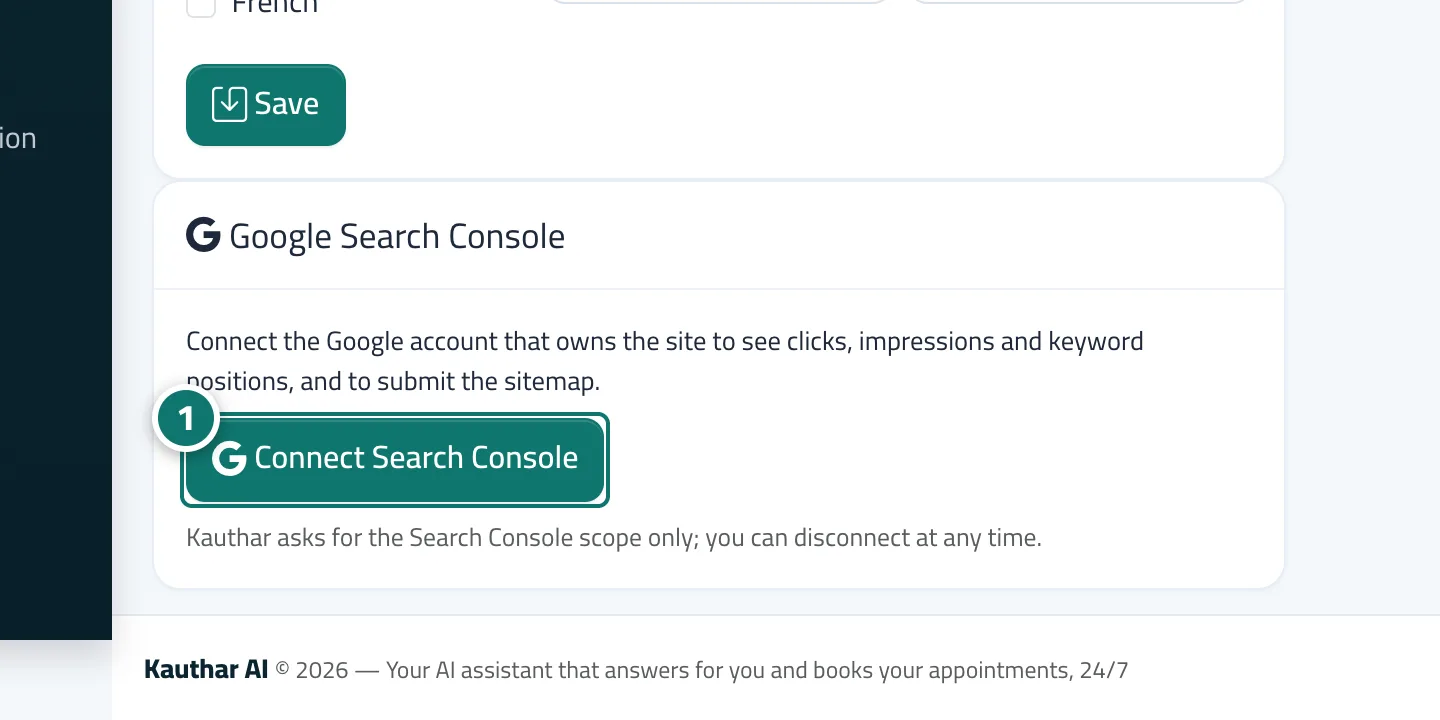
- Open “Settings”, and on the Google Search Console card click “Connect Search Console” and complete the approval in Google's window. Number 1 on the picture
- Choose the property (domain or URL) that matches your site and save.
- Wait for the first sync; the data appears on the dashboard and on the “Keywords” screen.