
SEO et visibilité IA · Connecting Google Search Console and page speed
How do I connect Search Console to Kauthar?
Connect your Google account to see impressions, clicks and keywords close to the first page, submit your sitemap and measure page speed.
Pour qui : Propriétaire et responsable
Où : Sidebar → Google & AI visibility → Settings → Google Search Console
Étapes
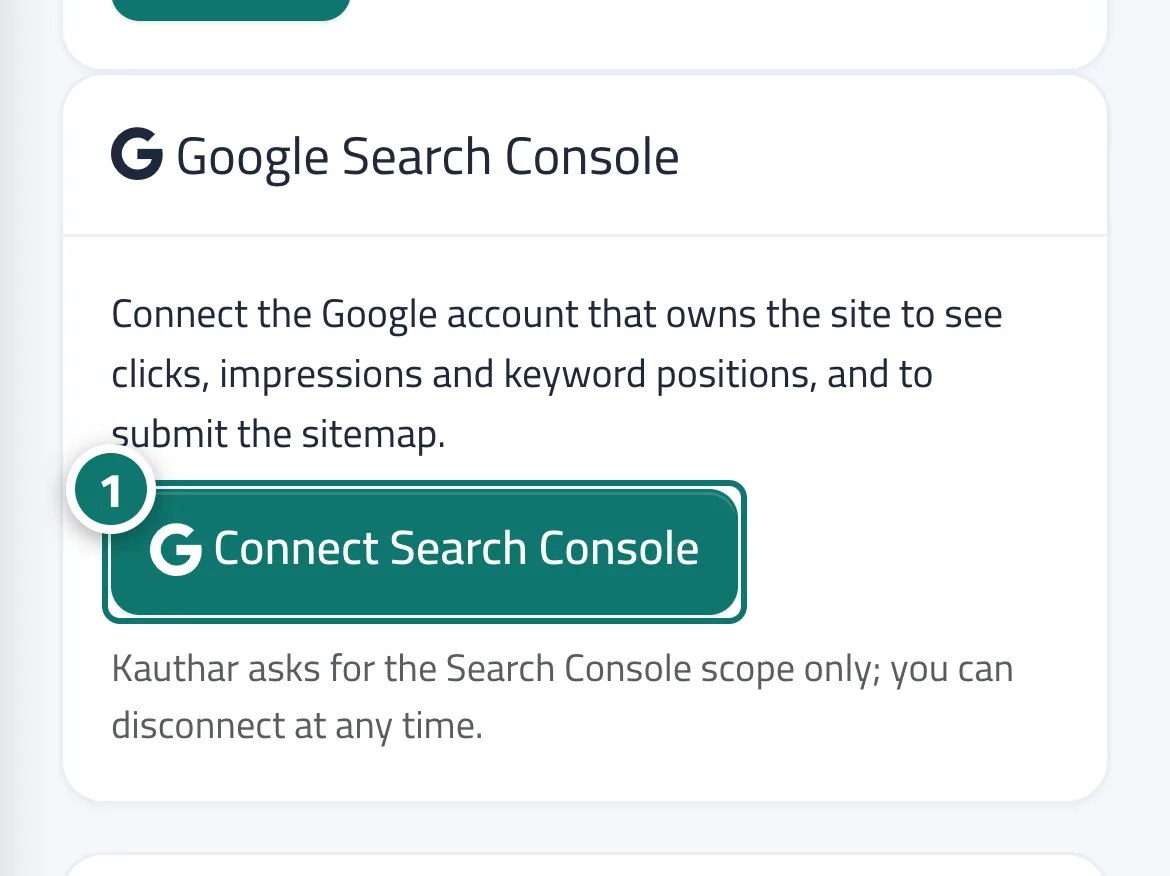
- Open “Settings”, and on the Google Search Console card click “Connect Search Console” and complete the approval in Google's window. Numéro 1 sur l’image
- Choose the property (domain or URL) that matches your site and save.
- Wait for the first sync; the data appears on the dashboard and on the “Keywords” screen.
Étapes
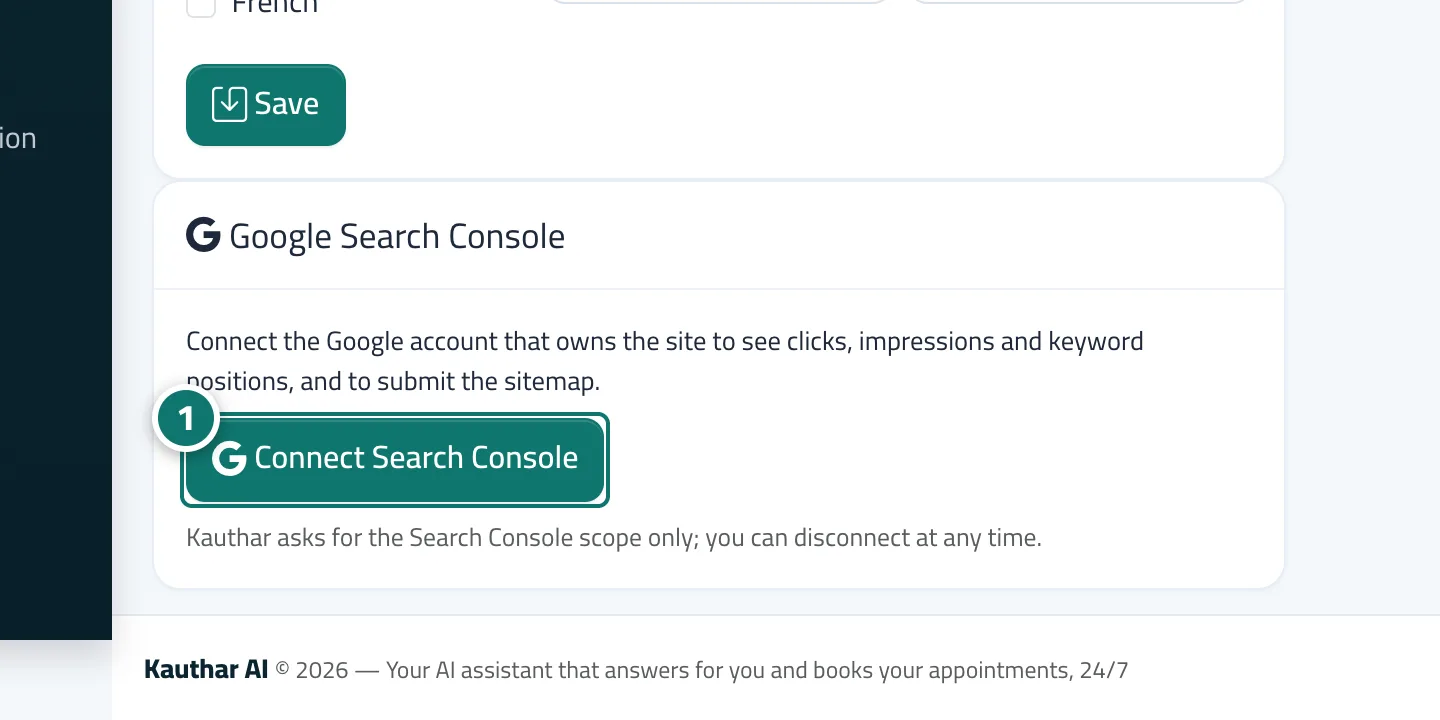
- Open “Settings”, and on the Google Search Console card click “Connect Search Console” and complete the approval in Google's window. Numéro 1 sur l’image
- Choose the property (domain or URL) that matches your site and save.
- Wait for the first sync; the data appears on the dashboard and on the “Keywords” screen.