
SEO et visibilité IA · The weekly report
What does the weekly report contain, and when does it arrive?
Every week on the day you choose: your visibility and health scores and how they changed, Google performance, the problems fixed, visibility in each AI engine, the gaps and the next steps.
Pour qui : Propriétaire et responsable
Où : Sidebar → Google & AI visibility → Reports
Étapes
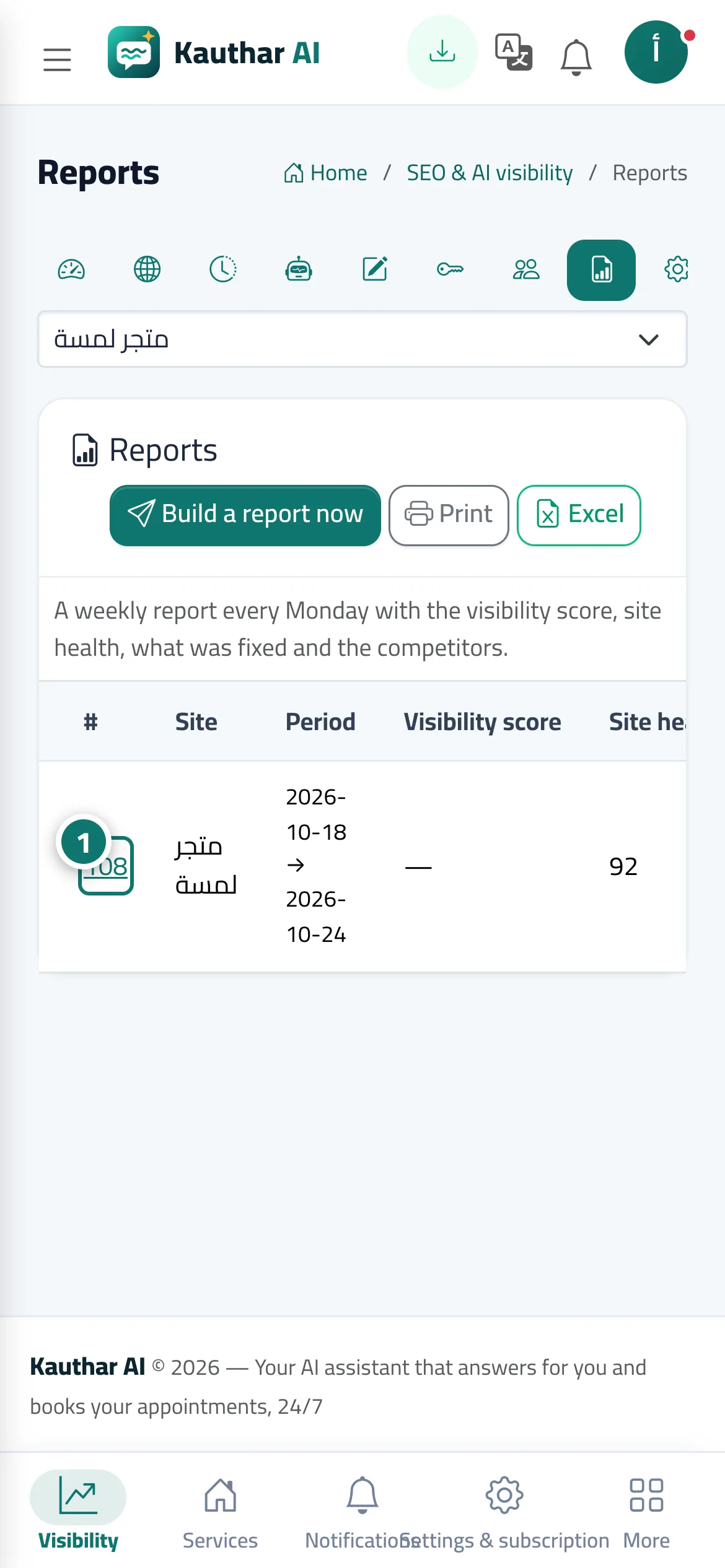
- Open “Reports” and choose the week by its report number (or click “Build a report now”). Numéro 1 sur l’image
- Review the results and the next steps; each step opens the relevant screen directly, and the printer button opens an A4 version.
- To change the report day, open “Settings” and change the “Report day”.
Étapes
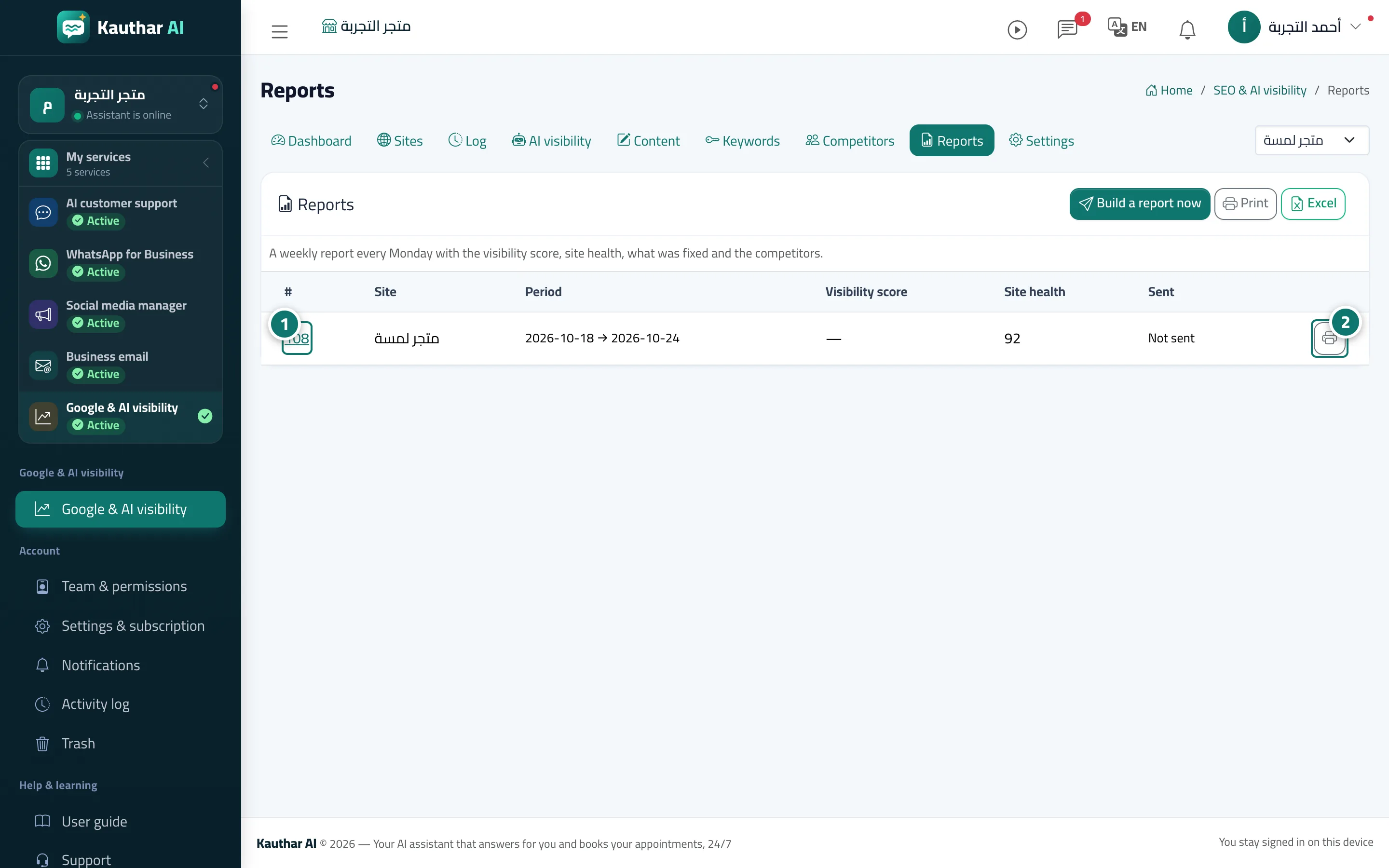
- Open “Reports” and choose the week by its report number (or click “Build a report now”). Numéro 1 sur l’image
- Review the results and the next steps; each step opens the relevant screen directly, and the printer button opens an A4 version. Numéro 2 sur l’image
- To change the report day, open “Settings” and change the “Report day”.