How does a customer book an appointment themselves from the booking link?
Customers book their own appointment in under a minute: service → provider → day → time → their details.
Pour qui : Vos clients
Où : A public link ending in /b/<link-name> (you'll find it in “Channels” → the “Booking page” card) · set up from the sidebar → Appointments → Booking setup
Étapes
1
The customer opens the booking page link.
2
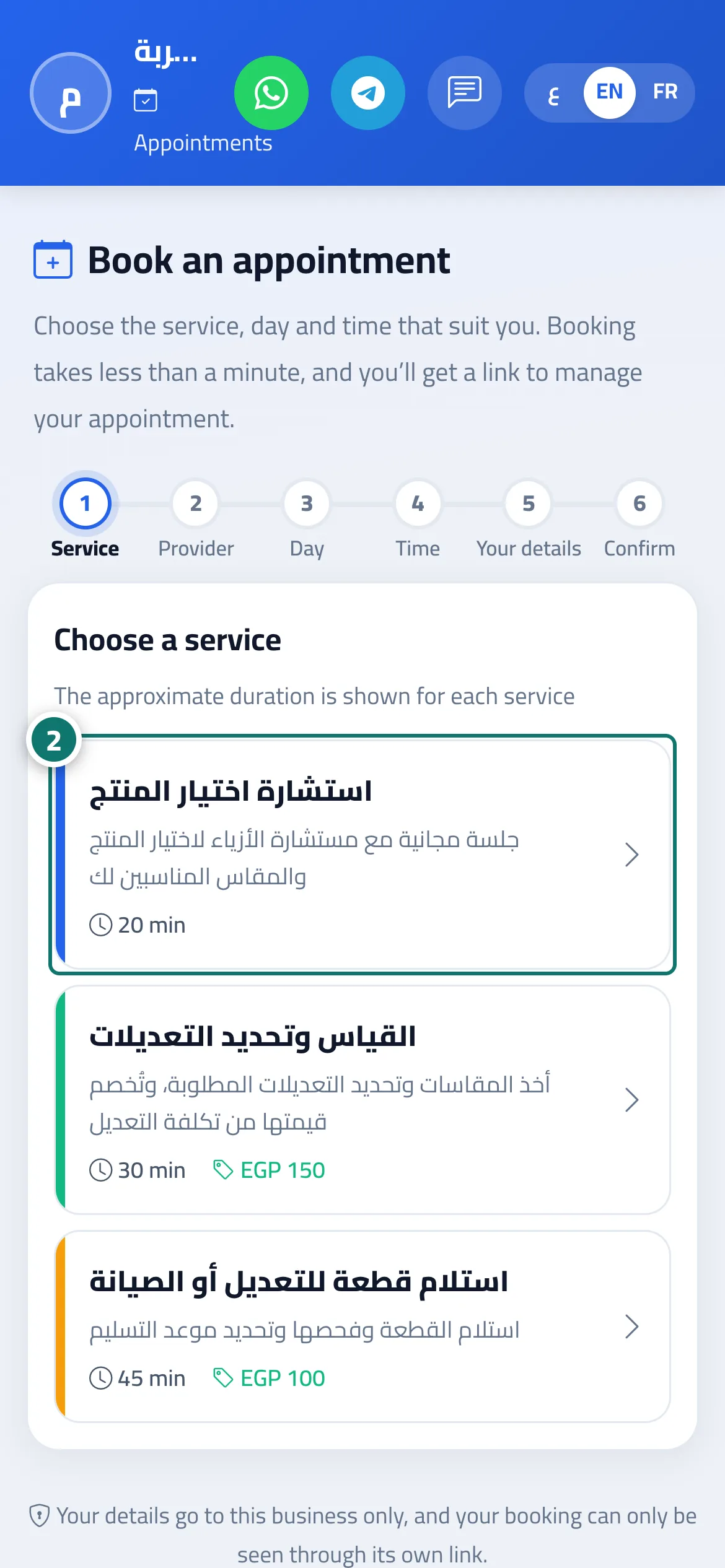
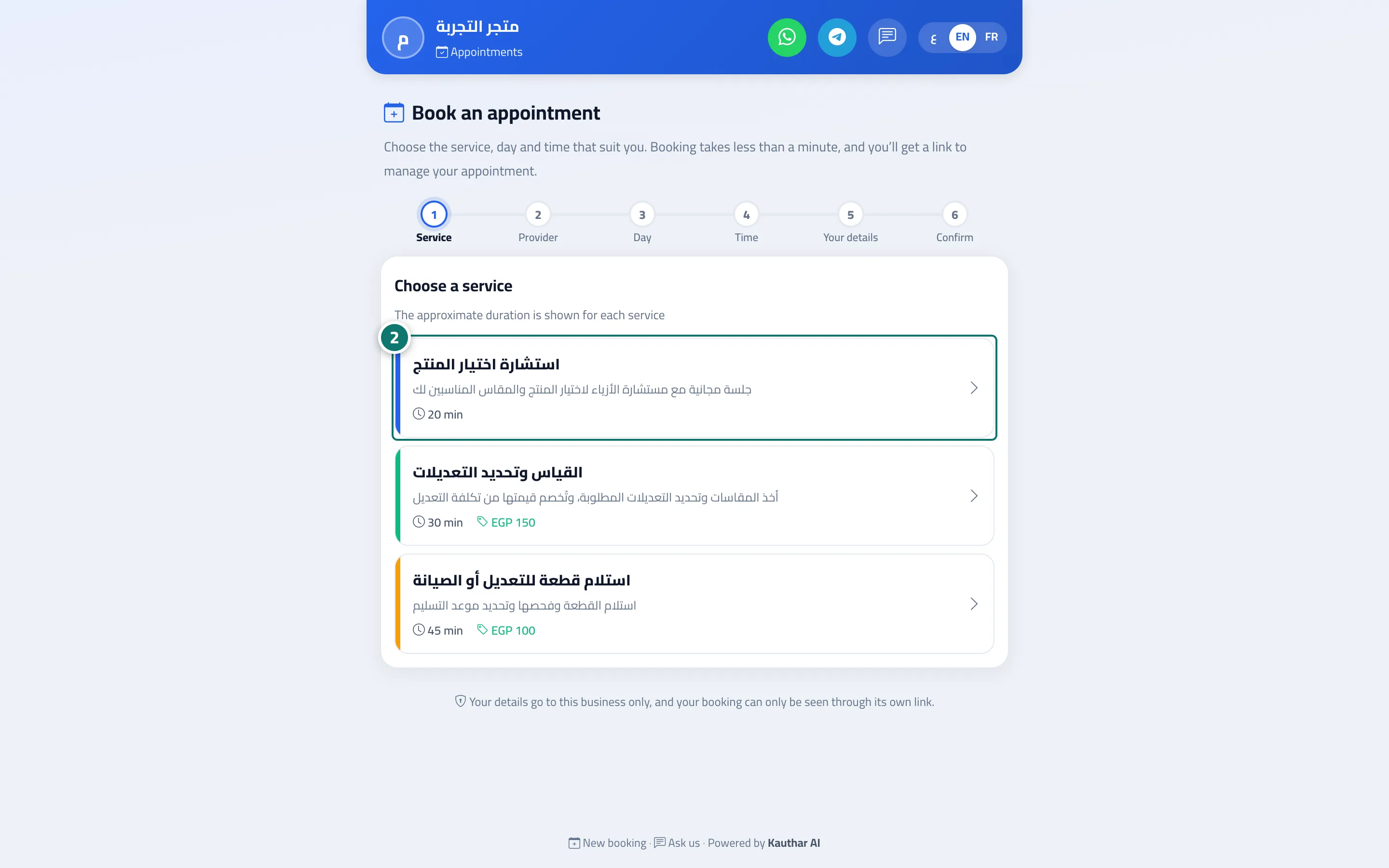
They choose the service, the provider, the day and the time. Numéro 2 sur l’image
3
They enter their details and tap “Review booking”, then “Confirm booking”.
4
They save the link or tap “Add to calendar”.
Étapes
1
The customer opens the booking page link.
2
They choose the service, the provider, the day and the time. Numéro 2 sur l’image
3
They enter their details and tap “Review booking”, then “Confirm booking”.