
Canaux · Opening a ticket from the chat
How does a customer open a support ticket from inside the chat?
A customer whose request needs follow-up opens a ticket from the chat and gets its number and a link to track it.
Pour qui : Membres de l'équipe · Vos clients
Où : Chat page → “Open a support ticket” or the “Tickets” link · the ticket appears in the sidebar → Support desk → Tickets
Étapes
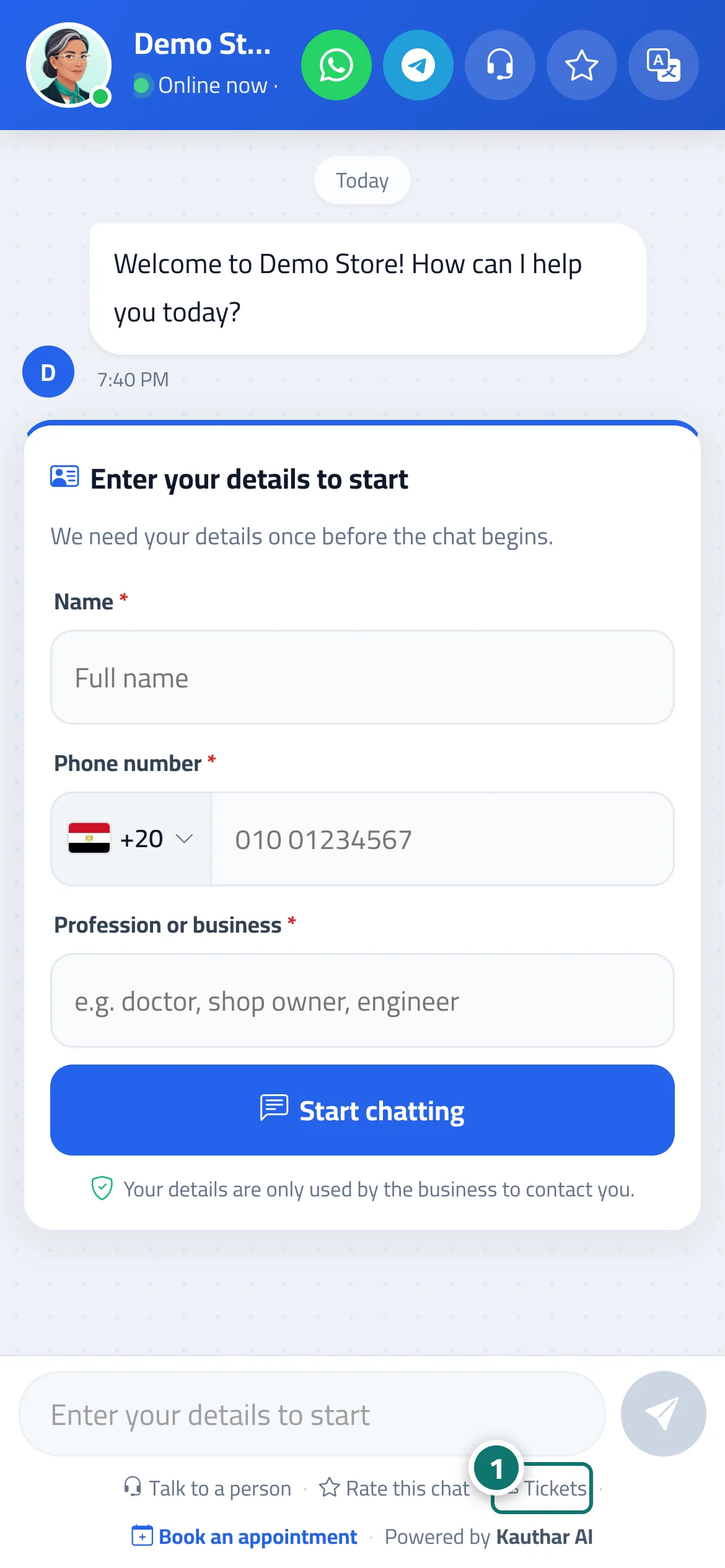
- The customer taps “Open a support ticket” on the card (or the “Tickets” link below the chat to open the full ticket form). Numéro 1 sur l’image
- They enter their name and phone number (with a country picker) if these aren't already on file.
- They get the ticket number and a link to the ticket tracking portal.
Étapes
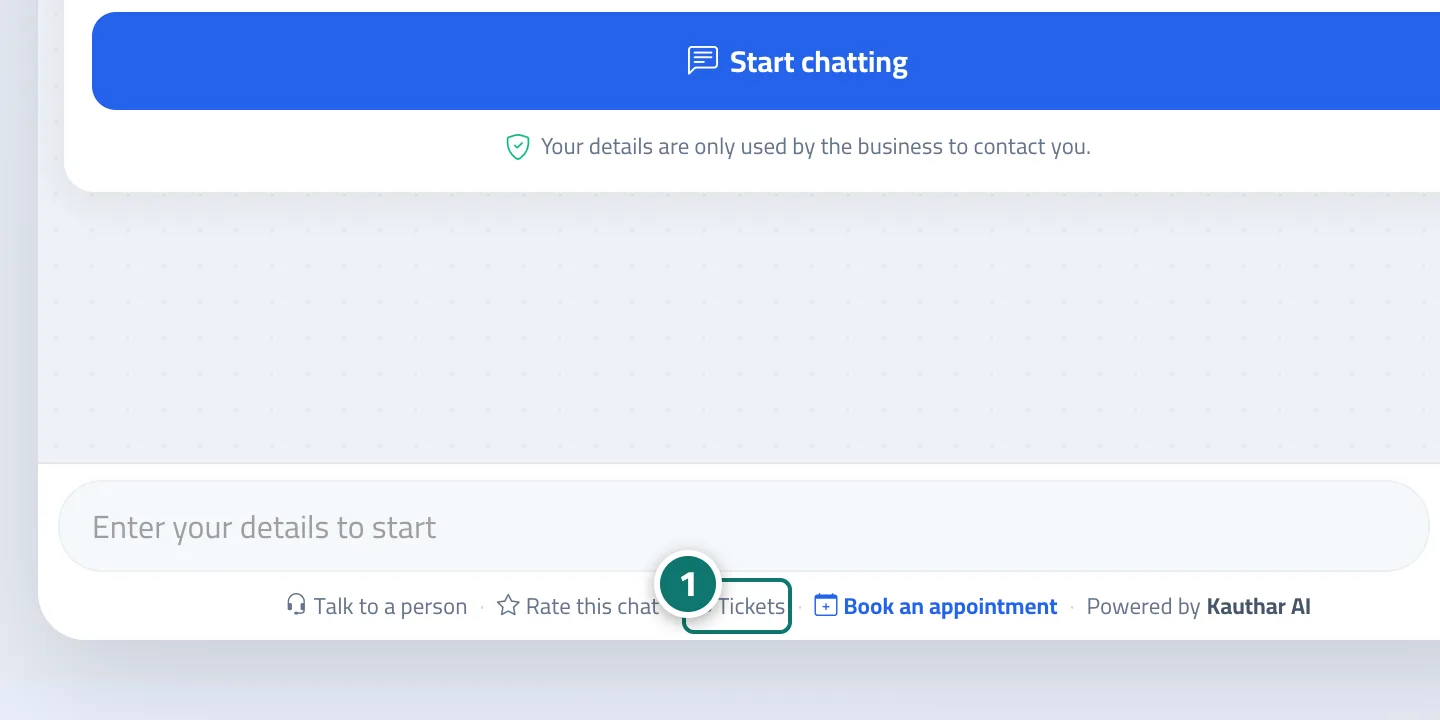
- The customer taps “Open a support ticket” on the card (or the “Tickets” link below the chat to open the full ticket form). Numéro 1 sur l’image
- They enter their name and phone number (with a country picker) if these aren't already on file.
- They get the ticket number and a link to the ticket tracking portal.