
Premiers pas · Installing Kauthar as an app on your phone or computer
How do I install Kauthar on my phone from the browser?
Install Kauthar from the browser on your phone or computer like any app — a home-screen icon, full screen and notifications — without an app store.
Pour qui : Propriétaire et responsable · Membres de l'équipe
Où : Your name menu → “Install the app” · or the “Install Kauthar on your phone” card
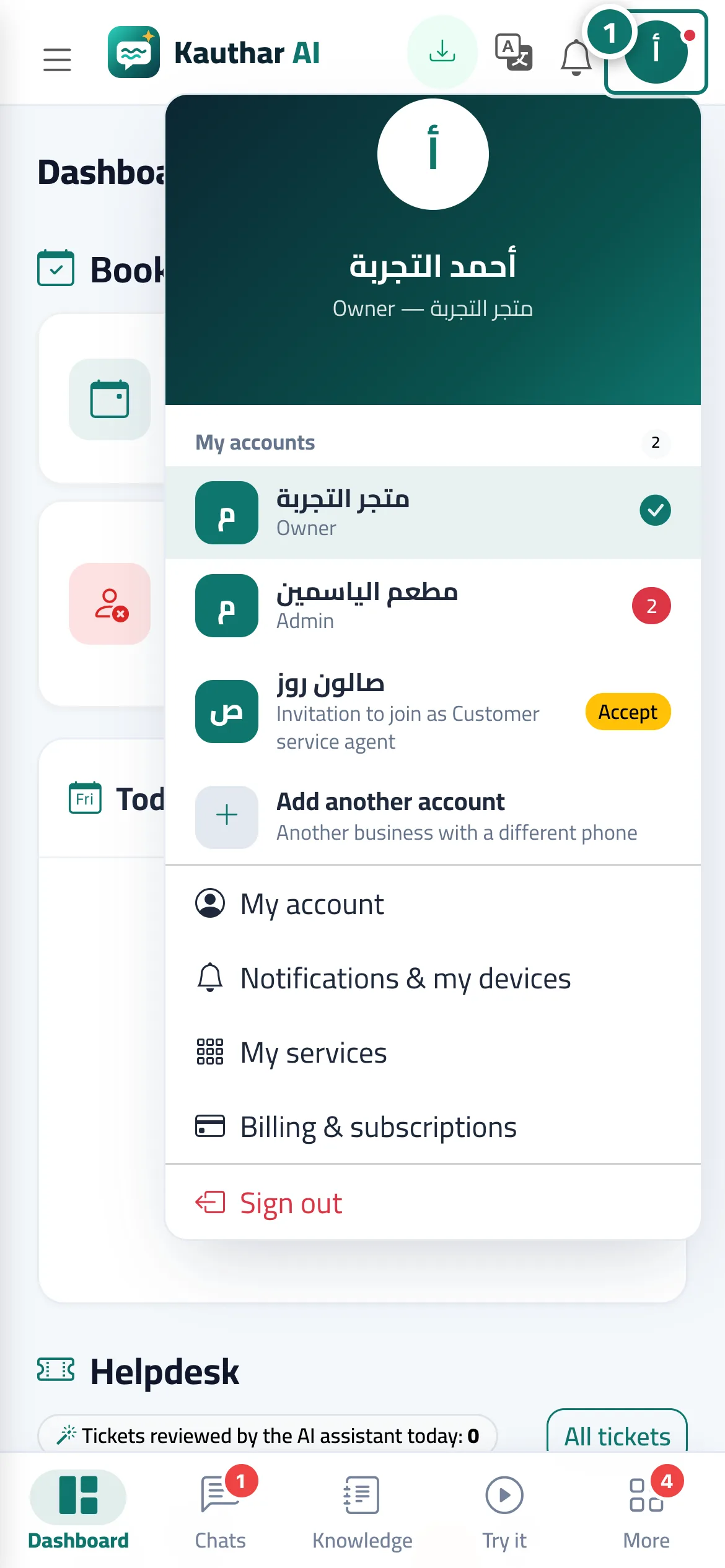
Étapes
- Open your name menu in the top bar and tap “Install the app” (it appears when your browser allows installation). Numéro 1 sur l’image
- On iPhone: Share button → “Add to Home Screen” → “Add”. On a computer or Android: accept the install window.
- Open Kauthar from its icon and turn on notifications from the bell menu.
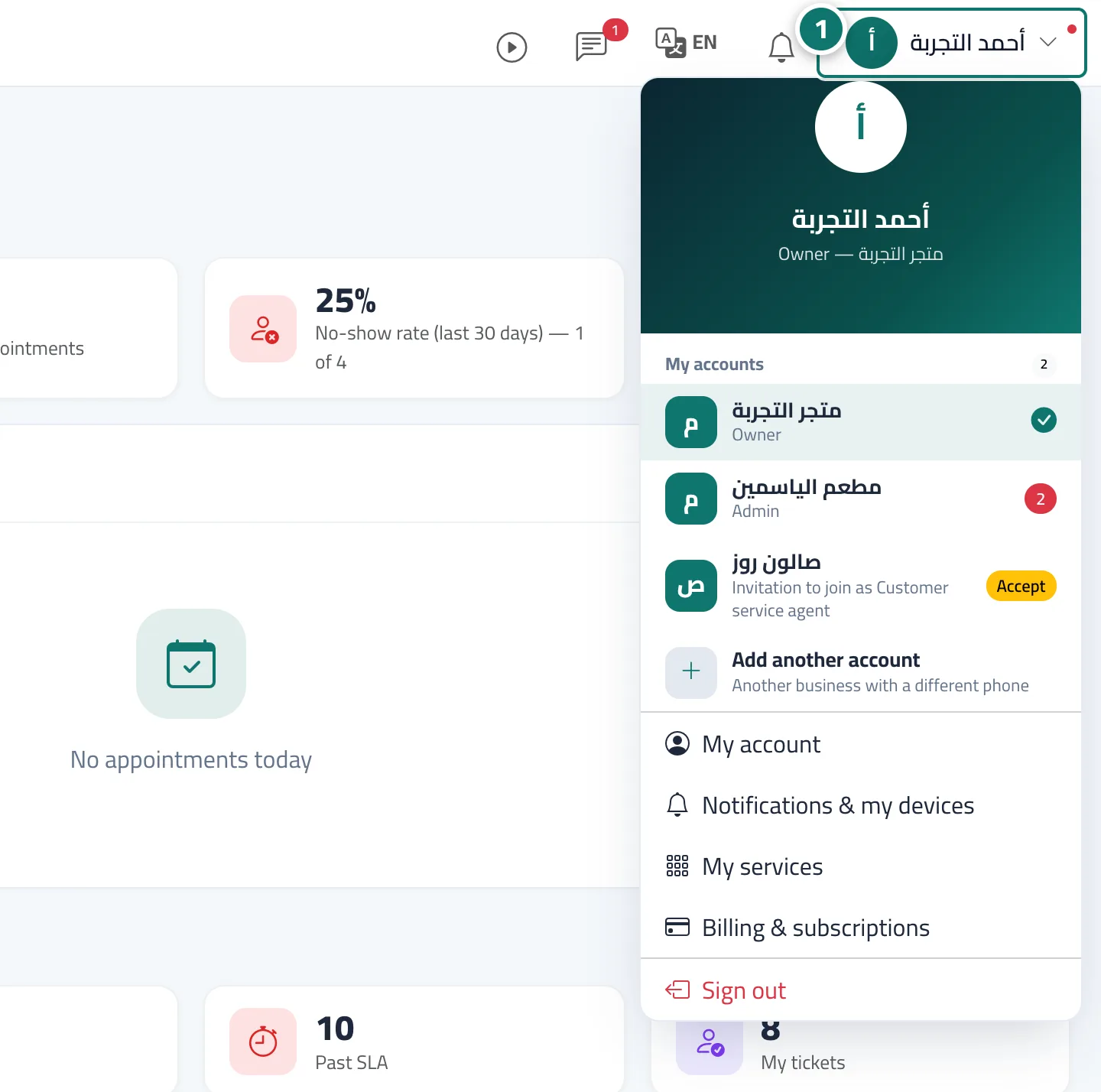
Étapes
- Open your name menu in the top bar and tap “Install the app” (it appears when your browser allows installation). Numéro 1 sur l’image
- On iPhone: Share button → “Add to Home Screen” → “Add”. On a computer or Android: accept the install window.
- Open Kauthar from its icon and turn on notifications from the bell menu.