
Channels · Connect the WhatsApp Business app on your phone
How do I connect my number to Kauthar and keep it on the WhatsApp Business app on my phone?
Connect your number without moving it off your phone: the WhatsApp Business app keeps working as it is, and messages also reach Kauthar so it can answer them.
Who this is for: Owner & manager · Team members
Where: Sidebar → Channels & customers → Channels → «WhatsApp» card → «Connect the WhatsApp Business app on your phone»
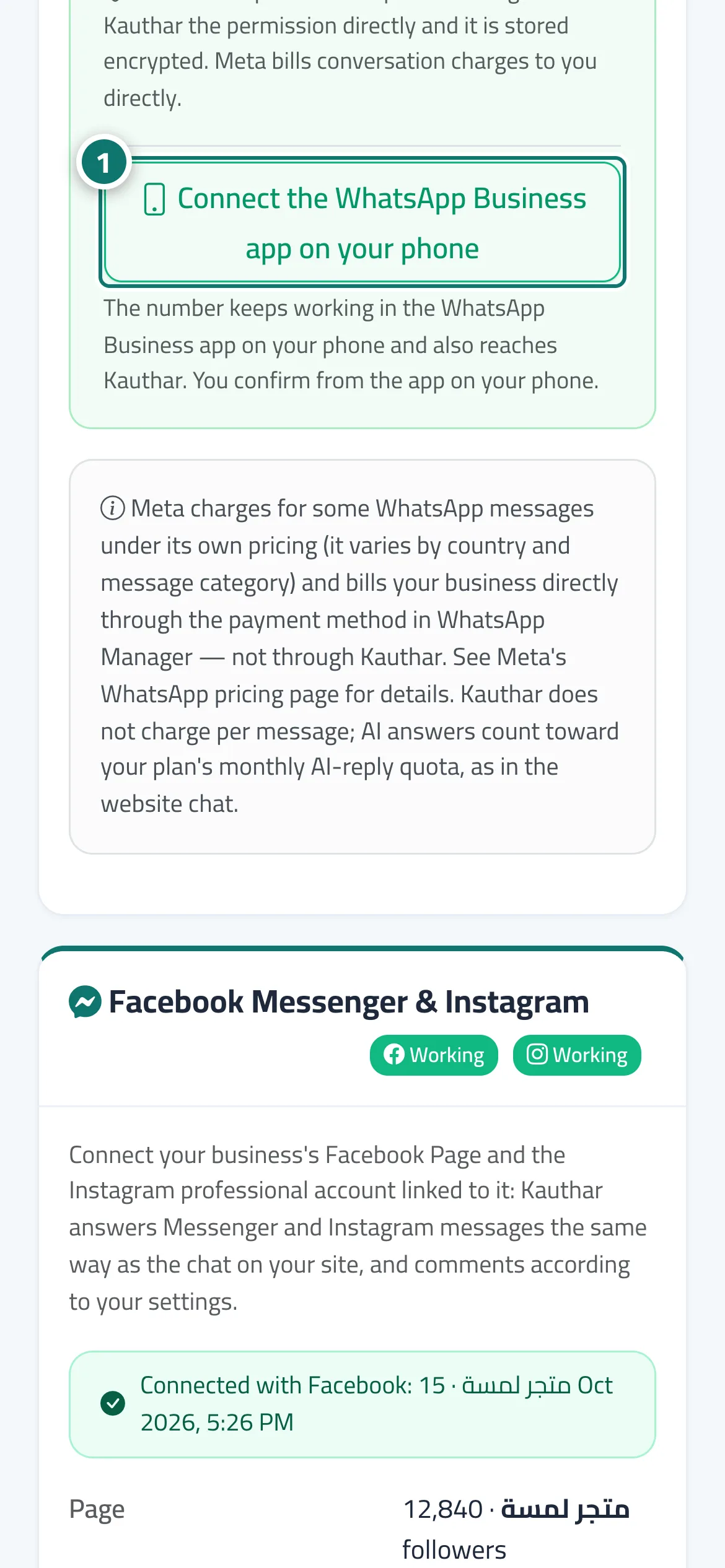
Steps
- Press «Connect the WhatsApp Business app on your phone». Number 1 on the picture
- Read the three points in «Before connecting the WhatsApp Business app» and confirm each with «I understand».
- Press «Understood, start connecting».
- Finish Meta's window and confirm the connection from the WhatsApp Business app on your phone.
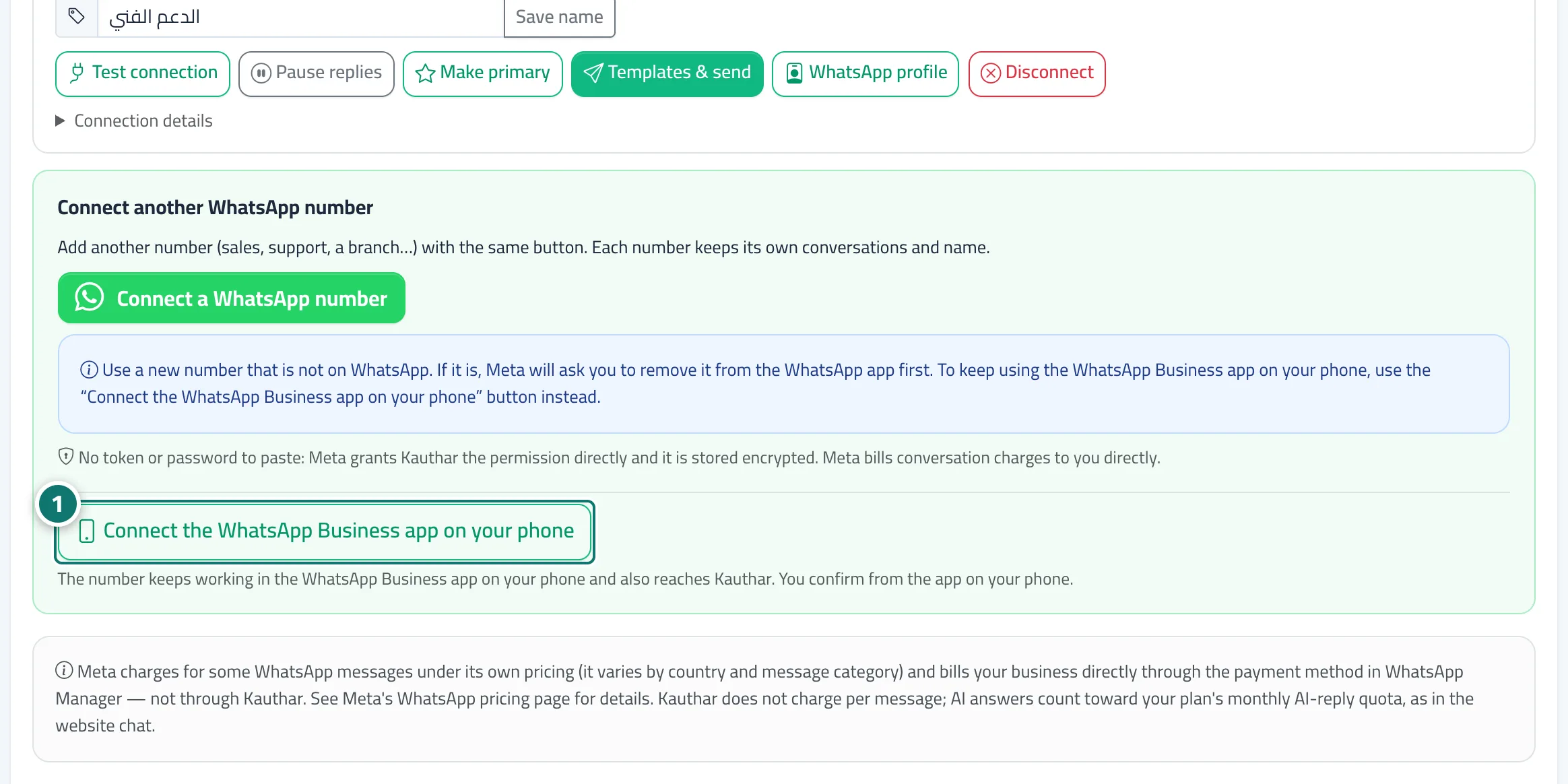
Steps
- Press «Connect the WhatsApp Business app on your phone». Number 1 on the picture
- Read the three points in «Before connecting the WhatsApp Business app» and confirm each with «I understand».
- Press «Understood, start connecting».
- Finish Meta's window and confirm the connection from the WhatsApp Business app on your phone.