
Conversations & helpdesk · Taking over a conversation from the AI assistant
How do I take over a conversation from the AI assistant and reply to the customer myself?
When a customer needs a person, take over the conversation and write to them yourself in the same chat window, then hand it back to the AI assistant.
Who this is for: Owner & manager · Team members
Where: Sidebar → Main → Conversations → (the conversation)
Steps
- Open the conversation from “Conversations” or from the notification.
- Click “Take over”.
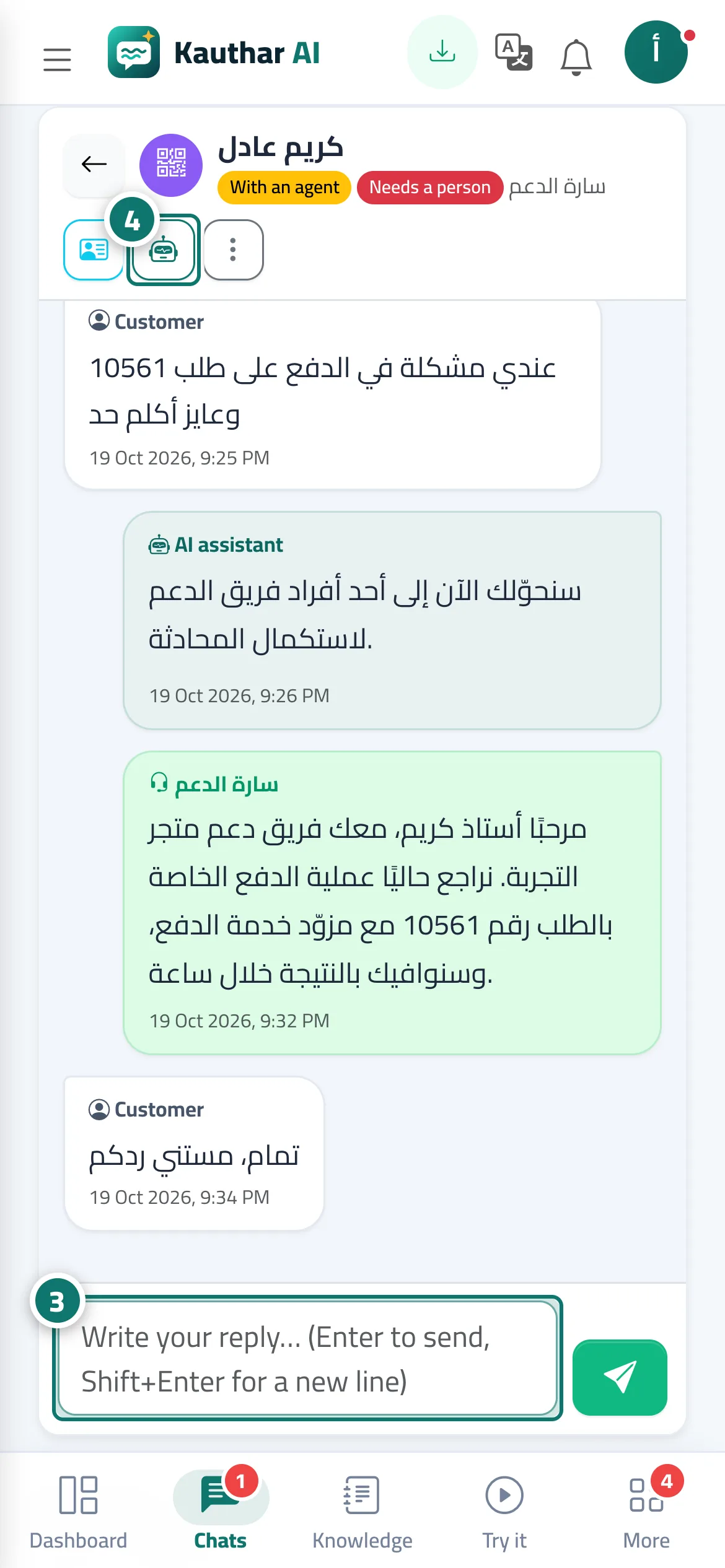
- Type your reply in the box at the bottom (Enter to send, Shift+Enter for a new line). Number 3 on the picture
- When you're done, click “Back to AI”, or choose “Close” from “More”. Number 4 on the picture
Steps
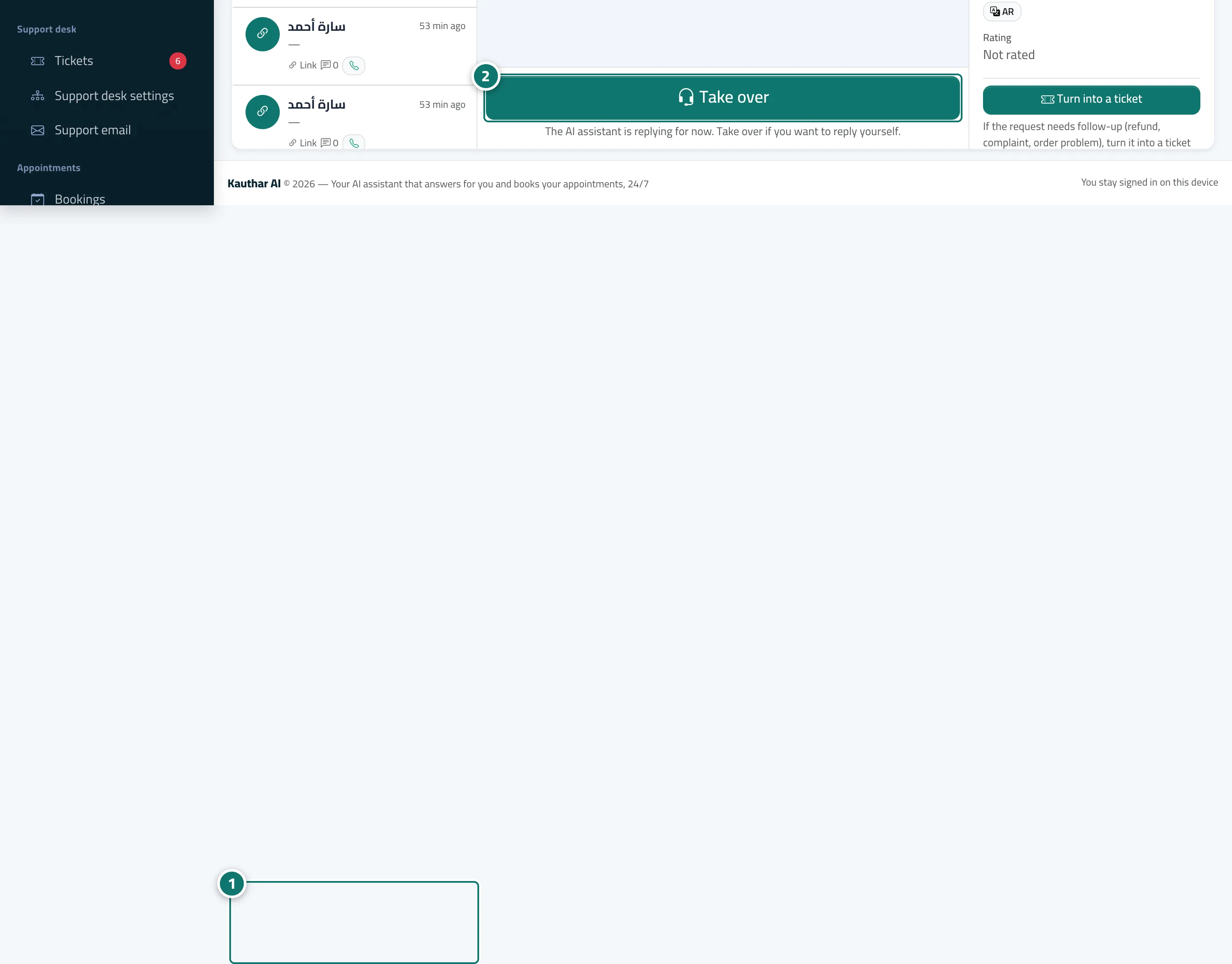
- Open the conversation from “Conversations” or from the notification. Number 1 on the picture
- Click “Take over”. Number 2 on the picture
- Type your reply in the box at the bottom (Enter to send, Shift+Enter for a new line).
- When you're done, click “Back to AI”, or choose “Close” from “More”.