
Getting started · The Kauthar mobile app
Where do I download the Kauthar mobile app?
The Kauthar app for your phone with the same interface, plus phone notifications, an app lock with your fingerprint or face, and one-tap sharing of your chat link.
Who this is for: Owner & manager · Team members
Where: Sign-in page → «Android app on Google Play» · Inside the app: your name menu → «Biometric app lock»
Steps
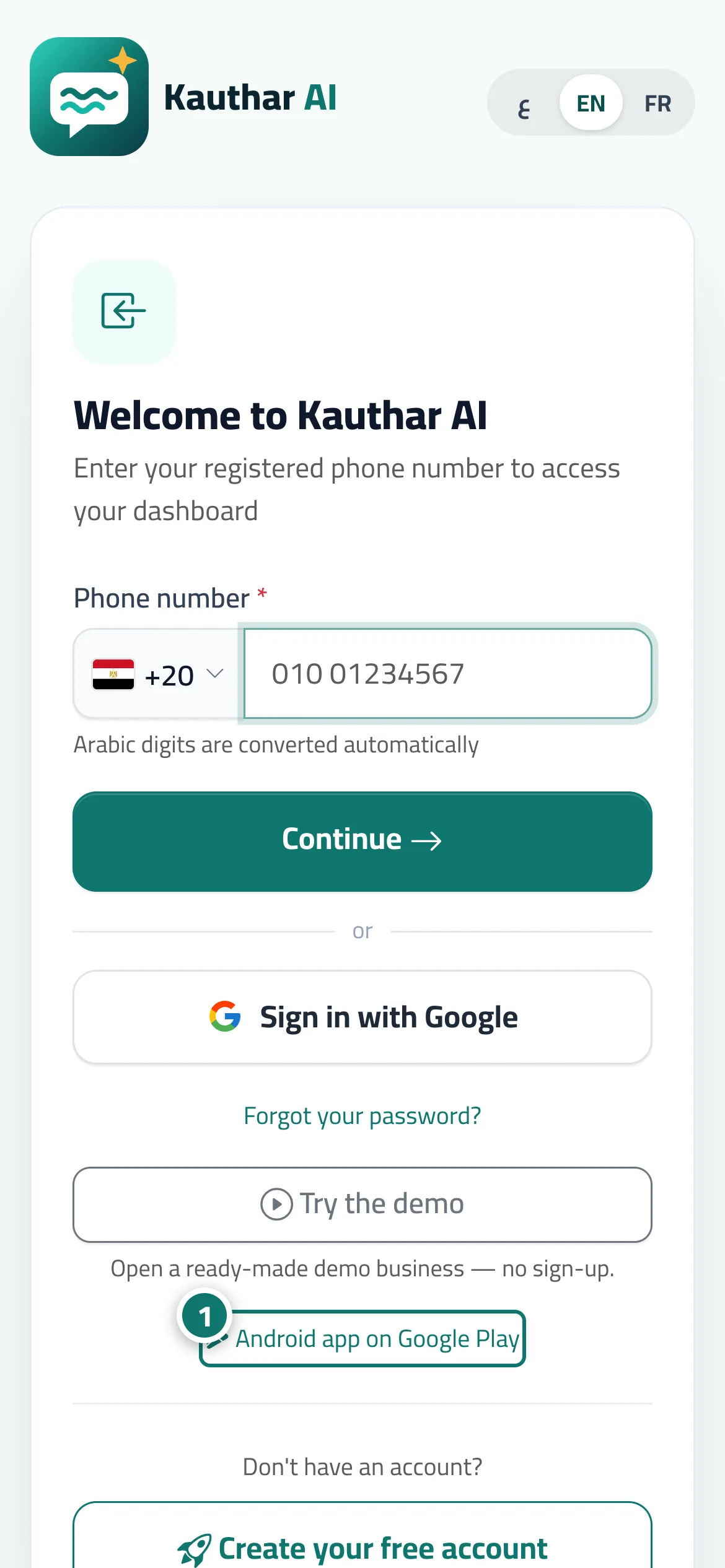
- Tap «Android app on Google Play» on the sign-in page (or at the bottom of the Kauthar website) and install the app. Number 1 on the picture
- Open the app and sign in with your phone number and password.
- Allow notifications when the app asks (or from the bell menu → «Turn on notifications on this device»).
- From your name menu choose «Biometric app lock», then «Turn on app lock», set «Lock after leaving the app for» (immediately or after a few minutes) and tap «Save».
Steps
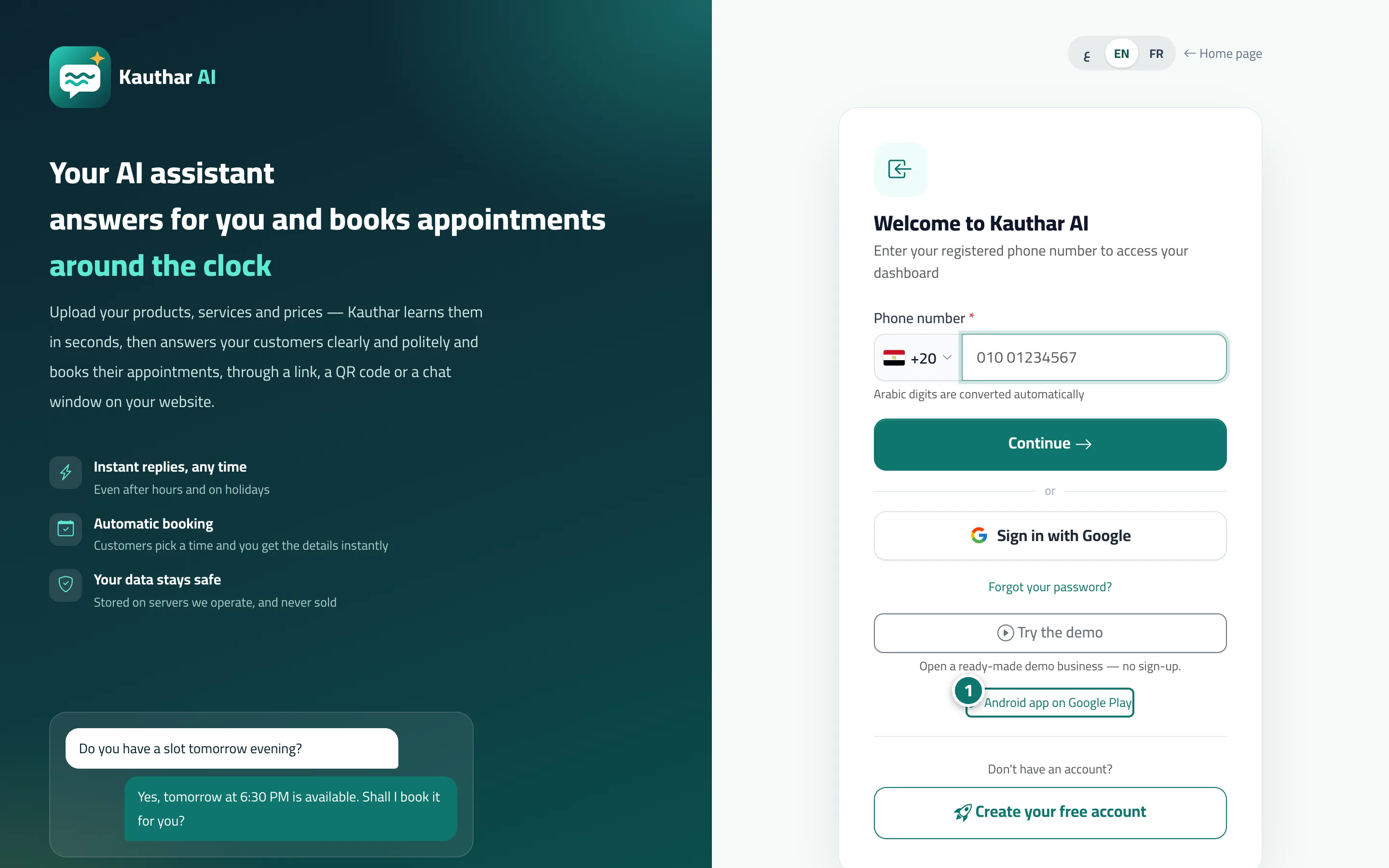
- Tap «Android app on Google Play» on the sign-in page (or at the bottom of the Kauthar website) and install the app. Number 1 on the picture
- Open the app and sign in with your phone number and password.
- Allow notifications when the app asks (or from the bell menu → «Turn on notifications on this device»).
- From your name menu choose «Biometric app lock», then «Turn on app lock», set «Lock after leaving the app for» (immediately or after a few minutes) and tap «Save».