
Business email · Email on your domain: the domain and mailboxes
How do I create email addresses on my business domain?
Add your business domain, copy the ready-made DNS records and click “Verify”, then create mailboxes such as info@ and sales@ in your business name to use on your phone, in Outlook, in the browser or in Kauthar's “Mail”.
Who this is for: Owner & manager
Where: Sidebar → Business email → “Email on your domain”
Steps
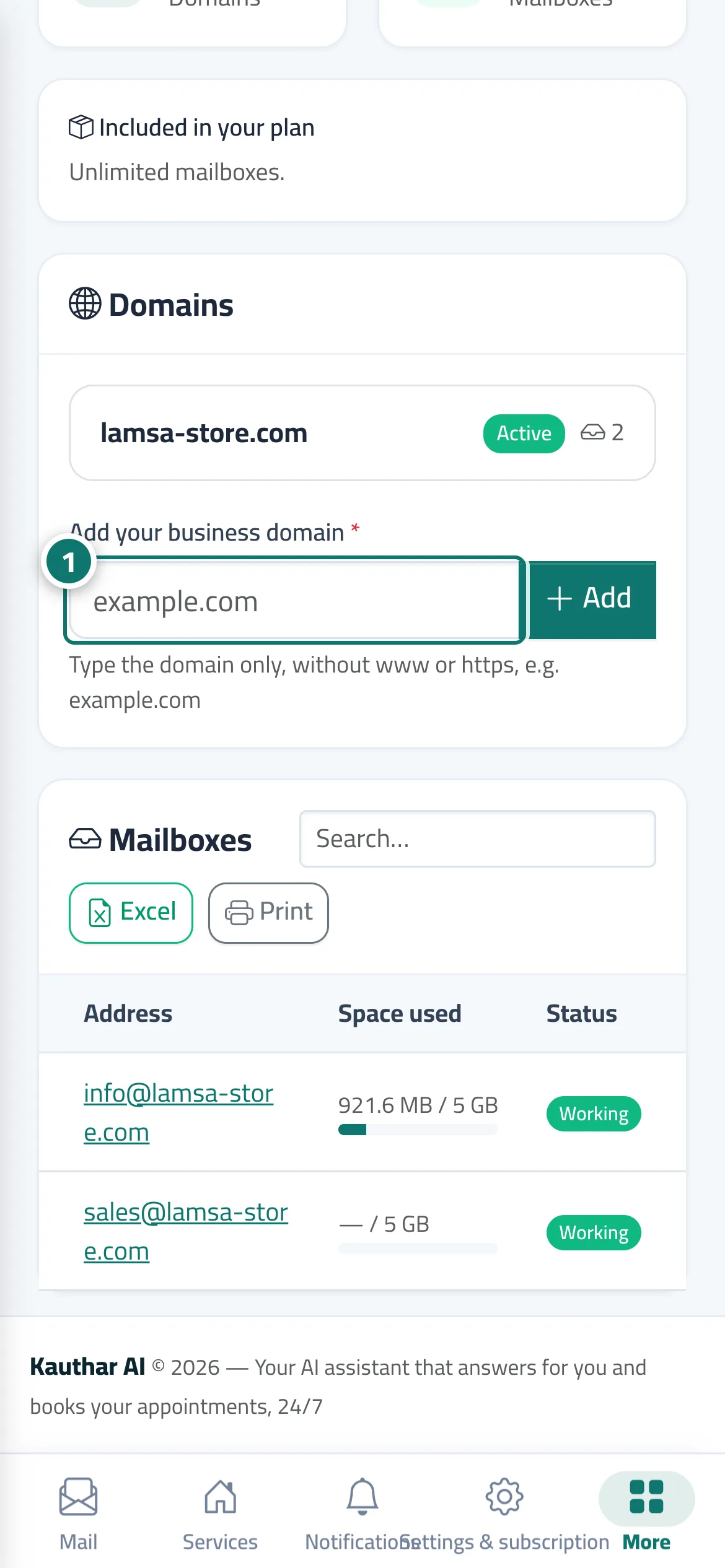
- Type only the domain (such as example.com) in “Add your business domain” and click “Add”. Number 1 on the picture
- Copy the records shown into the domain control panel of the company you bought it from, then click “Verify”.
- Once it's active, create the mailbox: the address and display name, and save the password that is shown only once.
- Add the mailbox to “Mail” so your team answers it from Kauthar, or use it on your phone and in Outlook with the settings shown.
Steps
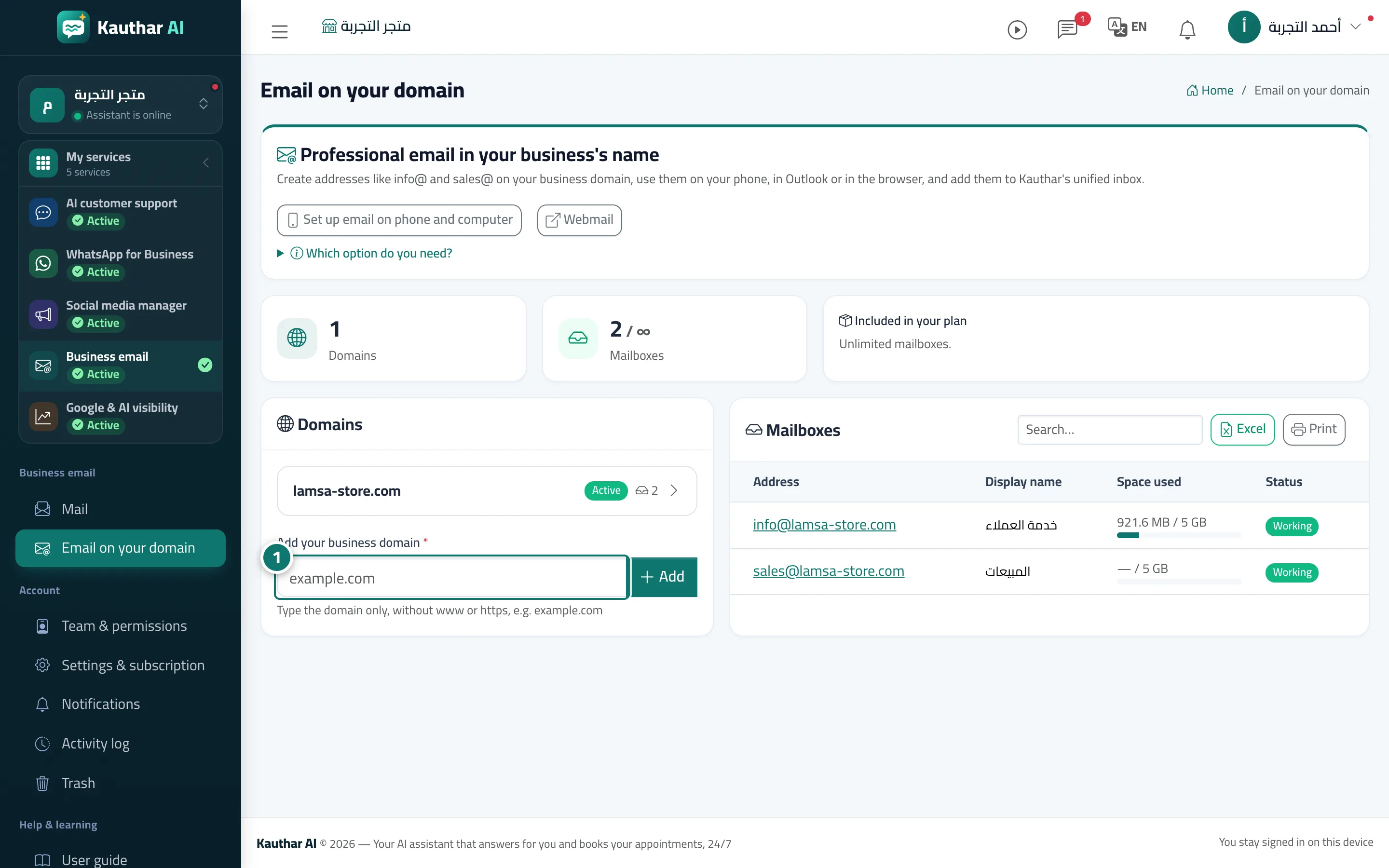
- Type only the domain (such as example.com) in “Add your business domain” and click “Add”. Number 1 on the picture
- Copy the records shown into the domain control panel of the company you bought it from, then click “Verify”.
- Once it's active, create the mailbox: the address and display name, and save the password that is shown only once.
- Add the mailbox to “Mail” so your team answers it from Kauthar, or use it on your phone and in Outlook with the settings shown.