
Canaux · Recipe: leads in Google Sheets
How do I log new leads in Google Sheets automatically?
Every new lead becomes a row in a Google Sheets spreadsheet: time, name, phone, channel, message and a link to the conversation.
Pour qui : Propriétaire et responsable
Où : Webhooks → n8n
Étapes
- Create a Google Sheets spreadsheet with the headers Time, Name, Phone, Channel, Message, Link in the first row.
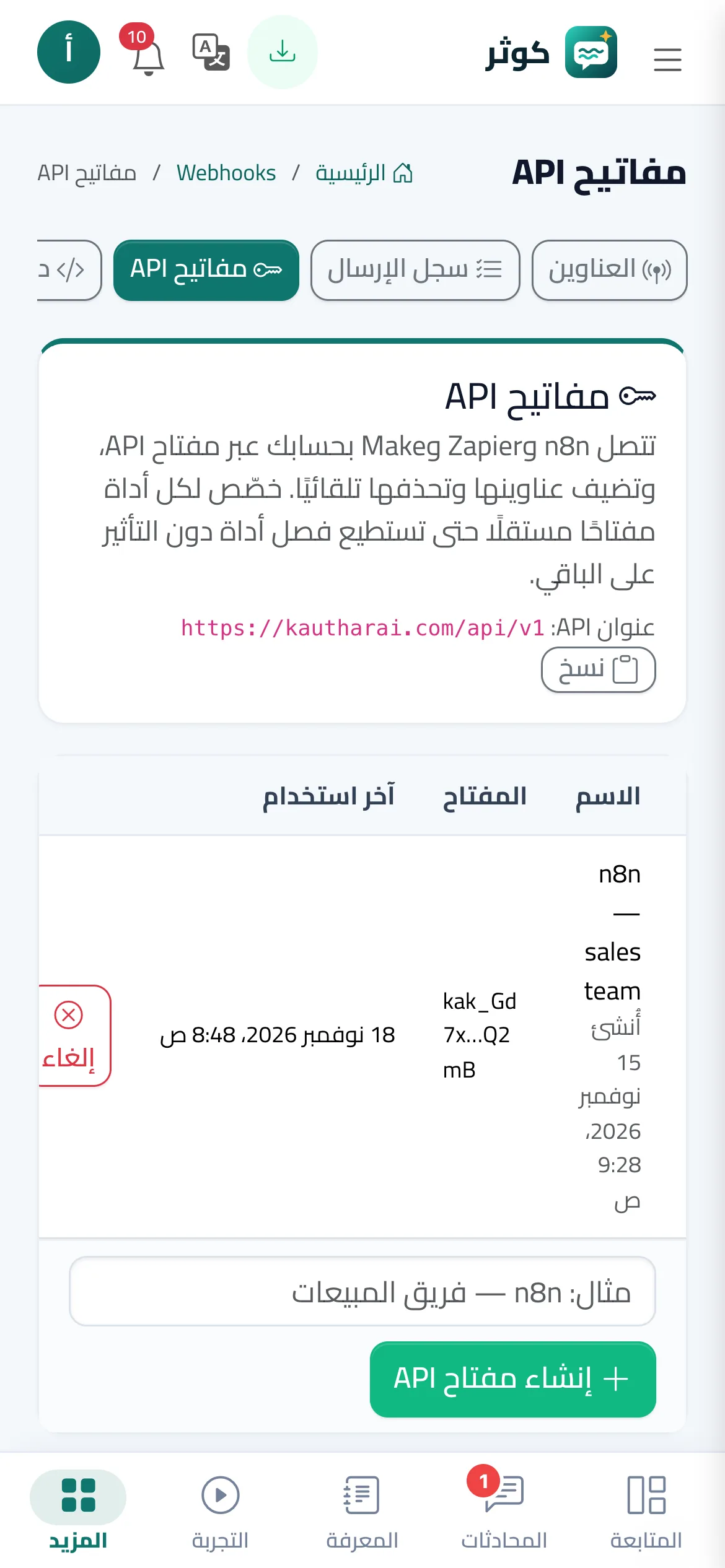
- In n8n choose Import from file and open the recipe, then pick the «Kauthar AI API» credential in the Kauthar AI Trigger node.
- In the Google Sheets node connect your account and choose the spreadsheet and sheet.
- Activate the workflow, then press «Send test event» on the n8n endpoint in the Webhooks screen and check the new row.
Étapes
- Create a Google Sheets spreadsheet with the headers Time, Name, Phone, Channel, Message, Link in the first row.
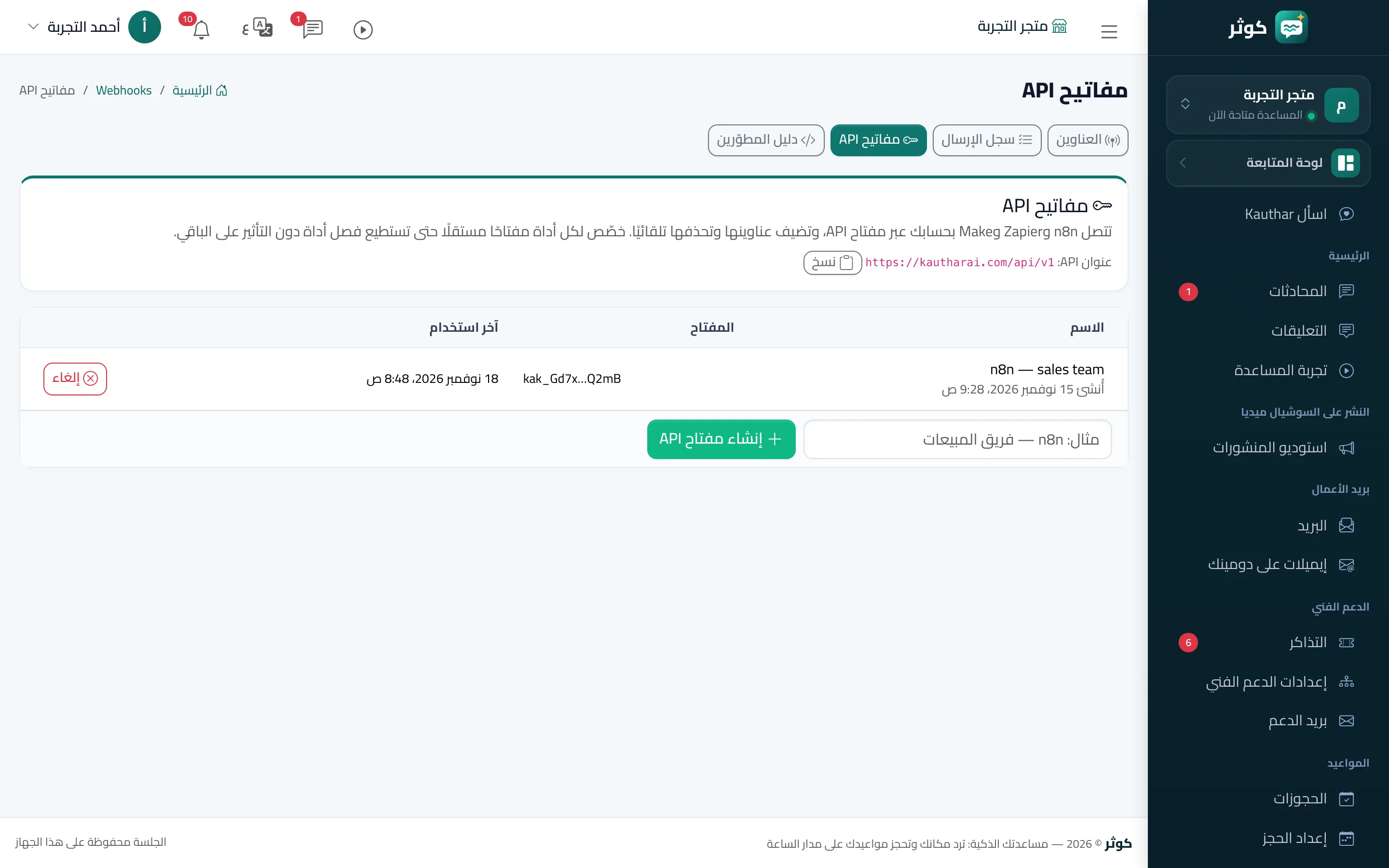
- In n8n choose Import from file and open the recipe, then pick the «Kauthar AI API» credential in the Kauthar AI Trigger node.
- In the Google Sheets node connect your account and choose the spreadsheet and sheet.
- Activate the workflow, then press «Send test event» on the n8n endpoint in the Webhooks screen and check the new row.