
Canaux · Connect Zapier and Make
How do I connect Kauthar AI to Zapier?
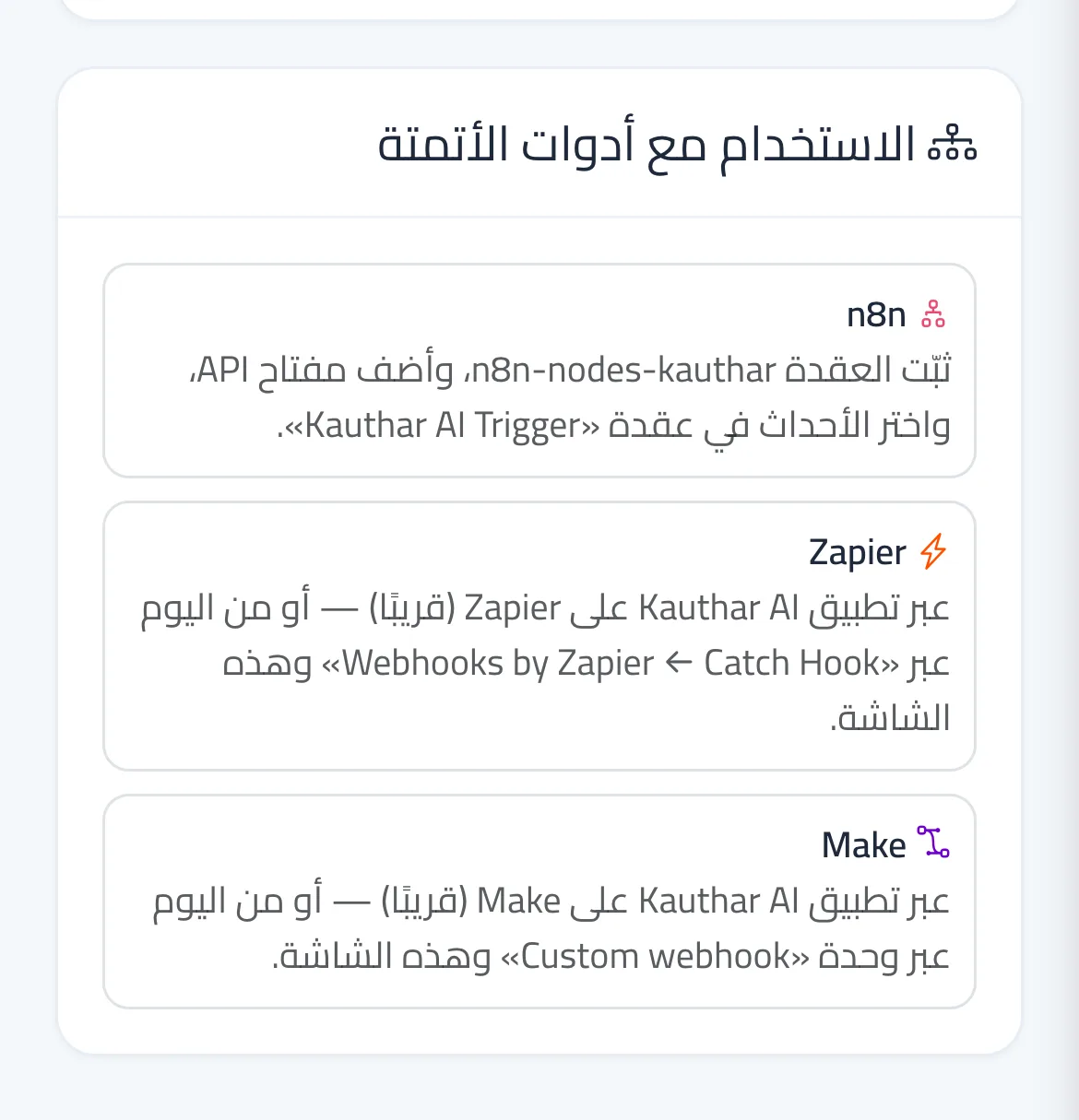
Connect Kauthar AI events to thousands of apps with Zapier or Make — today with a webhook address, soon with the official Kauthar AI app.
Pour qui : Propriétaire et responsable
Où : Side menu → Channels and customers → Webhooks
Étapes
- In Zapier or Make create a Webhook start step and copy the address it shows.
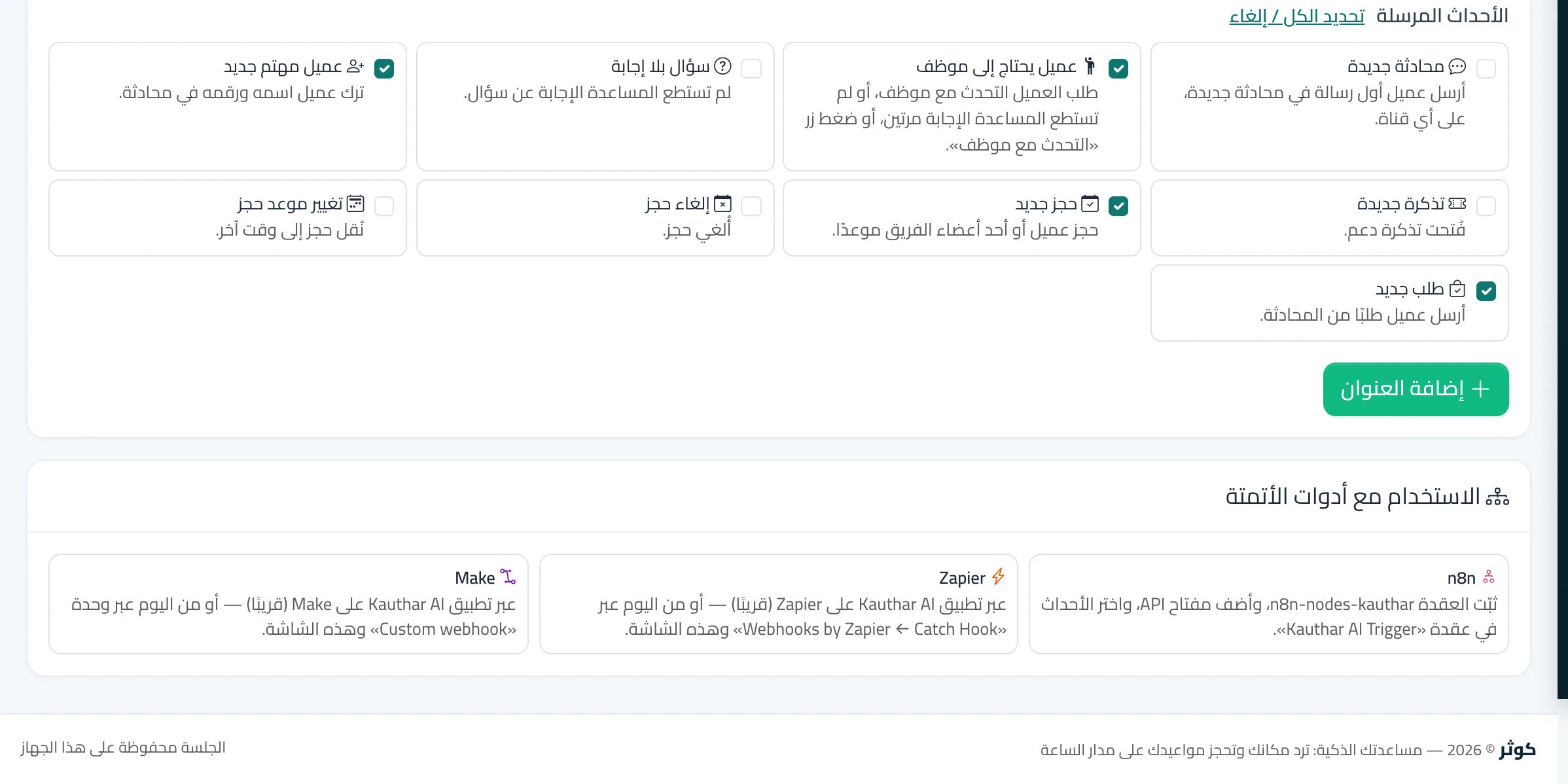
- In Kauthar AI open «Webhooks», paste the address in «Add an endpoint», choose the events and press «Add endpoint».
- Press «Send test event» so Zapier or Make learns the data shape, then finish the next steps in the tool.
Étapes
- In Zapier or Make create a Webhook start step and copy the address it shows.
- In Kauthar AI open «Webhooks», paste the address in «Add an endpoint», choose the events and press «Add endpoint».
- Press «Send test event» so Zapier or Make learns the data shape, then finish the next steps in the tool.