
Premiers pas · Resetting your password
I forgot my password — how do I reset it?
Recover your account yourself: phone number → verification code on WhatsApp or by SMS → a new password — or sign in with your linked Google account.
Pour qui : Propriétaire et responsable · Membres de l'équipe
Où : Sign-in page → “Forgot your password?”
Étapes
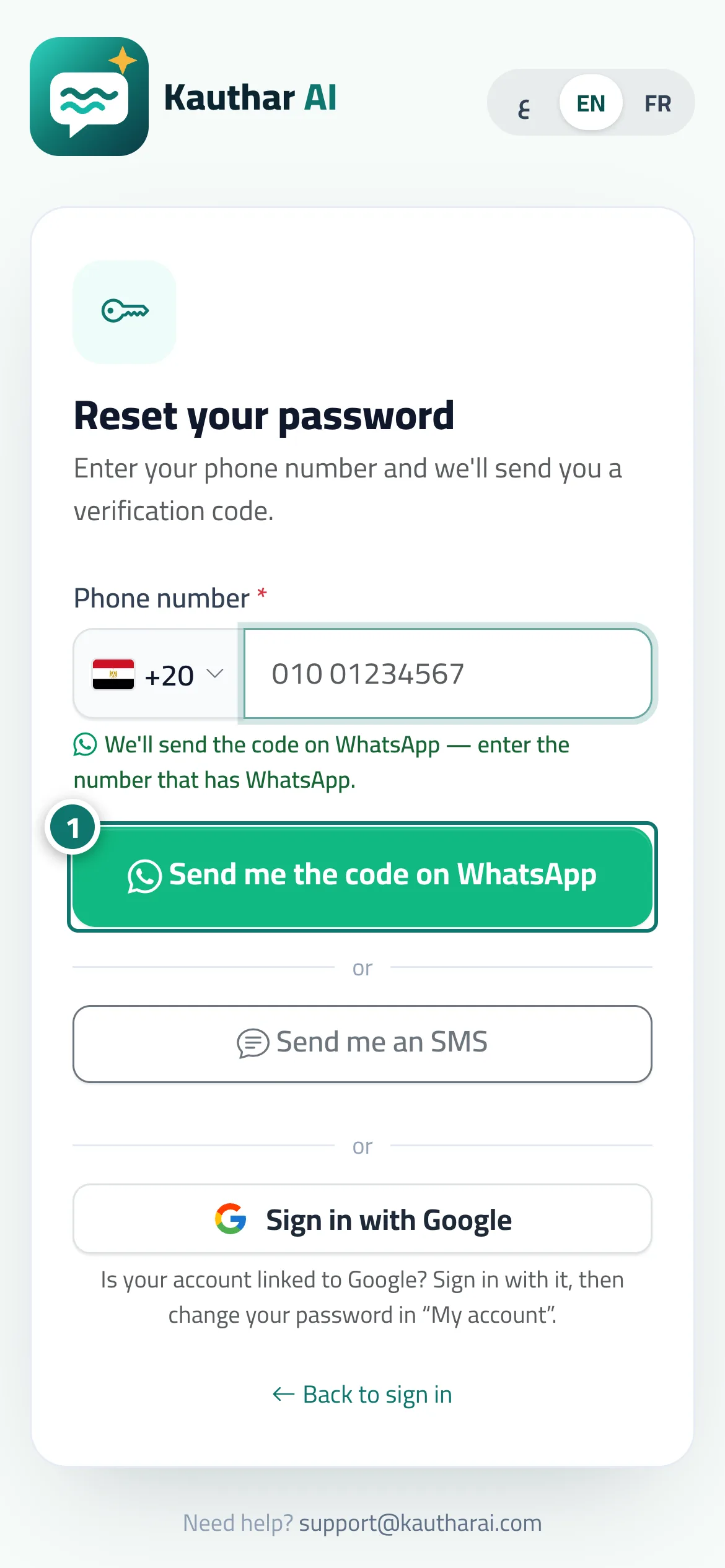
- Choose your country, type your phone number, and tap “Send me the code on WhatsApp” (or “Send me an SMS”). Numéro 1 sur l’image
- Type the code and tap “Verify”.
- Type your new password twice and tap “Save and sign in”.
Étapes
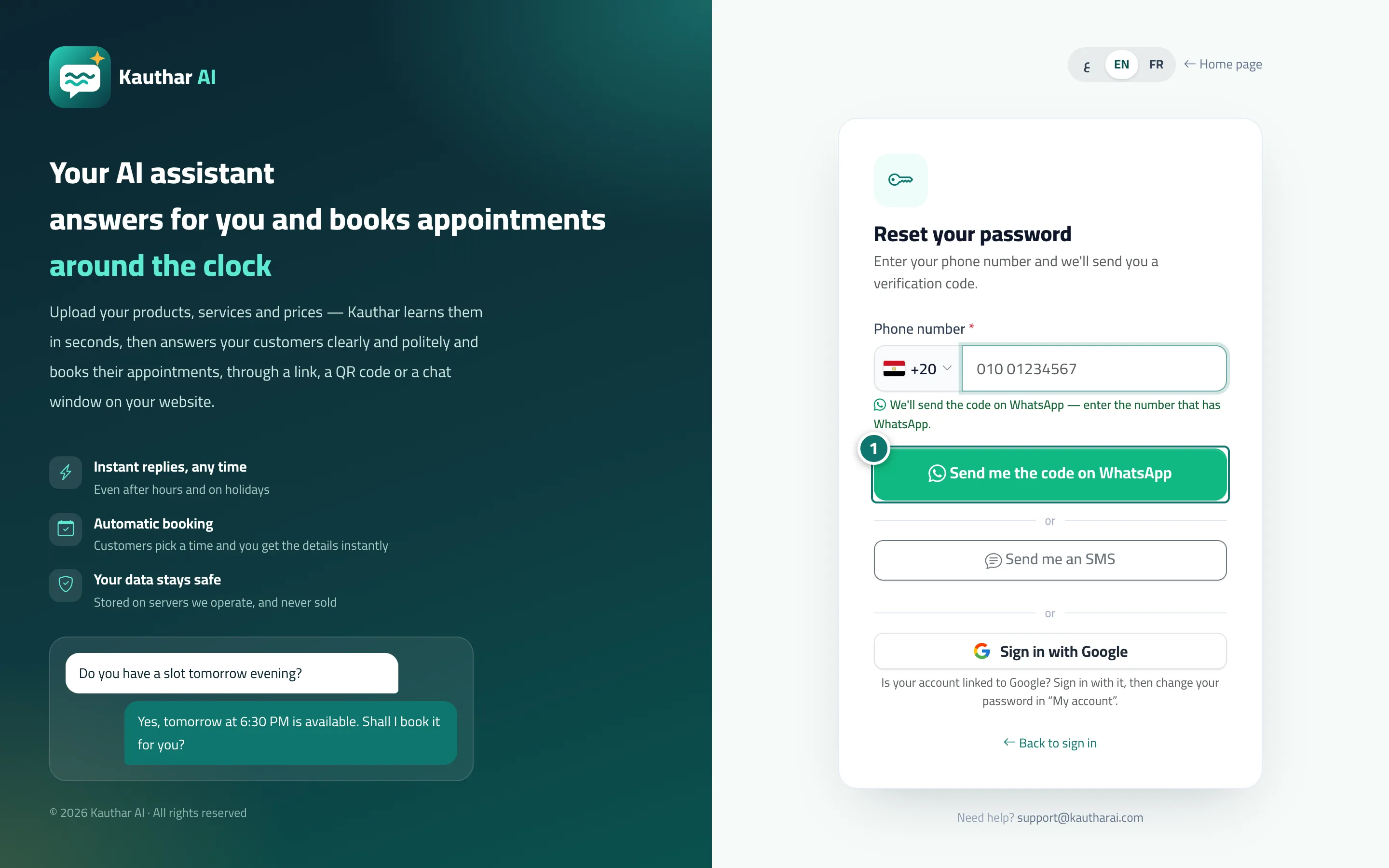
- Choose your country, type your phone number, and tap “Send me the code on WhatsApp” (or “Send me an SMS”). Numéro 1 sur l’image
- Type the code and tap “Verify”.
- Type your new password twice and tap “Save and sign in”.