
Premiers pas · Signing in with Google
How do I sign in to Kauthar with Google?
Sign in to Kauthar with one tap using the Google account linked to your account, and use it to recover your account if the code message doesn't arrive.
Pour qui : Propriétaire et responsable · Membres de l'équipe
Où : Sign-in page → “Sign in with Google” · linking: your name menu → “My account” → the “Sign in with Google” card
Étapes
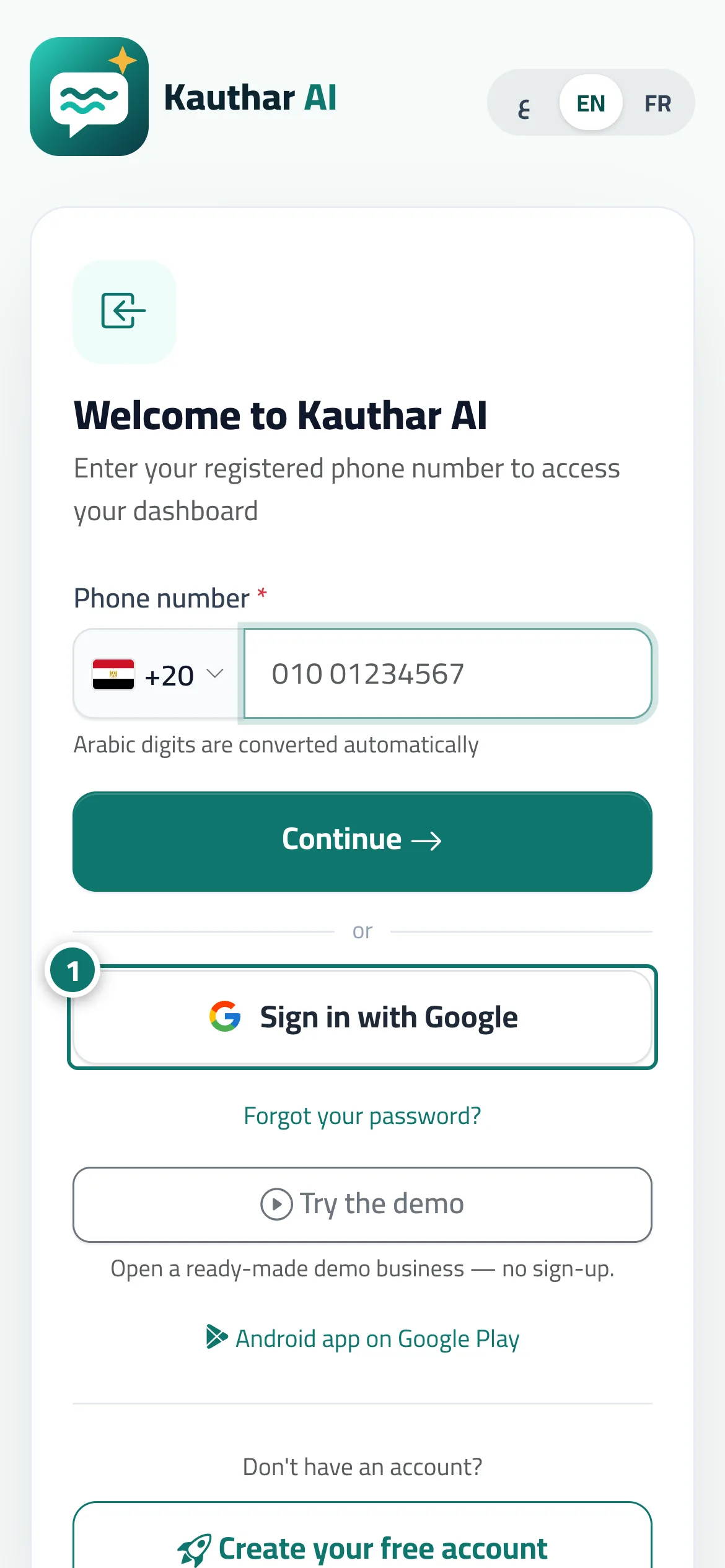
- On the sign-in page, tap “Sign in with Google”. Numéro 1 sur l’image
- Choose the Google account linked to your account in the window that appears; you go straight to the dashboard.
- If the account isn't linked, you'll see “No account is linked to this Google account”: sign in with your number and password, then link it from “My account” → “Link Google account”.
Étapes
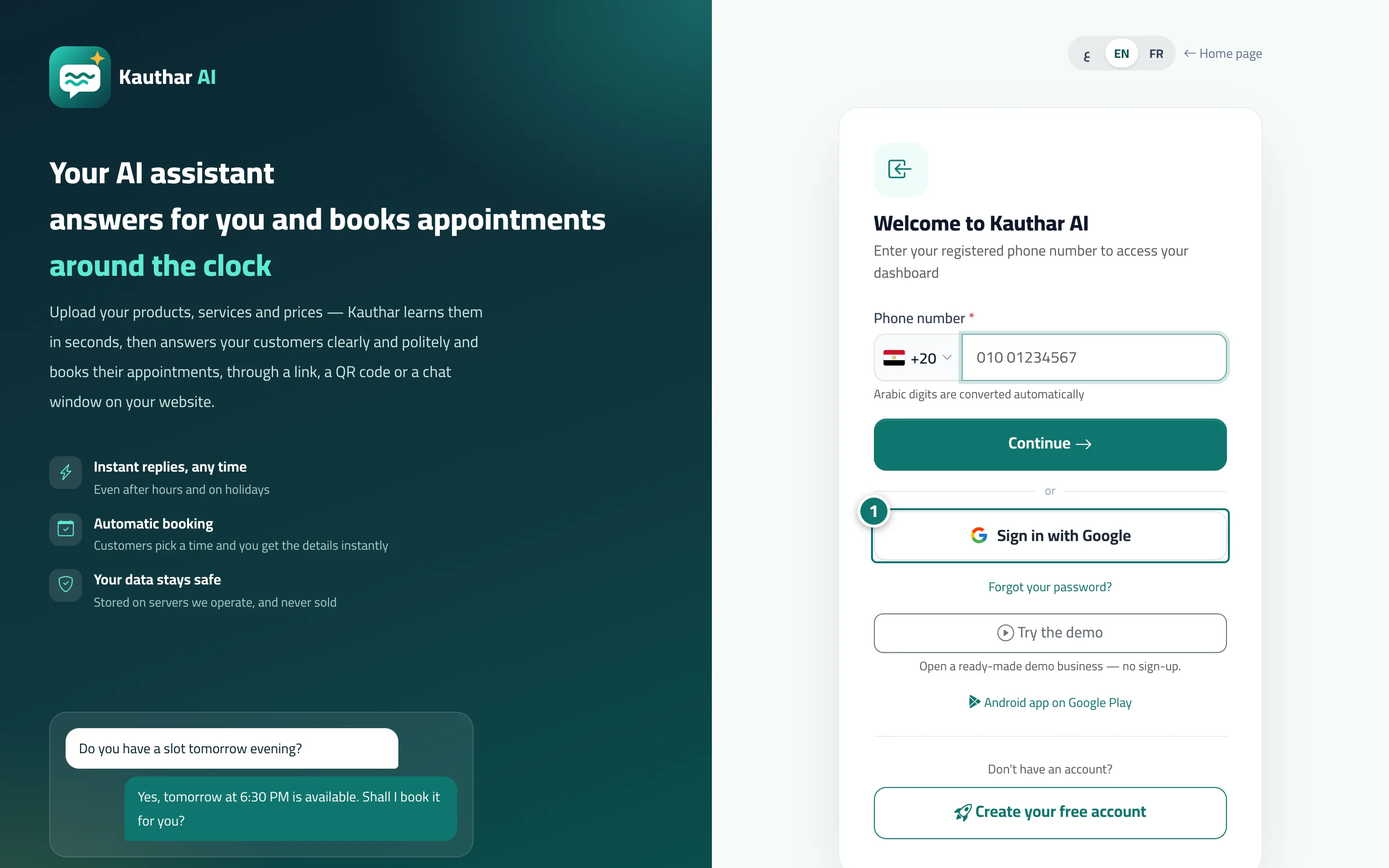
- On the sign-in page, tap “Sign in with Google”. Numéro 1 sur l’image
- Choose the Google account linked to your account in the window that appears; you go straight to the dashboard.
- If the account isn't linked, you'll see “No account is linked to this Google account”: sign in with your number and password, then link it from “My account” → “Link Google account”.