
Conversations & helpdesk · Customer satisfaction rating (CSAT)
How does a customer rate the support service after their ticket is solved?
After a ticket is solved, the customer rates the service from 1 to 5 with an optional comment, and the result appears in your reports.
Who this is for: Owner & manager · Your customers
Where: Ticket tracking portal · turned on from the sidebar → Support desk → Support desk settings → “Routing & ratings” → “Customer satisfaction rating”
Steps
- Make sure “Customer satisfaction rating” is on (it is on by default).
- When the ticket is solved, the customer opens its link (or you send it to them).
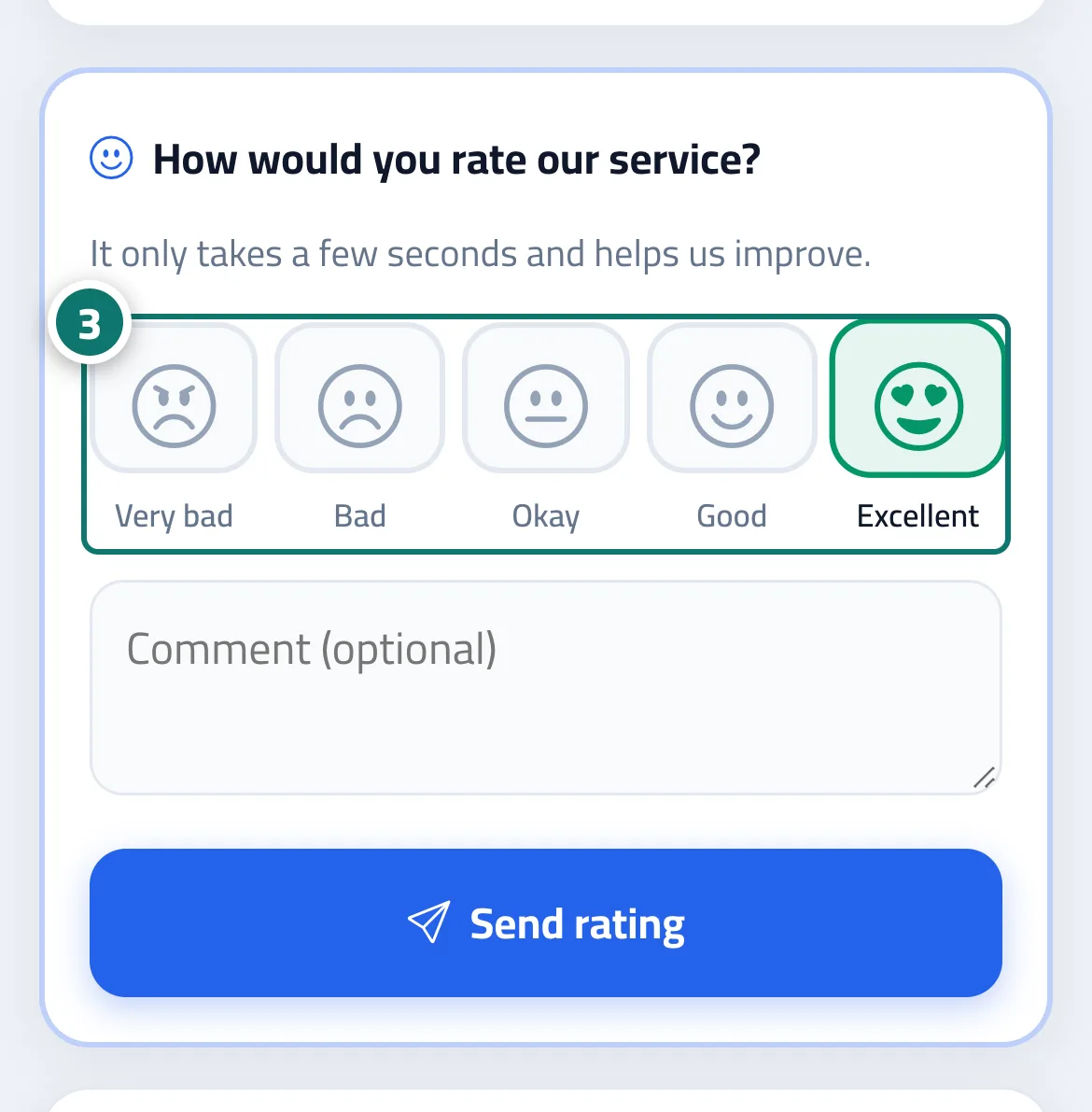
- The customer picks a rating, adds a comment if they wish, then taps “Send rating”. Number 3 on the picture
Steps
- Make sure “Customer satisfaction rating” is on (it is on by default).
- When the ticket is solved, the customer opens its link (or you send it to them).
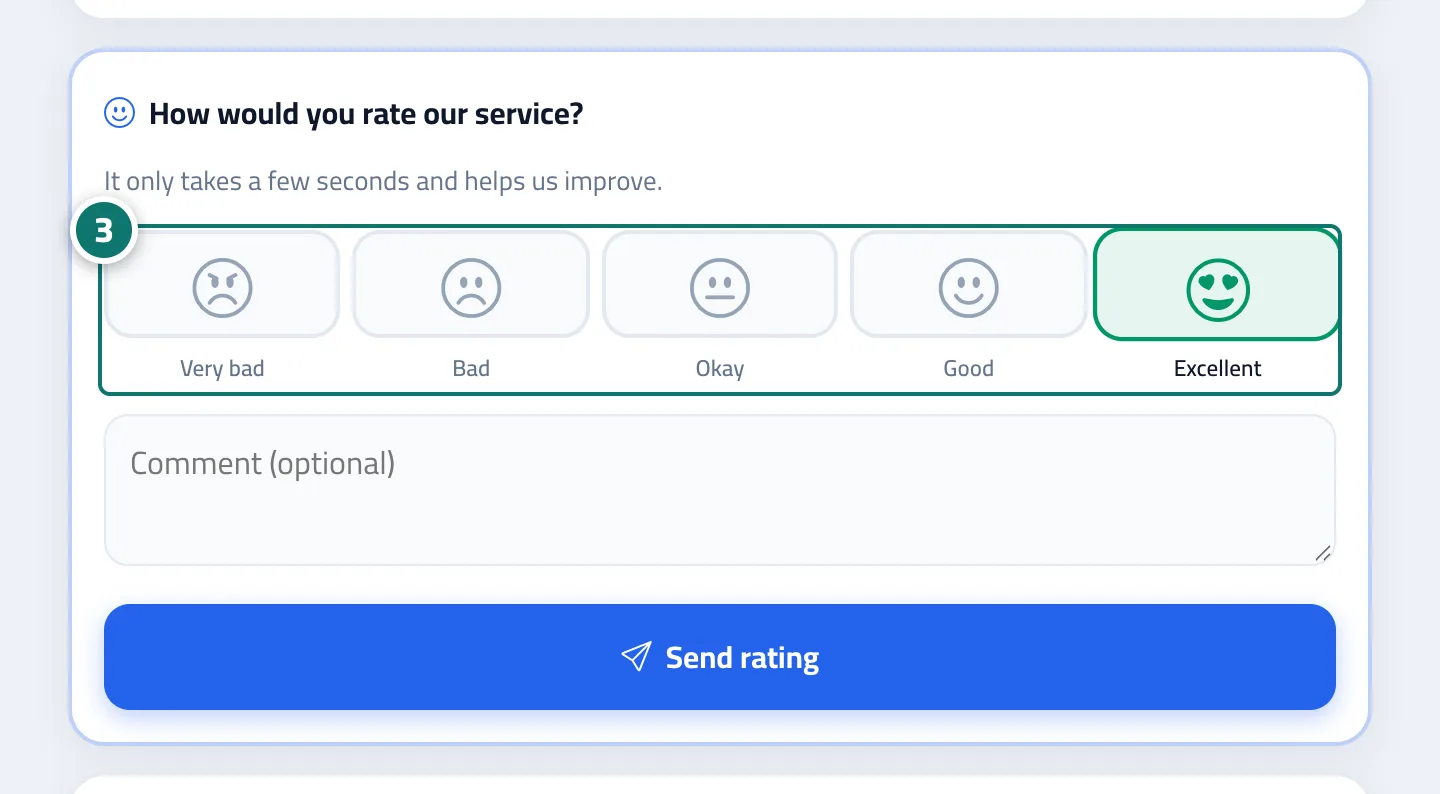
- The customer picks a rating, adds a comment if they wish, then taps “Send rating”. Number 3 on the picture