
Conversations & helpdesk · Support departments and agent allocation
How do I add a new support department and choose its agents?
Split your support into departments (Sales, Technical support, Complaints…) and choose each department's agents, so every request reaches the right person.
Who this is for: Owner & manager
Where: Sidebar → Support desk → Support desk settings → Departments
Steps
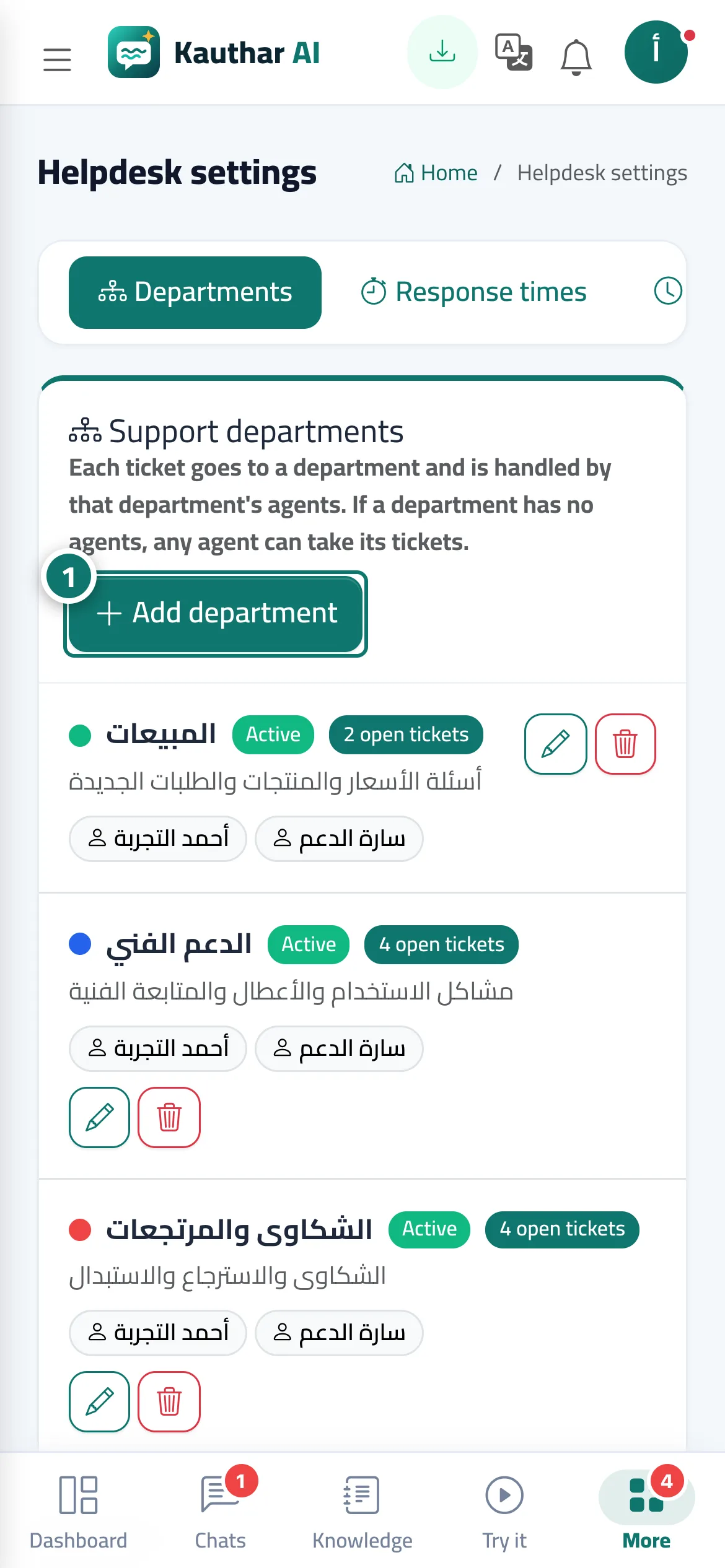
- Open «Support desk settings» → the «Departments» tab and press «Add department». Number 1 on the picture
- Enter the «Department name» and «Description», and choose the «Colour» and «Order».
- Choose the «Department agents» (if you choose nobody, any agent can pick up its tickets).
- Leave «Department active (customers can pick it in the ticket form)» ticked, then press «Save».
Steps
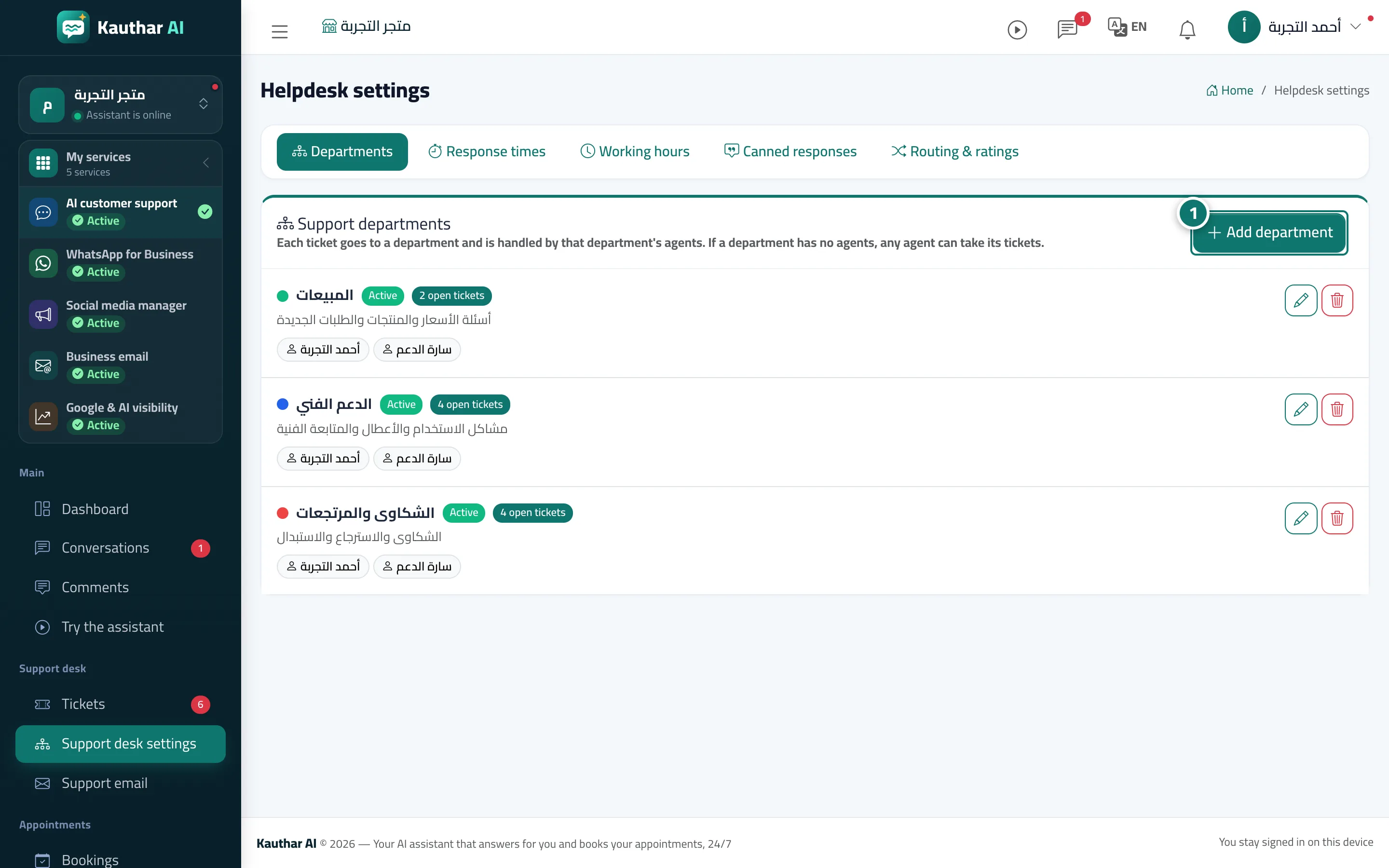
- Open «Support desk settings» → the «Departments» tab and press «Add department». Number 1 on the picture
- Enter the «Department name» and «Description», and choose the «Colour» and «Order».
- Choose the «Department agents» (if you choose nobody, any agent can pick up its tickets).
- Leave «Department active (customers can pick it in the ticket form)» ticked, then press «Save».