
Conversations & helpdesk · Merging duplicate tickets
How do I merge two duplicate tickets from the same customer?
Customer opened the same request twice? Merge both into one ticket without losing a single message.
Who this is for: Owner & manager · Team members
Where: Sidebar → Support desk → Tickets → (the ticket) → Merge
Steps
- Open the duplicate ticket and press «Merge» at the top of the page.
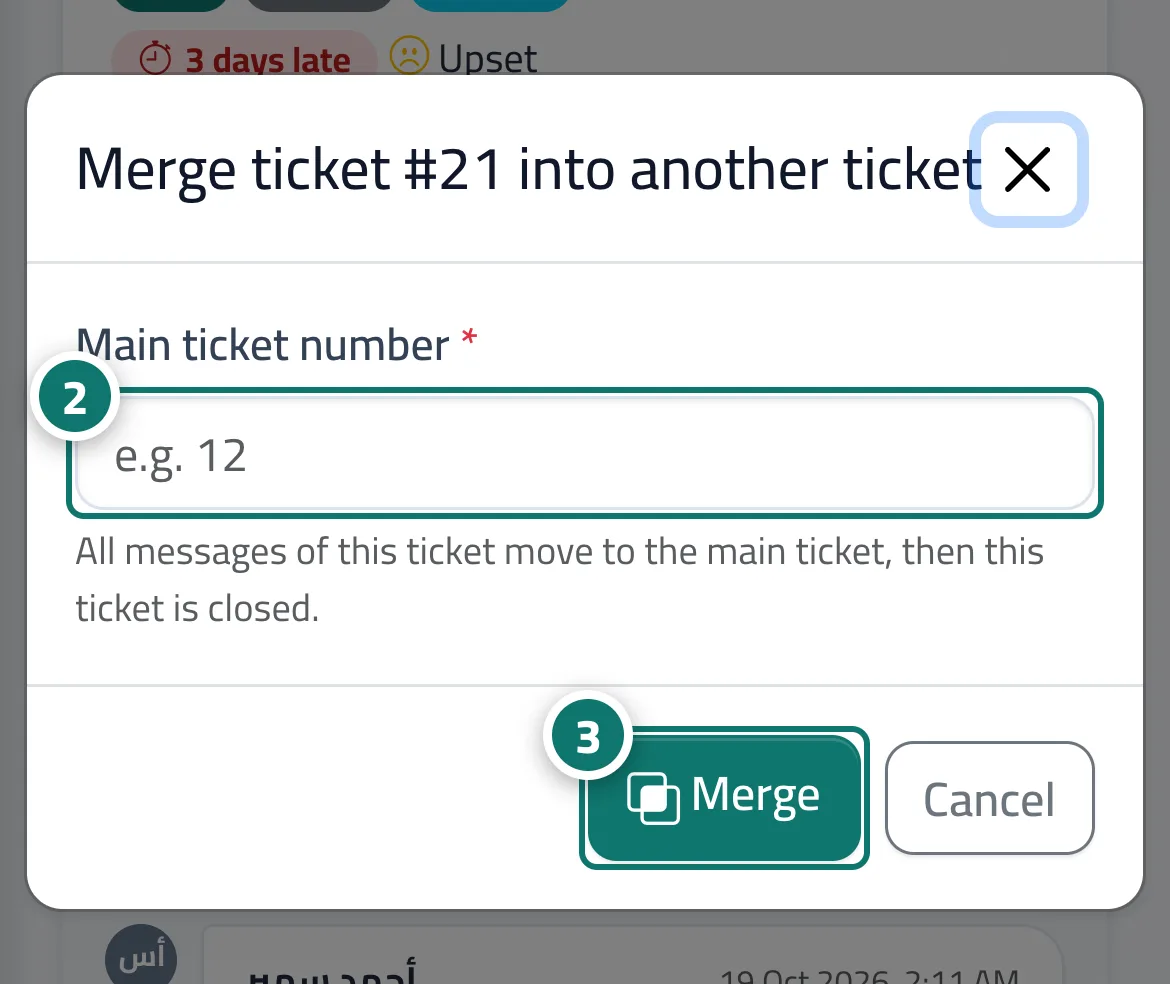
- In the «Merge ticket #… into another ticket» window, enter the «Main ticket number» (for example 12). Number 2 on the picture
- Press «Merge» and confirm. Number 3 on the picture
Steps
- Open the duplicate ticket and press «Merge» at the top of the page.
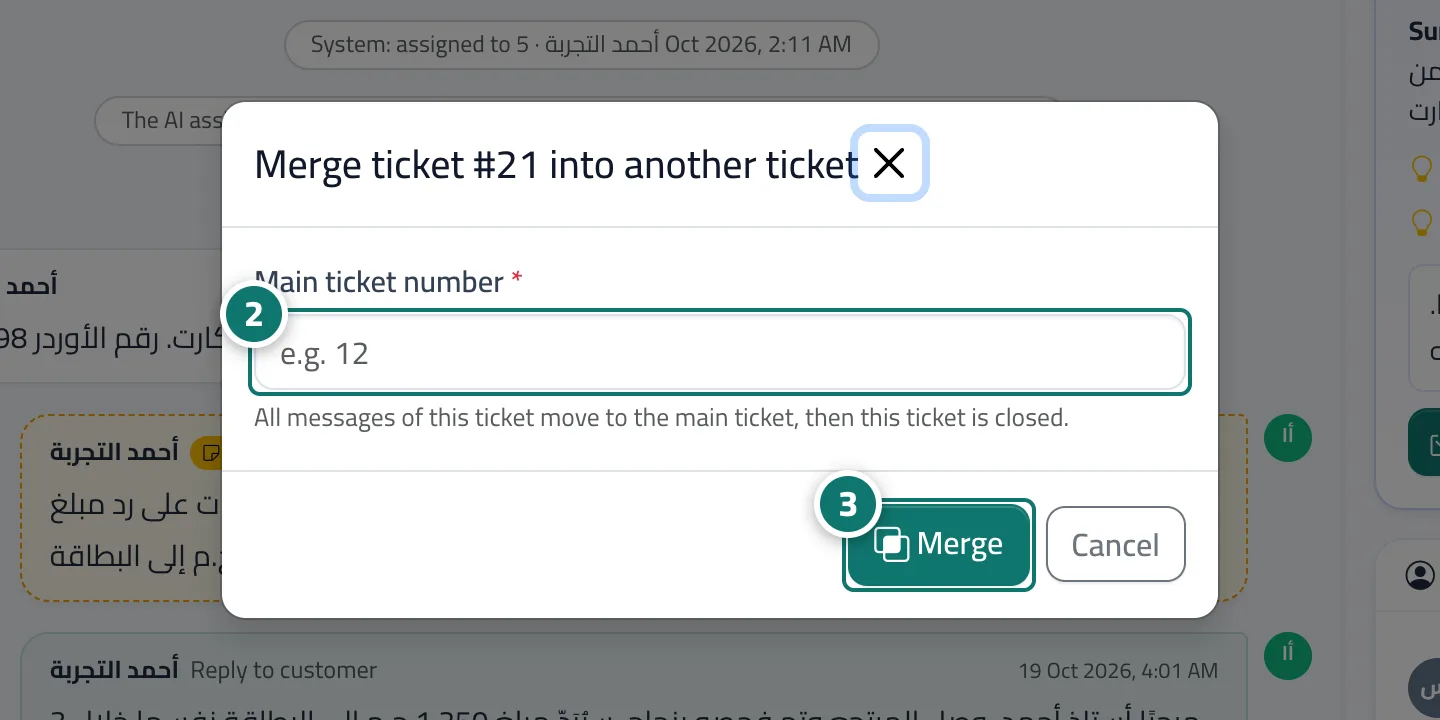
- In the «Merge ticket #… into another ticket» window, enter the «Main ticket number» (for example 12). Number 2 on the picture
- Press «Merge» and confirm. Number 3 on the picture