
Rendez-vous · Booking for a customer who calls or walks in
How do I book an appointment for a customer who phoned me?
Customer phoned or came in person? Book them in 4 steps while seeing only the times that are actually free.
Pour qui : Propriétaire et responsable · Membres de l'équipe
Où : Sidebar → Appointments → Bookings → «New booking»
Étapes
- Press «New booking».
- Choose the service, then the provider or «Any available provider».
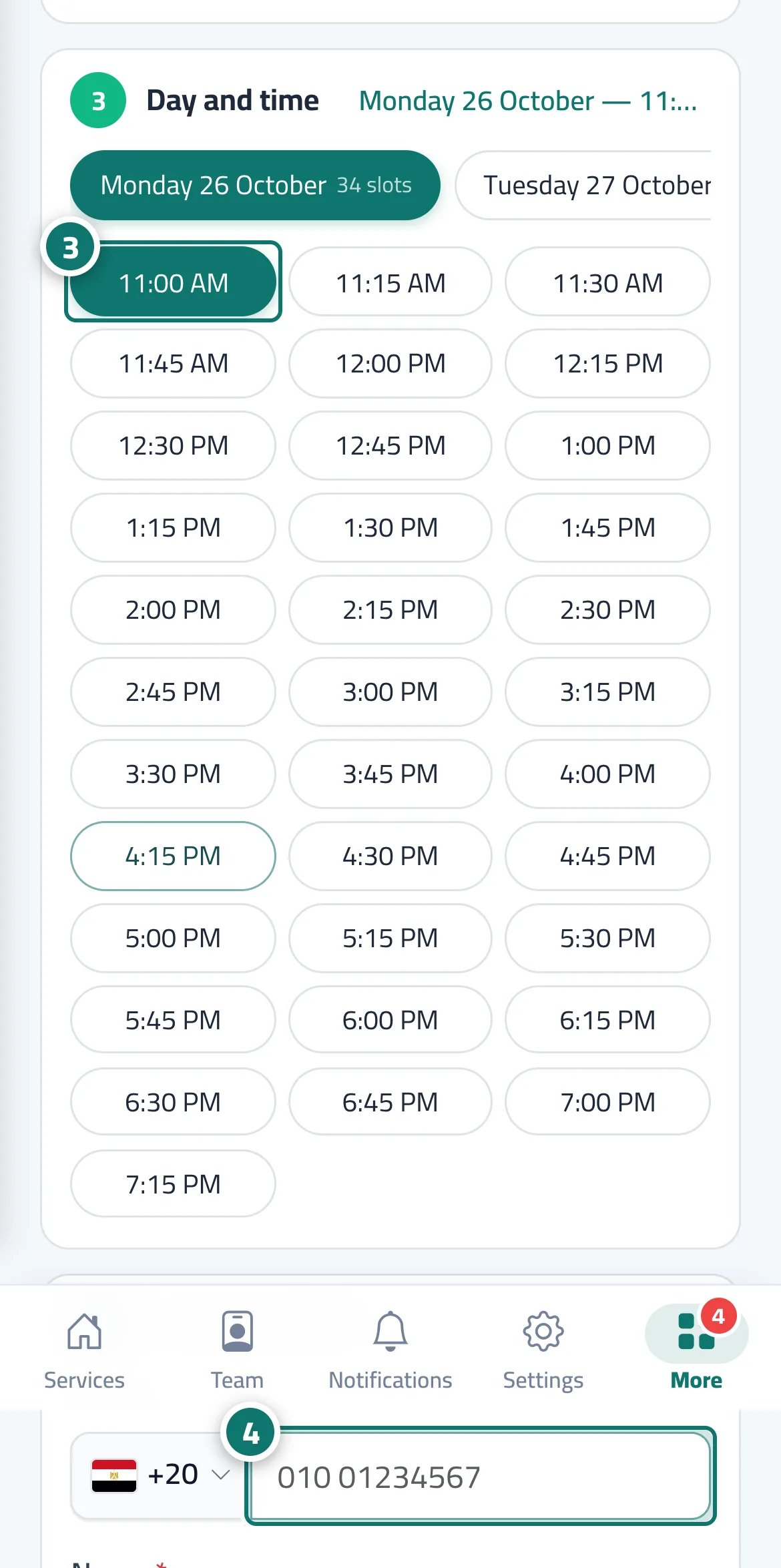
- Choose the day, then the time. Numéro 3 sur l’image
- Enter the customer's phone number and name, choose the «Booking source», then press «Confirm booking». Numéro 4 sur l’image
Étapes
- Press «New booking».
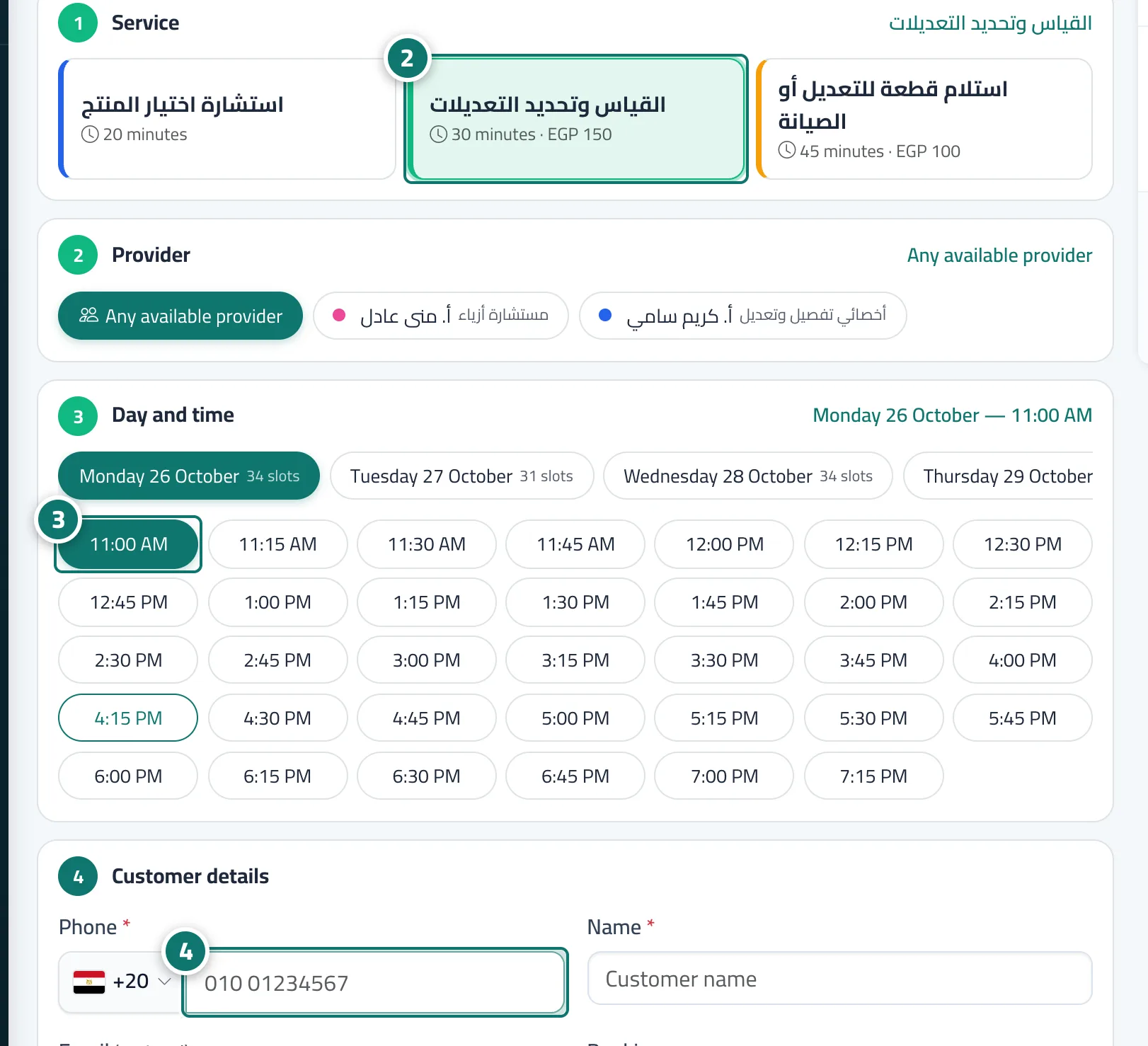
- Choose the service, then the provider or «Any available provider». Numéro 2 sur l’image
- Choose the day, then the time. Numéro 3 sur l’image
- Enter the customer's phone number and name, choose the «Booking source», then press «Confirm booking». Numéro 4 sur l’image