
Canaux · Channel jump bar
How do I get quickly to the Telegram or WhatsApp card on the Channels page?
Buttons at the top of the Channels page take you straight to the card of the channel you want, instead of scrolling the long page.
Pour qui : Propriétaire et responsable · Membres de l'équipe
Où : Sidebar → Channels & customers → Channels → top of the page
Étapes
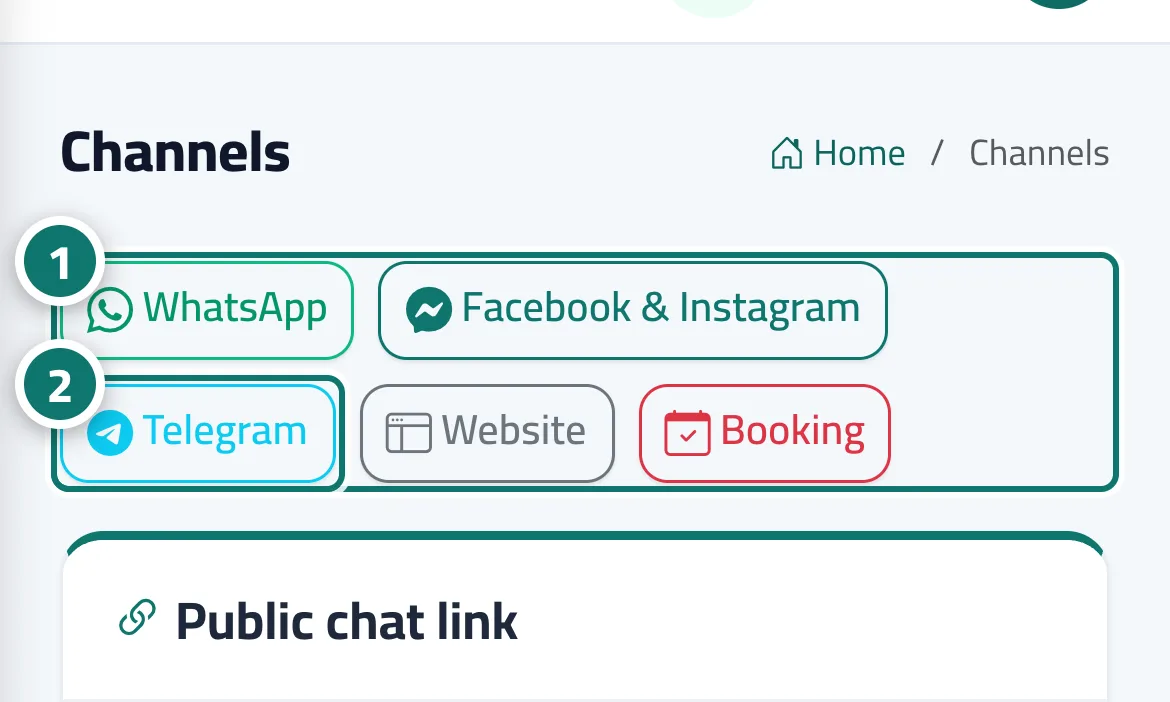
- Open Channels — the bar of channel buttons appears at the top of the page. Numéro 1 sur l’image
- Press the channel's name (for example “Telegram”) and the page jumps to its card. Numéro 2 sur l’image
Étapes
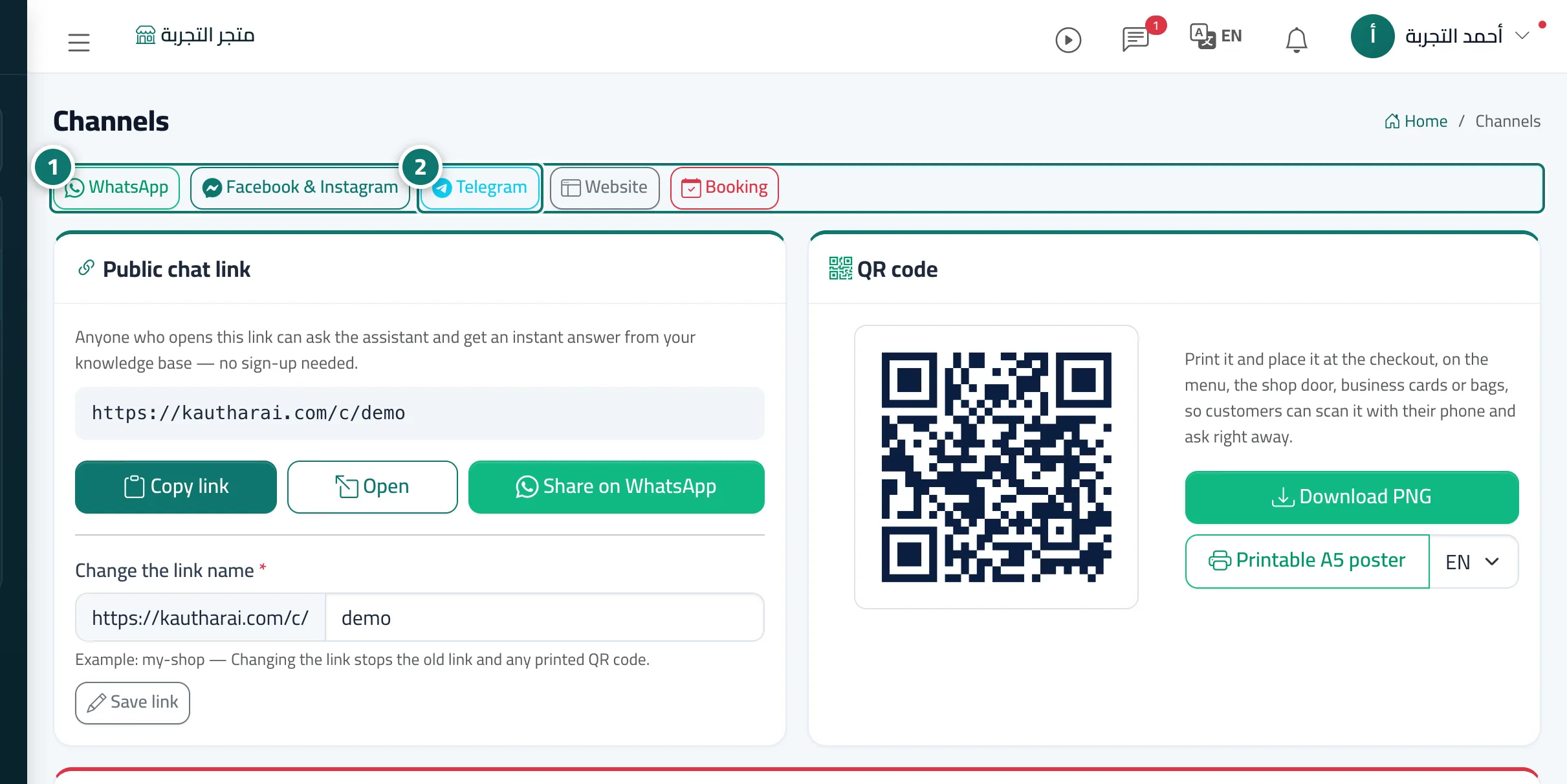
- Open Channels — the bar of channel buttons appears at the top of the page. Numéro 1 sur l’image
- Press the channel's name (for example “Telegram”) and the page jumps to its card. Numéro 2 sur l’image