
Canaux · Chat widget on your website
How do I add the chat widget to my website?
A chat button in the corner of your website with a single line of code — it works on WordPress, Shopify or any site, and speaks your visitor's language.
Pour qui : Propriétaire et responsable
Où : Sidebar → Channels & customers → Channels → «Chat widget on your website» card
Étapes
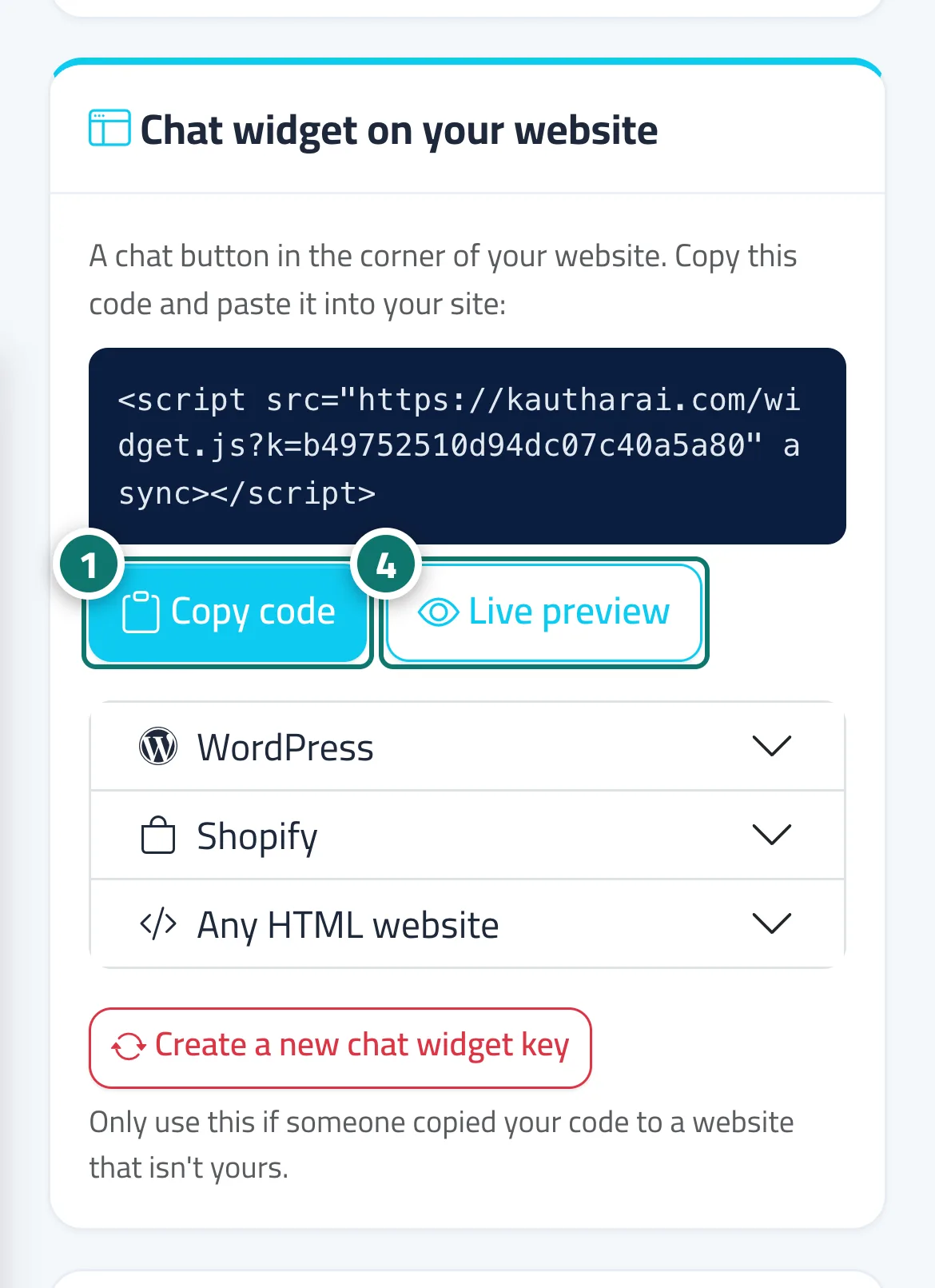
- Click «Copy code». Numéro 1 sur l’image
- WordPress: Appearance → Theme File Editor → footer.php and paste the code before </body>, or use a plugin such as «WPCode» → «Footer».
- Shopify: Online Store → Themes → Edit code → theme.liquid, paste the code before </body> and save.
- Any HTML website: paste the code on every page just before </body>, then check how it looks with «Live preview». Numéro 4 sur l’image
Étapes
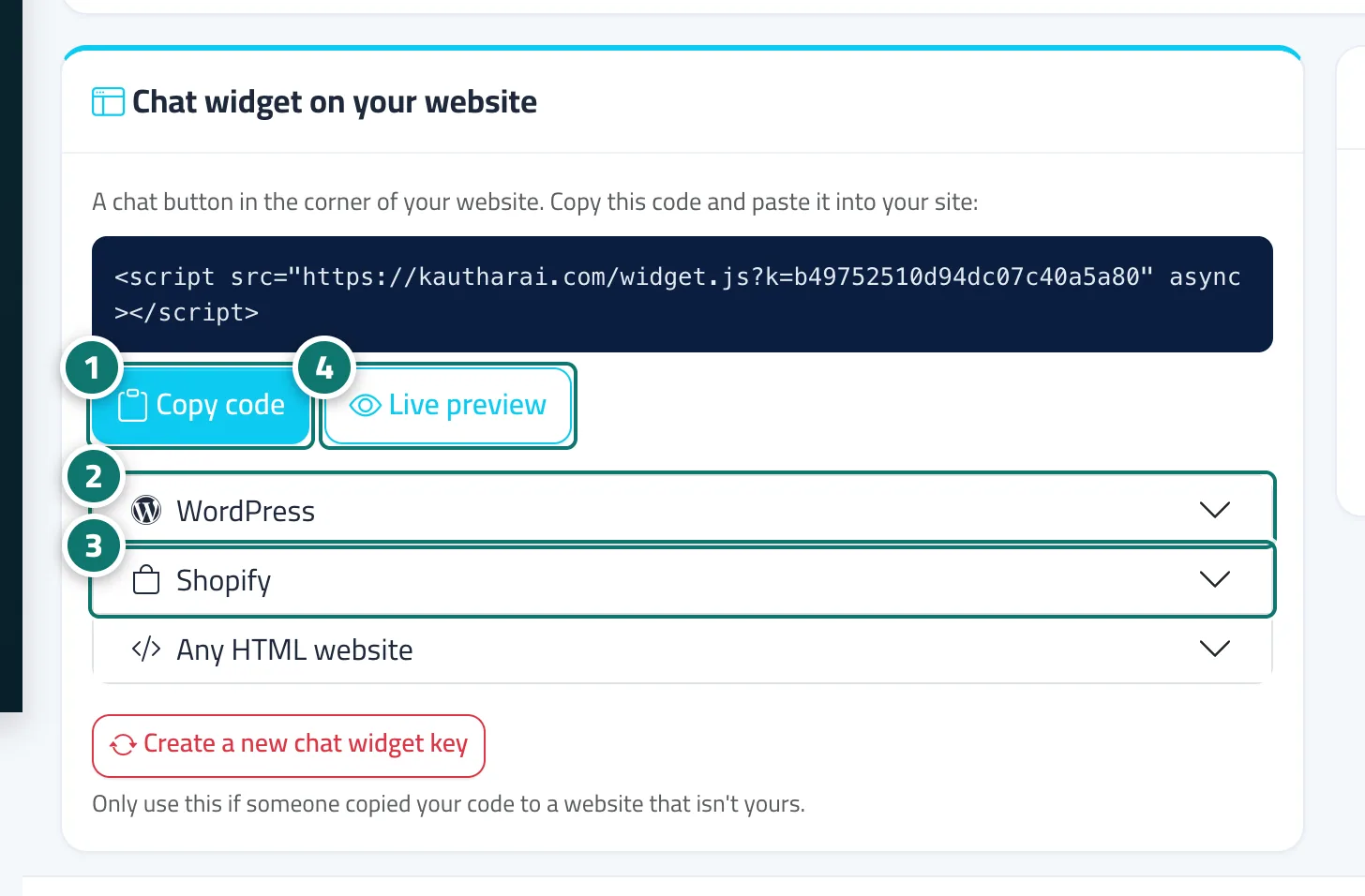
- Click «Copy code». Numéro 1 sur l’image
- WordPress: Appearance → Theme File Editor → footer.php and paste the code before </body>, or use a plugin such as «WPCode» → «Footer». Numéro 2 sur l’image
- Shopify: Online Store → Themes → Edit code → theme.liquid, paste the code before </body> and save. Numéro 3 sur l’image
- Any HTML website: paste the code on every page just before </body>, then check how it looks with «Live preview». Numéro 4 sur l’image